-
-
How it works
Try this product in game with a hosted Minecraft server!- Click 'Request test server'
- Join the provided IP address
- Try out the product for up to 30 minutes
- Stop the server when you're done
Requesting a test server will duplicate the original files and provide you a new server for you to join and experiment with for up to 30 minutes. Any changes you make will not be served so feel free to play around!
There are no limits to the number of servers you may start, but you can only have one test server active at a time. You must stop any active test servers in order to start up a new one.Features
- Completely free
- Instant setup
- Full operator permissions
- Invite friends
- No usage limits
 Testing servers provided by PebbleHost.
Visit PebbleHost.com


● MASSIVE PREMIUM UPDATE COMING SOON ●

It's preferred to use the BuiltByBit Test Server feature to experience this setup.
Incase of the test server not working, you may request for a test server on our Discord Server



It's preferred to use the BuiltByBit Test Server feature to experience this setup.
Incase of the test server not working, you may request for a test server on our Discord Server
- No Paid Plugins | This setup does not require any paid plugins.
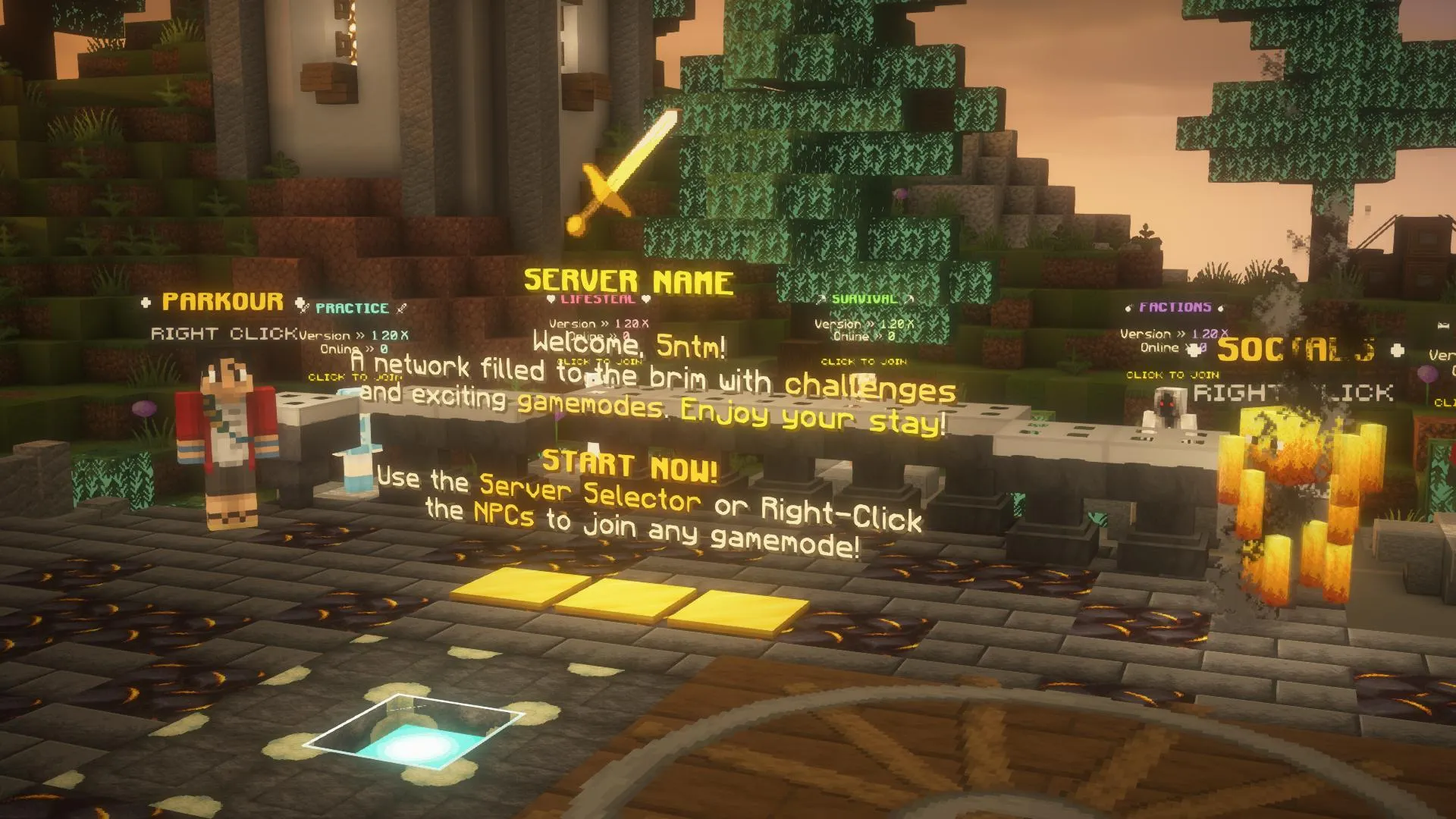
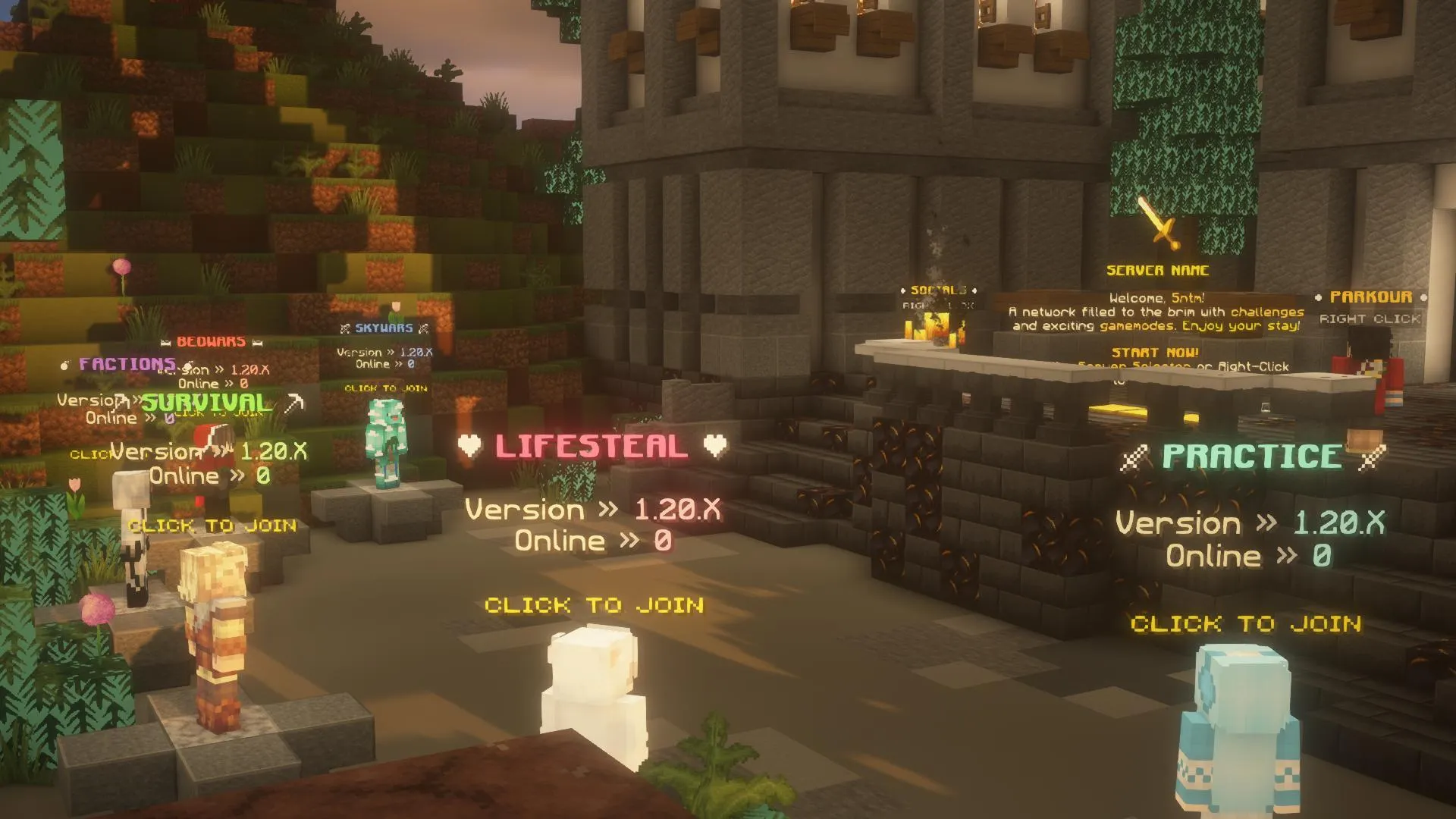
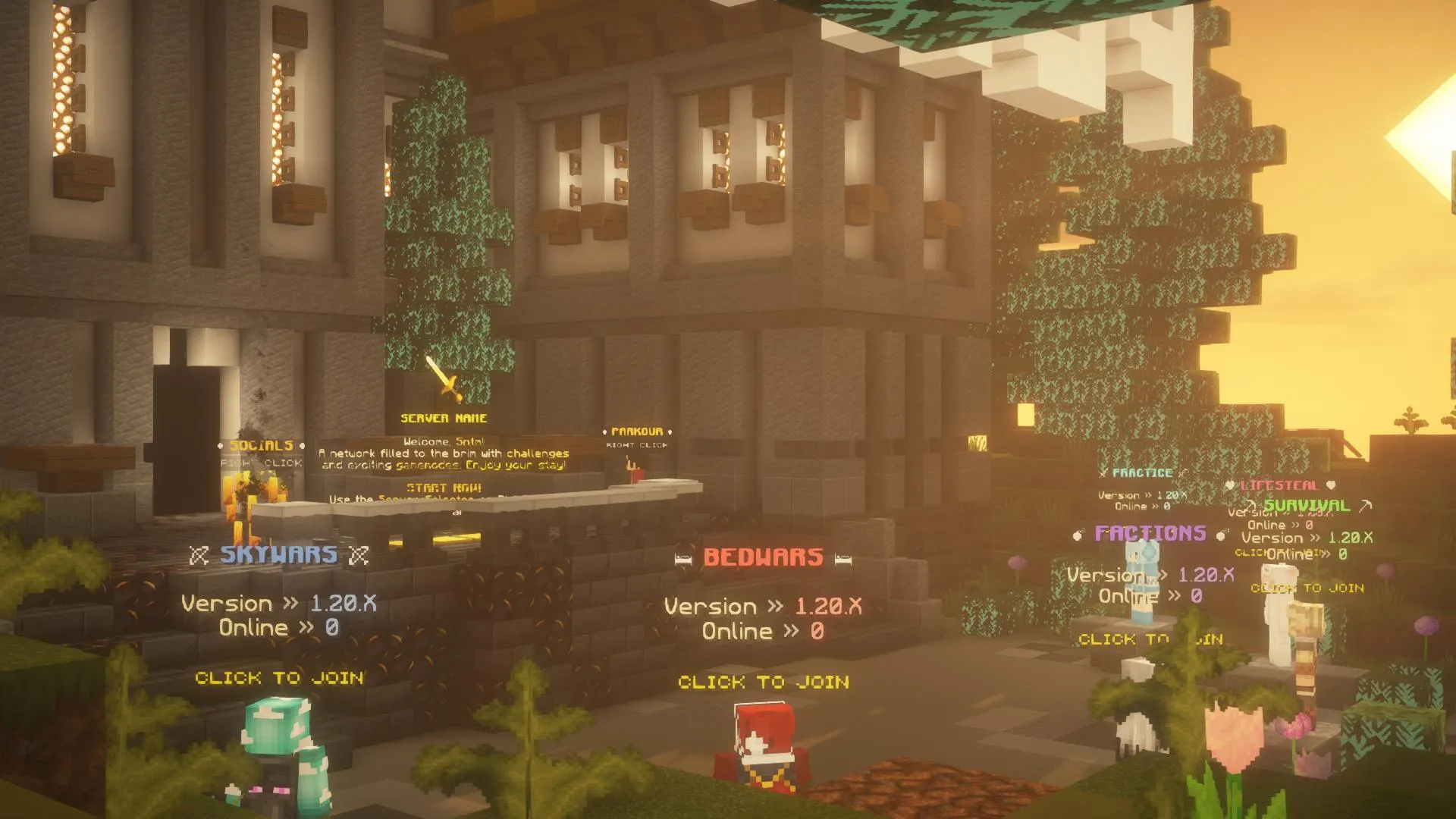
- Server Selection NPCs | Your players can interact with NPCs to connect to servers.
- Socials NPC & Menu | A menu for players to easily connect with server's social media presence.
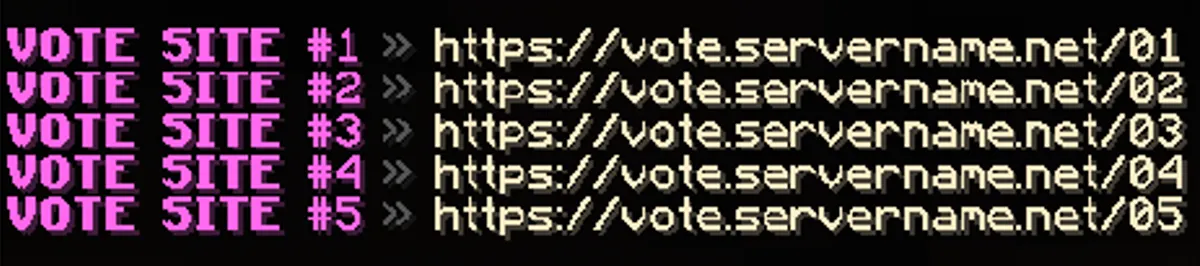
- Vote Menu | Your players can easily vote for your server via the voting links.
- Branding Changes | Easily change your branding for the entire server by only editing one file.
- Fly | Your players can fly with the timed flight rights they have earned.
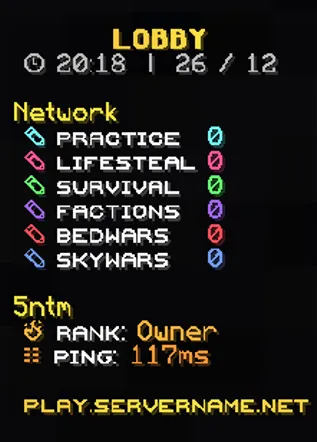
- Ranks | Your players can unlock perks by purchasing ranks. (8 Ranks)
- Server Selector GUI | Your players would never get bored of the professionally-designed server selector menu.
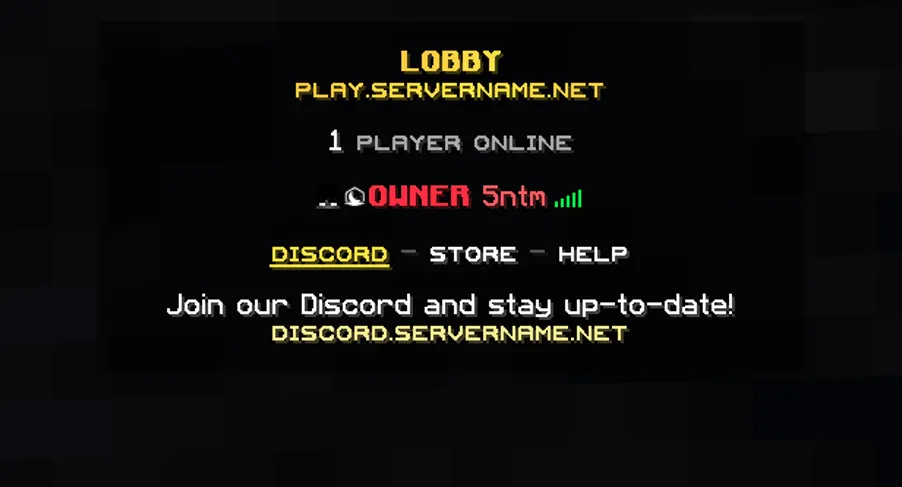
- Custom Tab & Scoreboard | There is a custom tab and scoreboard.
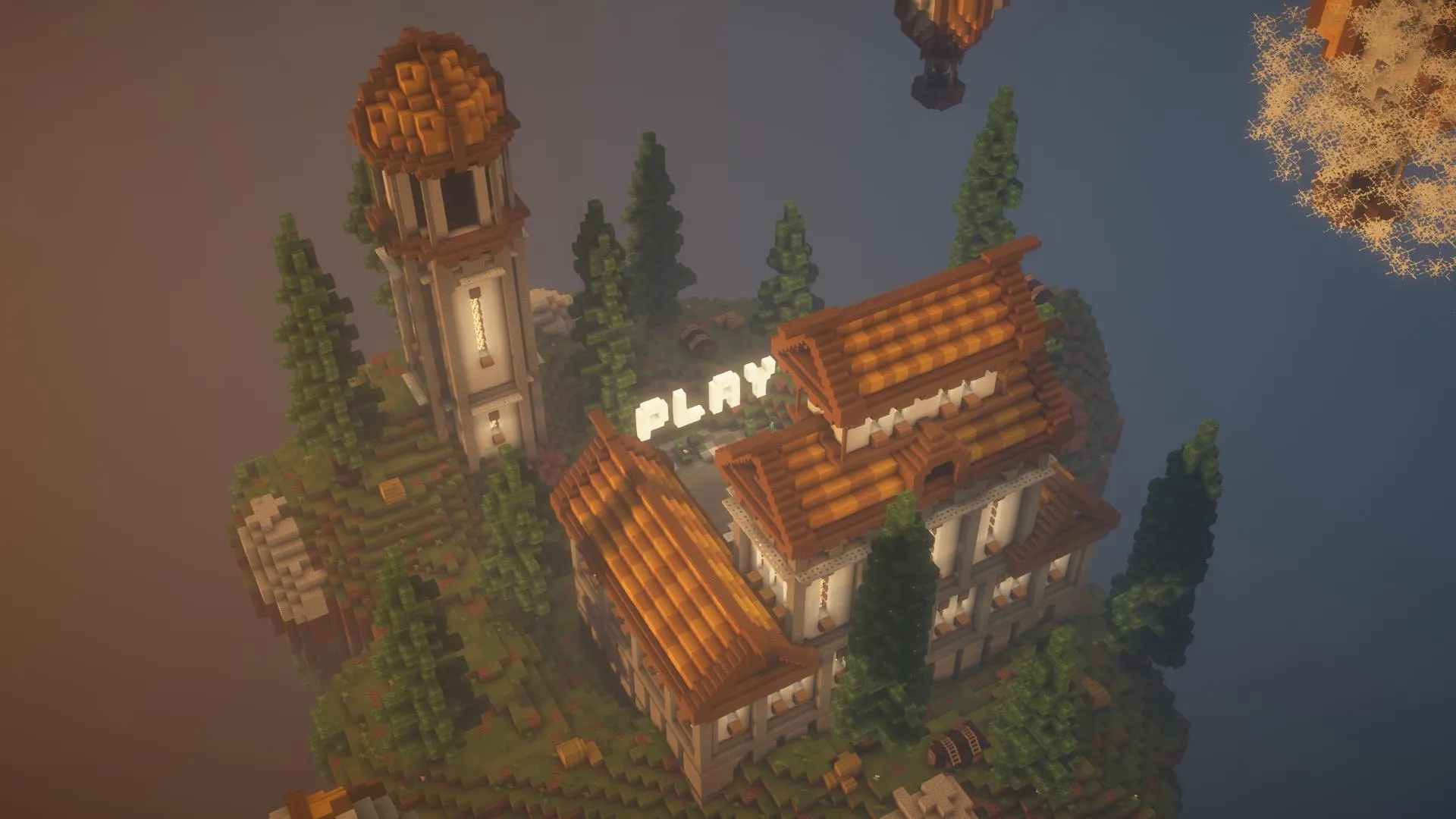
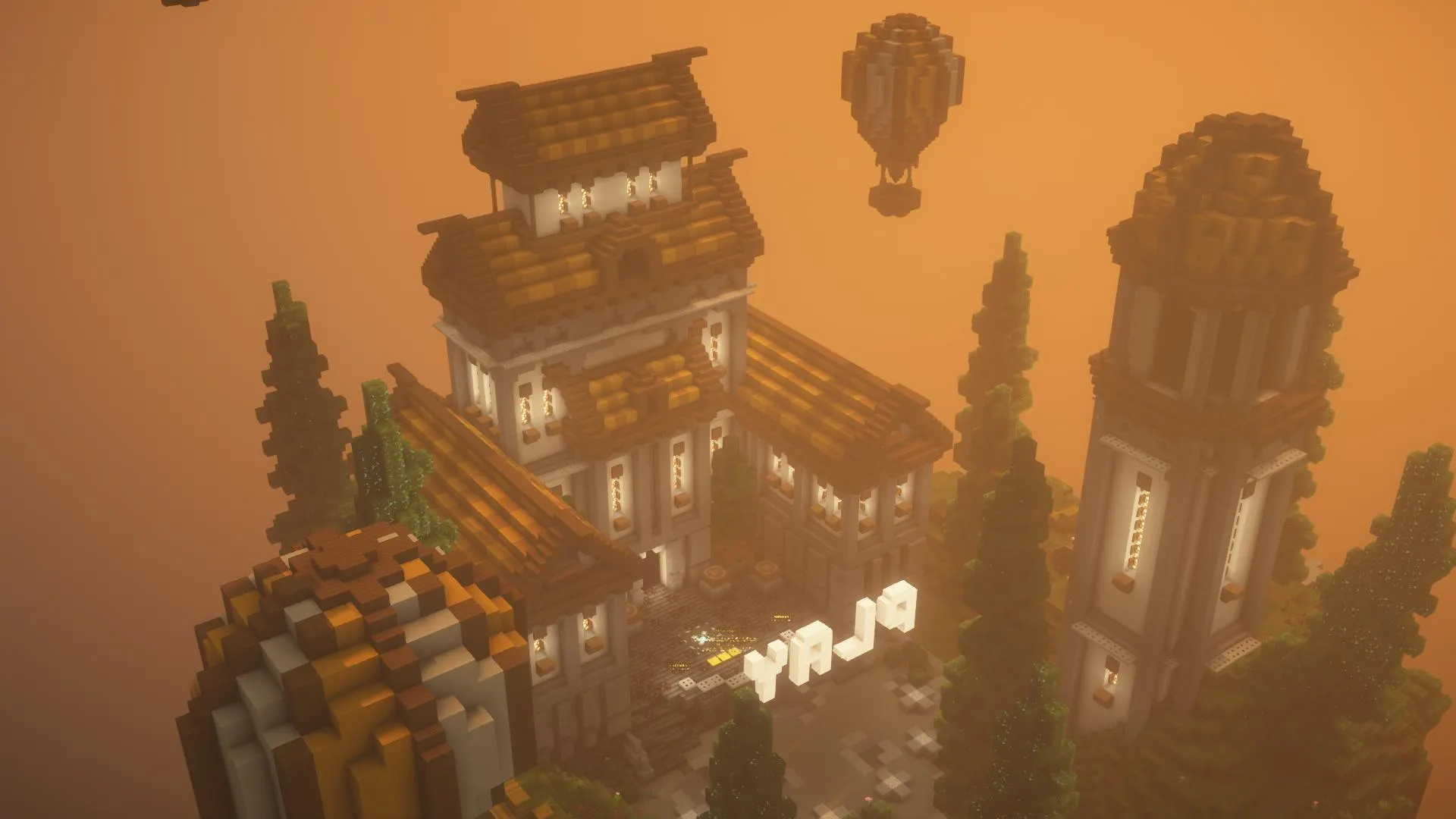
- Decorations | Decorations intended to boost your server quality.
- Parkour NPC | Keep players busy with an auto-generating parkour while waiting for server maintenance.
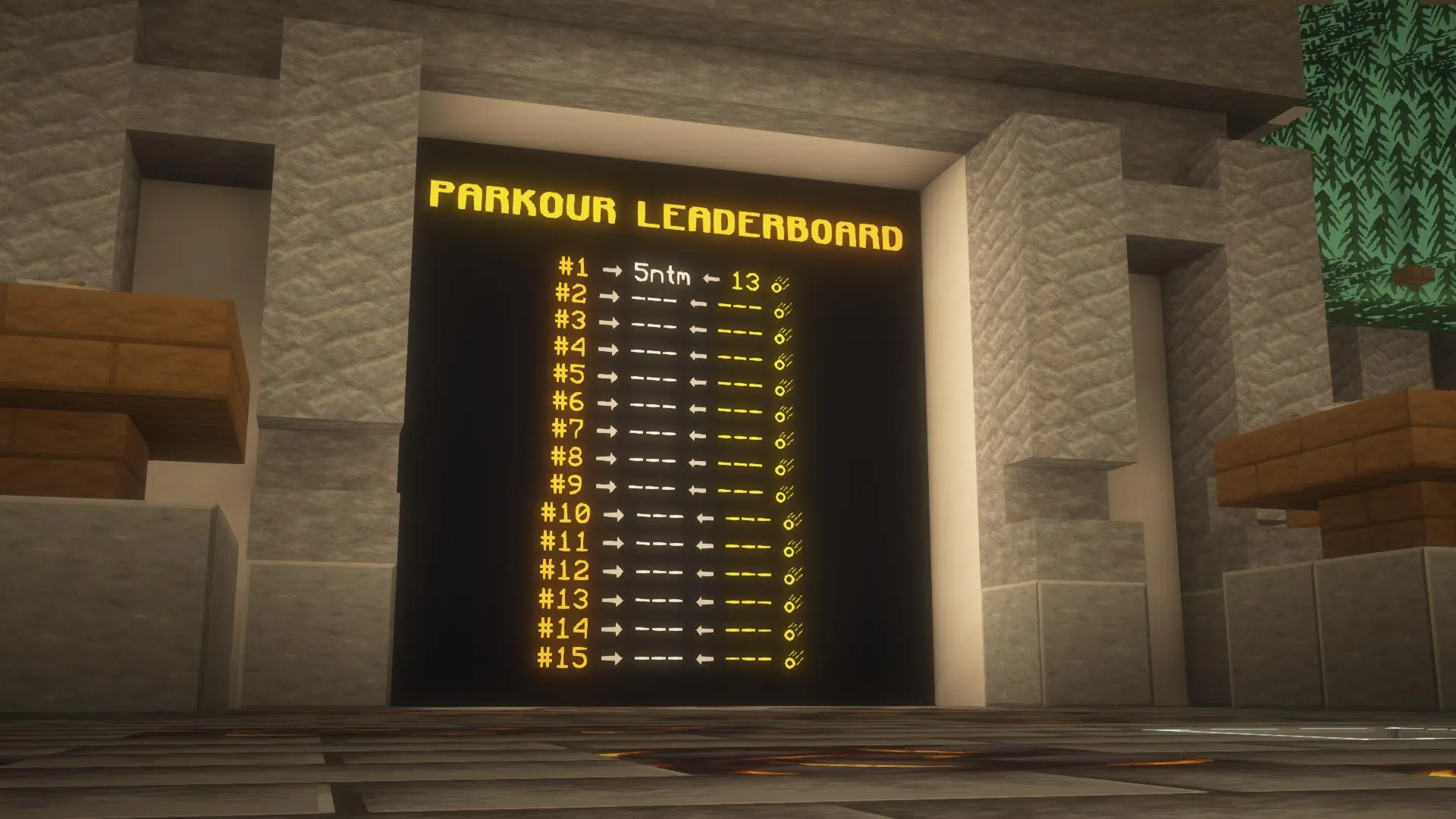
- Parkour Leaderboards | Keep players engaged by making them compete for the most parkour jumps.
- Info Book | Your players can get information about the server from the information book.
- Holograms | Your players can view the holograms above NPCs and more.
- Bossbar Announcer | You can send information messages to your players via the Bossbar.
- Chat Control | There is chat protection for situations such as repeating the same message and swearing in the chat.
- Player Hider | Ability to hide other players for yourself.

You may click the Spoiler Buttons below to view individual components of the Lobby Server Setup.
It's preferred to use the BuiltByBit Test Server feature to live experience this setup for the latest updates.

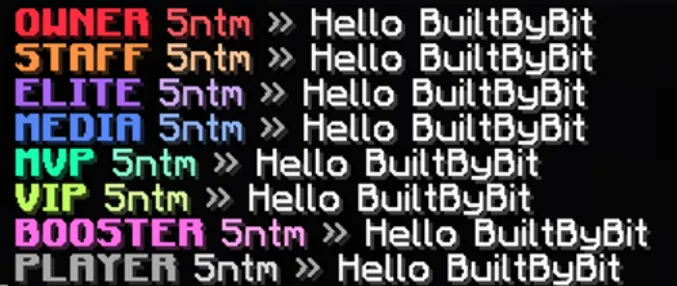
Join Message
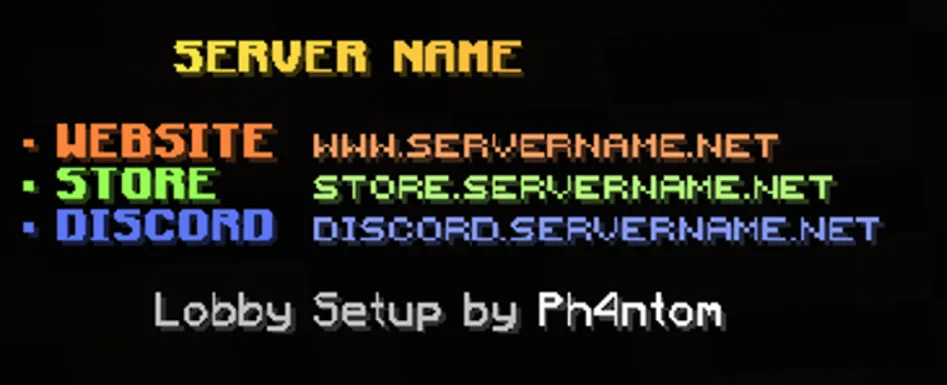
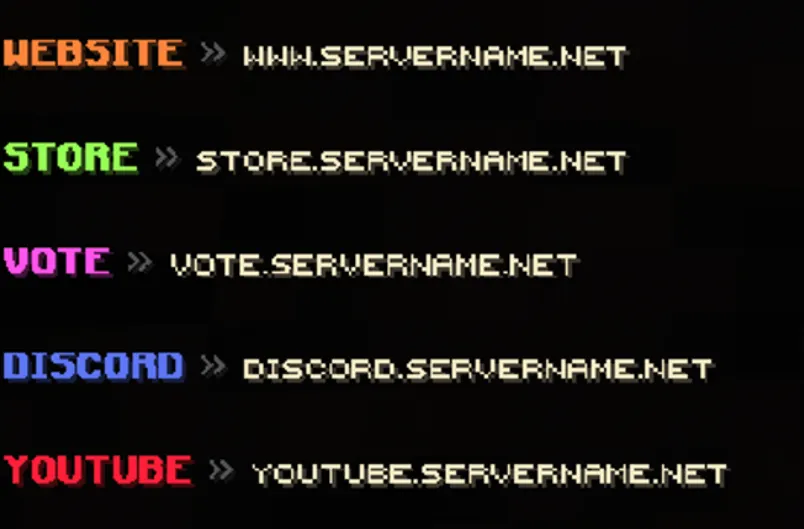
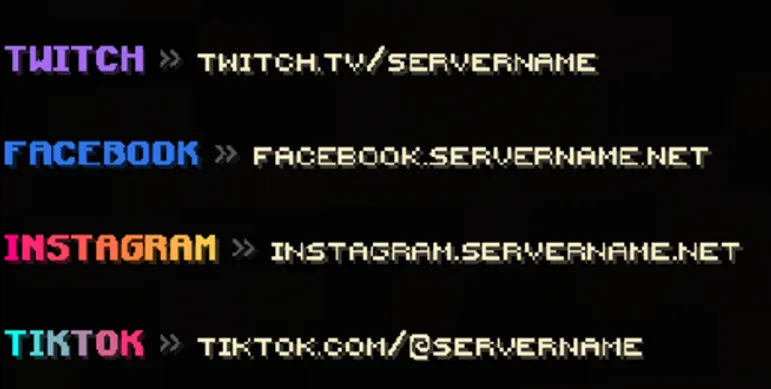
Links
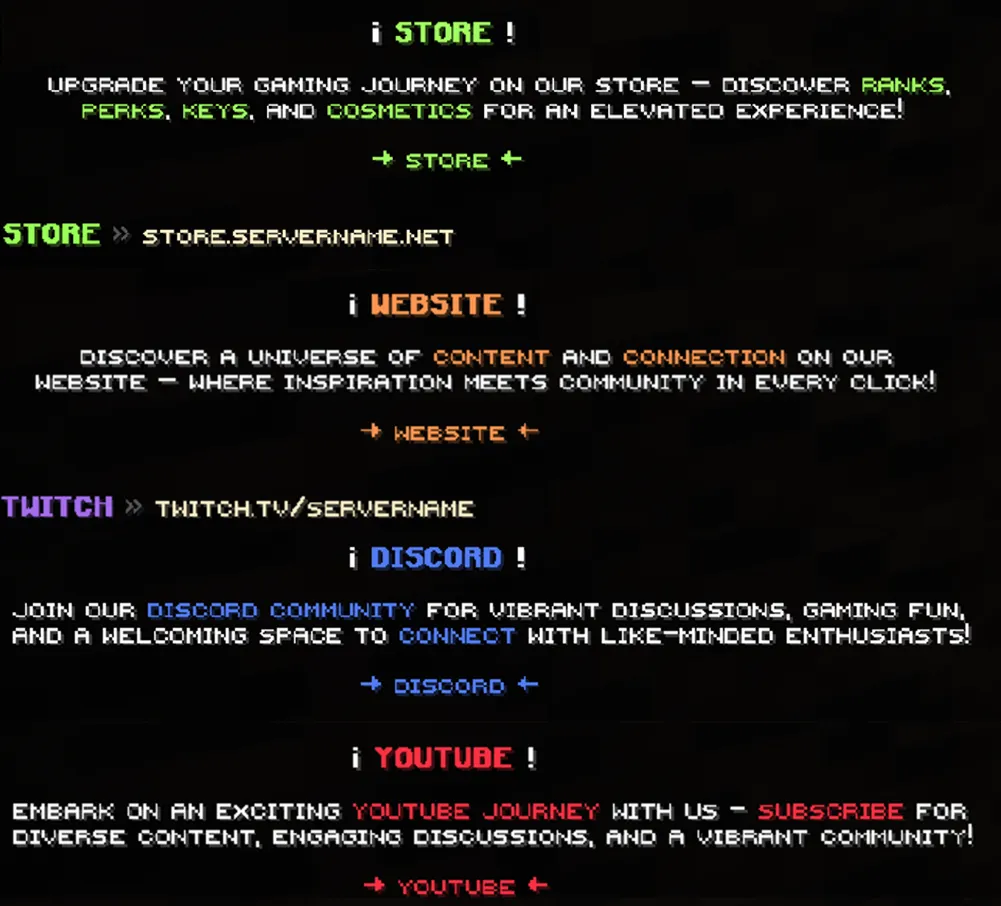
Announcements





Create a ticket on our Discord Server to get Assistance regarding the Setup





Appreciate your review. Helps me out a lot!
Thanks for showing interest in my resources.