Anyone have some experience with free remote control apps?

Status
This thread has been locked.

Lurker

Possesses an actual job and life
Banned
Feedback score
3
Posts
149
Reactions
211
Resources
0
As most of you know, TeamViewer revoked my free license for 'Commerical Use' and the methods attempted so far were not successful. I am currently using a trial license of GoToAssist, but it's not like the trial is forever which is the issue here :cry:

(Free) remote programs tried so far:
  • TeamViewer - Issue already said above. (not sure if Theo J had his free license revoked too, heh)
  • AMMYY - Errors when a UAC (User Account Control) dialog pops up, and in general very outdated.
  • Join.me - Had issues with remote control, such as the mouse not moving when doing a session with a client (not sure if it's just me tho :p)
  • GoToAssist (Trial) - What I'm using right now. Paid software though, and too pricey
  • Chrome Remote Desktop - Forced to log in with a Google account as well as using Chrome, which I don't want.
Anyone in the Community can suggest any remote access program that they've used and actually works? :)
 
Last edited:
Banned forever. Reason: Scamming (https://builtbybit.com/threads/lurker-scam-report.130847/)

PebbleHost
High performance, consistent uptime and fast support. Minecraft hosting that just works.

Lurker

Possesses an actual job and life
Banned
Feedback score
3
Posts
149
Reactions
211
Resources
0
Banned forever. Reason: Scamming (https://builtbybit.com/threads/lurker-scam-report.130847/)

Theo J

Entrepreneur | IB/CS Student
Supreme
Feedback score
38
Posts
1,405
Reactions
960
Resources
0
Ohh, haha. I get it now. I read that at first but I didn't understand what you were trying to say lol.
 

Lurker

Possesses an actual job and life
Banned
Feedback score
3
Posts
149
Reactions
211
Resources
0
If you're only using Windows machines (I actually think Linux and Mac have an implementation of this), you can just use the built in Windows Remote Desktop tool.

This would probably be a last resort... The guide IS asking a lot out of the average computer user. (Extra steps if port forwarding and other yada is needed too for specific connections, heh)
 
Banned forever. Reason: Scamming (https://builtbybit.com/threads/lurker-scam-report.130847/)

Lurker

Possesses an actual job and life
Banned
Feedback score
3
Posts
149
Reactions
211
Resources
0
Guys, is the built in Remote Assistance app any good? I know it's would be a bit of a hassle to set it up, but it would be easier than just RDP alone.

mattrick plz ur smarter in tech than me :cry: ^^
 
Last edited:
Banned forever. Reason: Scamming (https://builtbybit.com/threads/lurker-scam-report.130847/)

Lurker

Possesses an actual job and life
Banned
Feedback score
3
Posts
149
Reactions
211
Resources
0
up
 
Banned forever. Reason: Scamming (https://builtbybit.com/threads/lurker-scam-report.130847/)

Lurker

Possesses an actual job and life
Banned
Feedback score
3
Posts
149
Reactions
211
Resources
0
Banned forever. Reason: Scamming (https://builtbybit.com/threads/lurker-scam-report.130847/)

Occupy

selling whats left
Premium
Feedback score
10
Posts
540
Reactions
446
Resources
0
Hamachi Support? Haven't looked much into it, or it's license, but I've used it on the support end a few times.
 

Chearful

thomas.gg
Supreme
Feedback score
115
Posts
1,398
Reactions
2,236
Resources
0
By default on Windows, you cannot access your computer remotely via RDP. Instead, you can get your customers to request "Remote Assistance" from their start menu, and send you the invitation file to do what you need to do.

TightVNC/VNC in general is also an alternative, but I believe requires the customer to PF.
 

Lurker

Possesses an actual job and life
Banned
Feedback score
3
Posts
149
Reactions
211
Resources
0
By default on Windows, you cannot access your computer remotely via RDP. Instead, you can get your customers to request "Remote Assistance" from their start menu, and send you the invitation file to do what you need to do.

TightVNC/VNC in general is also an alternative, but I believe requires the customer to PF.

Yeah, putted that in my queue. Going to try it on a VM as soon as I get on my computer. :D
 
Banned forever. Reason: Scamming (https://builtbybit.com/threads/lurker-scam-report.130847/)

Lurker

Possesses an actual job and life
Banned
Feedback score
3
Posts
149
Reactions
211
Resources
0

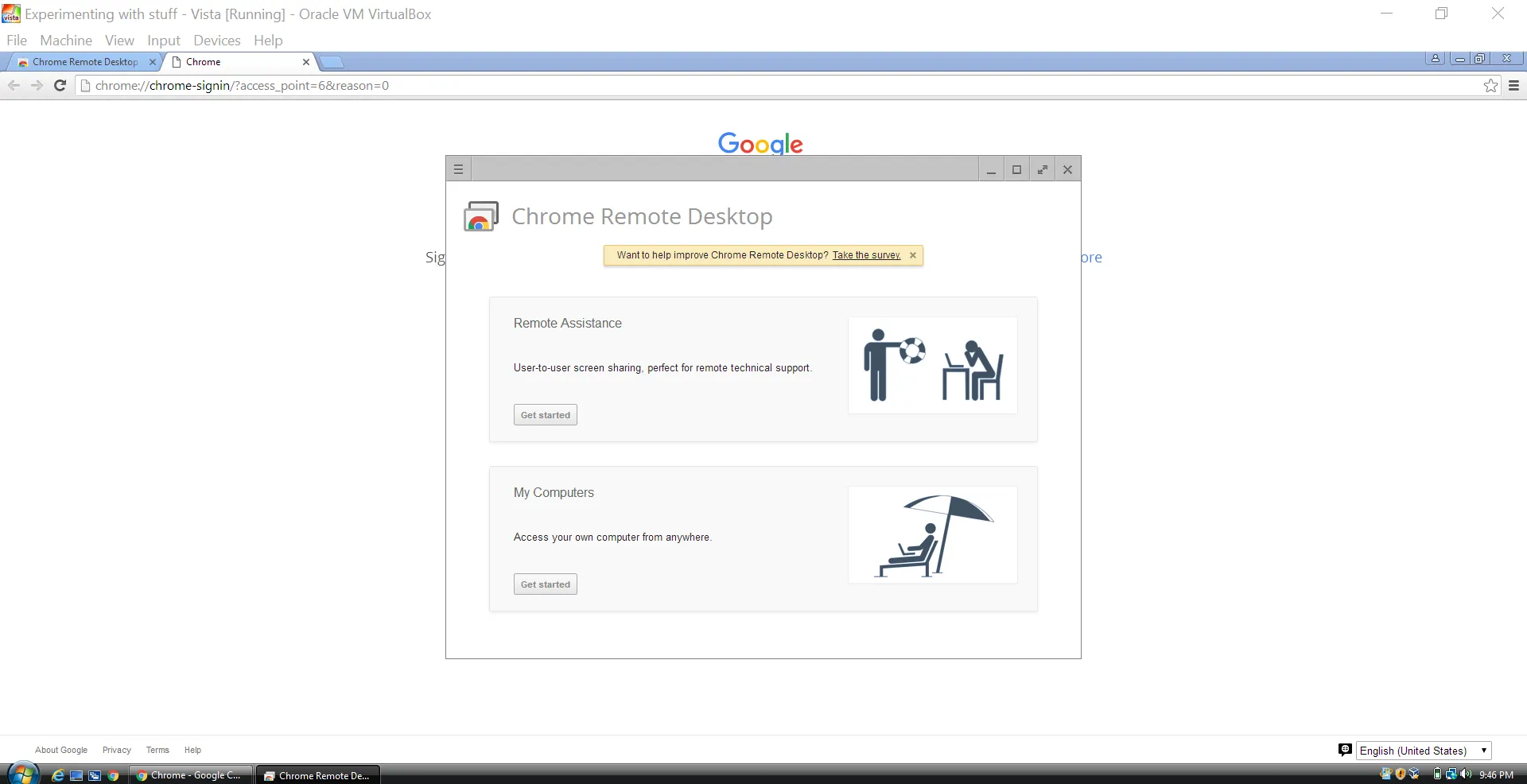
Just loaded up a VM and gave it a try. Unfortunately, you're forced to link your Google account with Chrome, as well as forced to download/use Chrome in general.

The pictures are quite funny, though. xDD
218d0206f60ad7d3b3d8b58c90b4c86e.png
 
Banned forever. Reason: Scamming (https://builtbybit.com/threads/lurker-scam-report.130847/)
Status
This thread has been locked.
Top