Feedback on a few graphics I've created

Status
This thread has been locked.

jxhdvn

The Visionary
Supreme
Feedback score
30
Posts
2,480
Reactions
1,282
Resources
0
First is a template fortnite youtube banner which I plan to released in Resources as either free or 0.50
R4avqa3.png

Next is a server icon for my server, Mystic Zone
VudlBUA.png

Third is my MacBook Air desktop background that I'm currently using.
meGOj4D.png
 
PebbleHost
High performance, consistent uptime and fast support. Minecraft hosting that just works.

jxhdvn

The Visionary
Supreme
Feedback score
30
Posts
2,480
Reactions
1,282
Resources
0

jxhdvn

The Visionary
Supreme
Feedback score
30
Posts
2,480
Reactions
1,282
Resources
0

jxhdvn

The Visionary
Supreme
Feedback score
30
Posts
2,480
Reactions
1,282
Resources
0
Graphics.
Was introduced to photoshop when I joined the site, been doing ever since.
Never really been actually trying to do them until the last 5-6 months[DOUBLEPOST=1524010381][/DOUBLEPOST]
PkwQk63.png
 
Last edited:

Cal

you invest in the divinity of the masterpiece
Supreme
Feedback score
62
Posts
1,439
Reactions
1,857
Resources
0
Definitely needs practice, though for a start, it's most certainly not too shabby.
 

reachforheaven

Premium
Feedback score
5
Posts
87
Reactions
63
Resources
0
IMO what you may be doing is that thing that people new to Photoshop do which is adding too many blending options. Pretty much the number one way to make your stuff look amateur on a forum of graphic design is either using too many emboss (which I was guilty of when I started) or glows/stroke/shadow. Specifically for logos (but could also be applied to the wallpaper), you should aim to make the shape and colour palette unique rather than focusing too much on those effects. Again, though, pretty much everyone does this when they start so don't worry about it too much.

I like the banner though, the image is clean and has a fitting font. Never played the game before, but just by glancing at it I know what it's about.
 

Tyler4Sale

Premium
Feedback score
1
Posts
18
Reactions
13
Resources
0
I really like the part of the Fortnite banner that isn't blurry. I think the blurred part should either take up less room or just not be as blurry.

The server logo's nice. Simple, but could possibly stand to be a little sharper. It looks like an M stacked on top of an M, not sure if that was the intention. The server's name doesn't have two words starting with M so it might potentially seem odd, but not that big of a deal. xD

The macbook background is nice too, albeit too blurry imo, but that's just my tastes.

Good job on the graphics. What program you use?
 

jxhdvn

The Visionary
Supreme
Feedback score
30
Posts
2,480
Reactions
1,282
Resources
0
IMO what you may be doing is that thing that people new to Photoshop do which is adding too many blending options. Pretty much the number one way to make your stuff look amateur on a forum of graphic design is either using too many emboss (which I was guilty of when I started) or glows/stroke/shadow. Specifically for logos (but could also be applied to the wallpaper), you should aim to make the shape and colour palette unique rather than focusing too much on those effects. Again, though, pretty much everyone does this when they start so don't worry about it too much.

I like the banner though, the image is clean and has a fitting font. Never played the game before, but just by glancing at it I know what it's about.
Thanks for the tips
I really like the part of the Fortnite banner that isn't blurry. I think the blurred part should either take up less room or just not be as blurry.

The server logo's nice. Simple, but could possibly stand to be a little sharper. It looks like an M stacked on top of an M, not sure if that was the intention. The server's name doesn't have two words starting with M so it might potentially seem odd, but not that big of a deal. xD

The macbook background is nice too, albeit too blurry imo, but that's just my tastes.

Good job on the graphics. What program you use?
Photoshop, I'll take the tips. I'll make the background less blurrier. The intention was to make it seem kinda 3D
Suggest reducing the blur on the fortnite banner , and making it a motion blur rather than glaurassian
Thanks, will do[DOUBLEPOST=1524407835][/DOUBLEPOST]Also made a new background for my Windows PC, do you think the clean look I went for worked
gEBZ7TV.png
 
Last edited:

jxhdvn

The Visionary
Supreme
Feedback score
30
Posts
2,480
Reactions
1,282
Resources
0
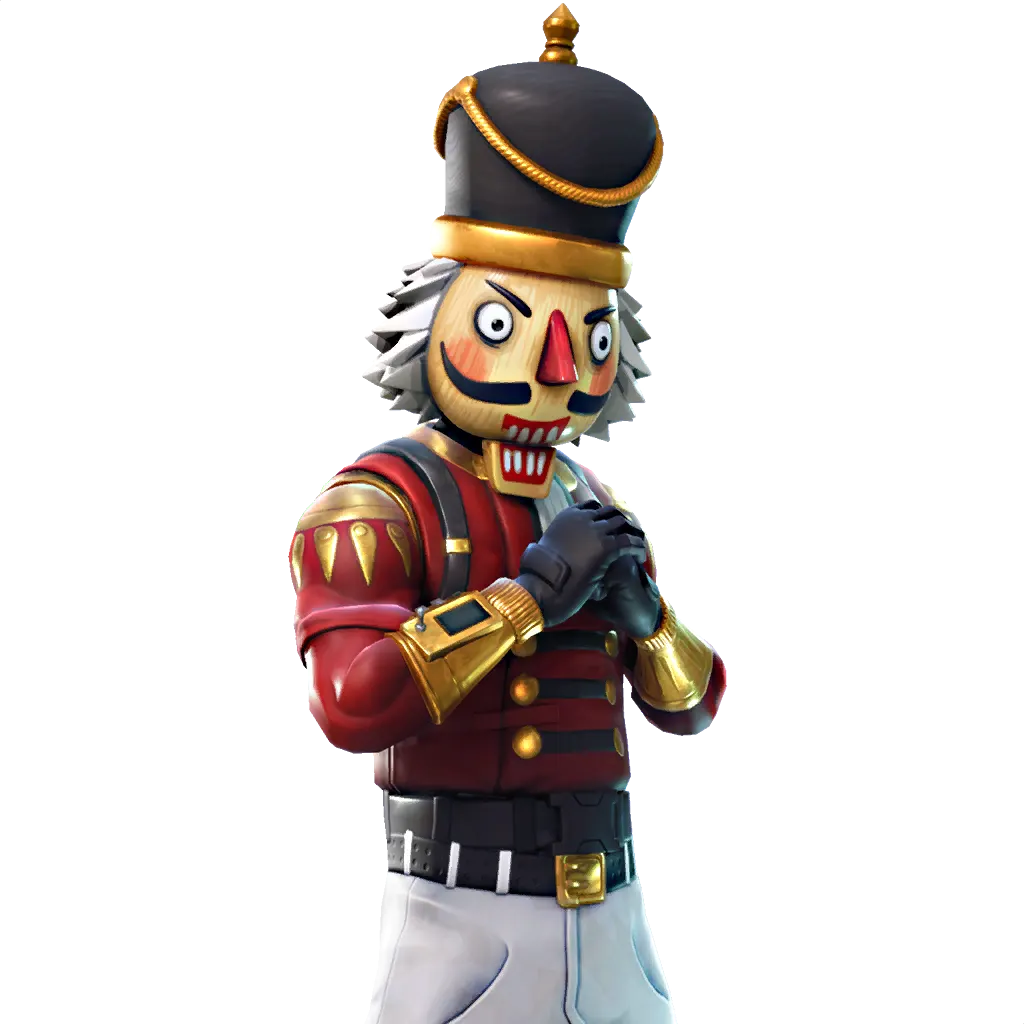
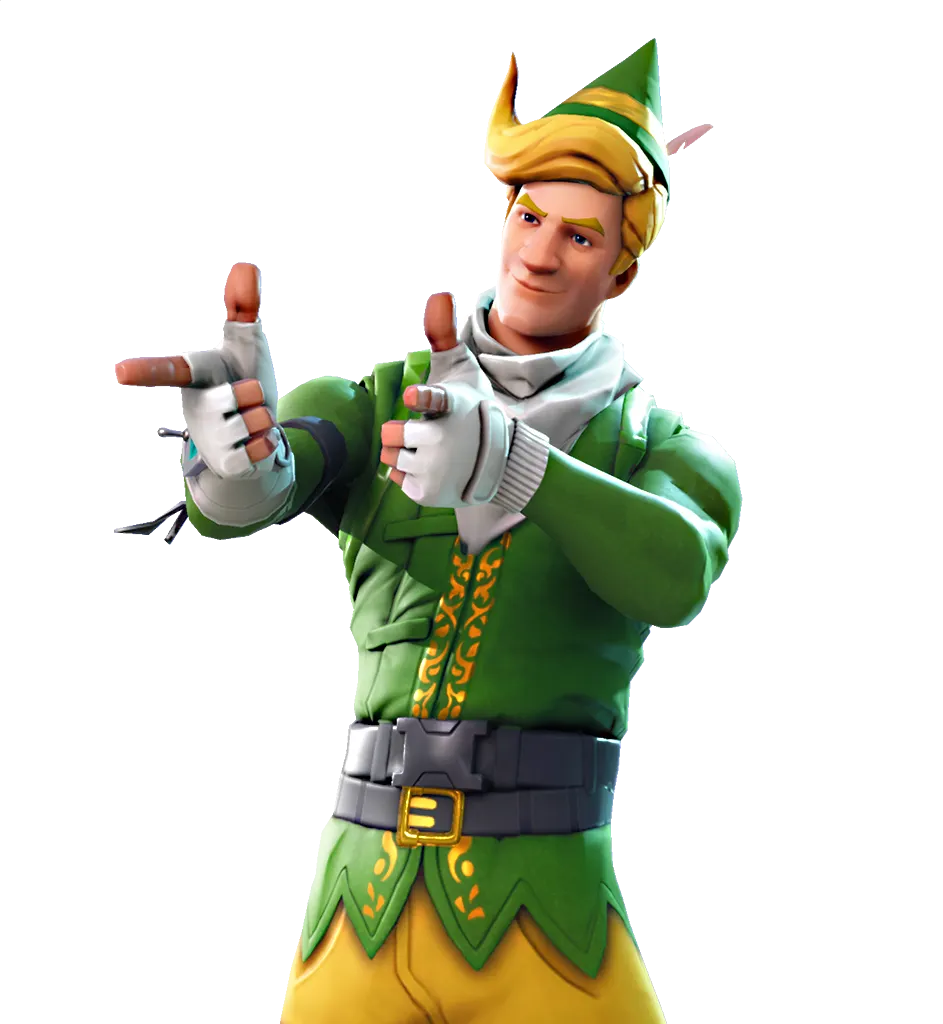
Here Is Some Pngs You could use for ur fortnite art make sure to add outro pink glow so it looks more nicer and use a FX Pack
r3Gz5zjTJzPOgp0Vr7tDOCWW4PE9IXHfNJgTujigyOqo9c27bTdFzAREetuJ1EOzTg4bh-kCJ0_pwxhxbbRAt1-s-v-9LC8=w300-h300-nc
v0xqZMSpRg6k-eUEJ875p5TdqzzJd5nkGqiV7Wj2-5VCHtZLUOXjUkXRcfRTd4ngcaAEHvYd2V9X3DJaLn-0m5Hp-9YS_K9cBR86v1CTfBnAdfeaBA=w300-h300-nc
DU47ypAWkAA--2e.png
DXGBCbWXkAEBmV4.png
6OmWgsttv8Fei7AOsPhv6kCXKNasjz5jDcCy3a5bBWWqlO2mpwckLTIfJRqeBURWP82SRuuaTGeuK5OL1VGvpWmR8Bah-g0=w300-h300-nc
bpZeGDEGjJ5k7rsnGIoWoqdmJbTdO3cIeef6lgjuVzbL9PlAm6RPF5KLr4nbzUEF5fcRYorq1WYpaM-8__09TPgb2xb4RXM=w300-h300-nc
Any suggestions for gfx packs?
 

jxhdvn

The Visionary
Supreme
Feedback score
30
Posts
2,480
Reactions
1,282
Resources
0
gEBZ7TV.png

Any feedback on this
 
Status
This thread has been locked.
Top