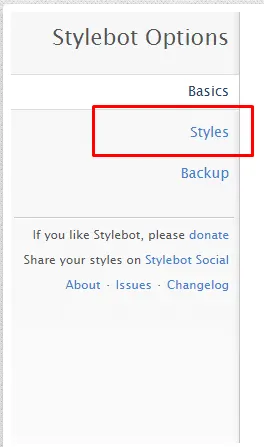
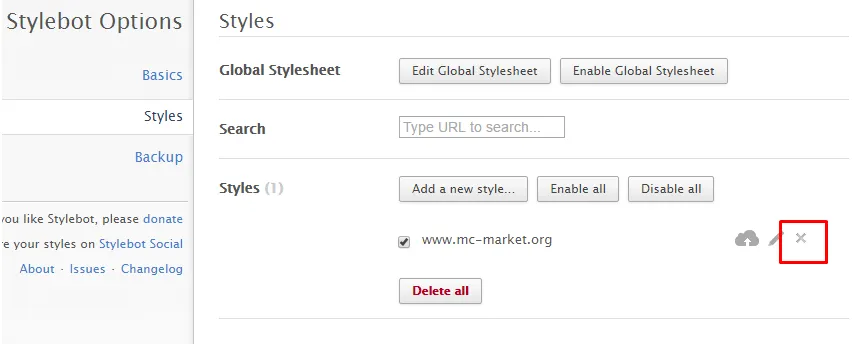
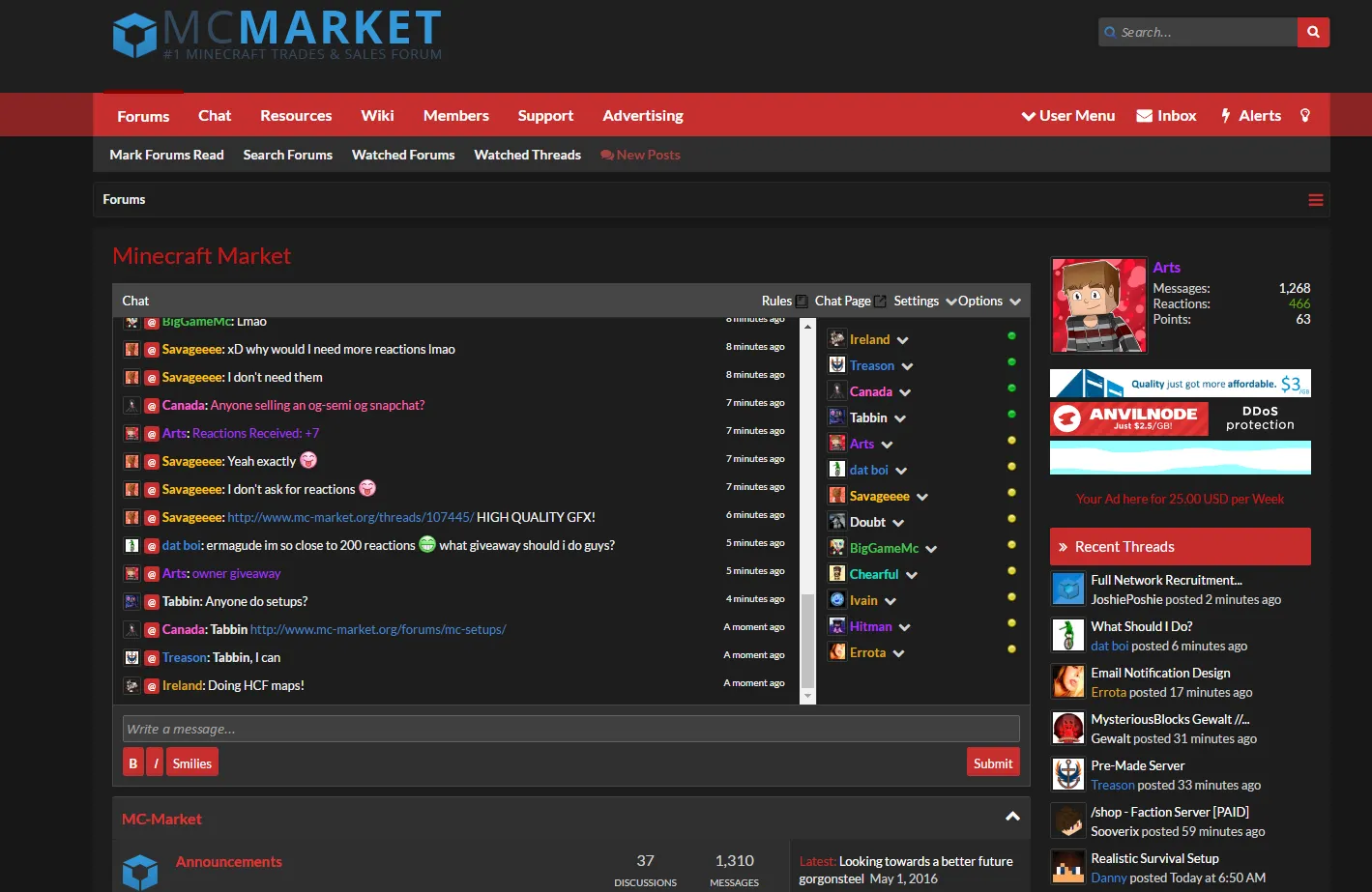
Now updated, see below for code.
Updating the "MC-Market Hacker theme V1.1" - Read below for code!
Hey guys, so I recently found this really cool extension on the Chrome webstore and it's really amazing what it can do, which is change the css on any website to make the page appear to be a different color to you or have a different font, or even hide elements.
I installed this extension and used it to make my own custom MCM red theme which took awhile to change everything from blue to a certain color code.
Here's what my theme looks like:
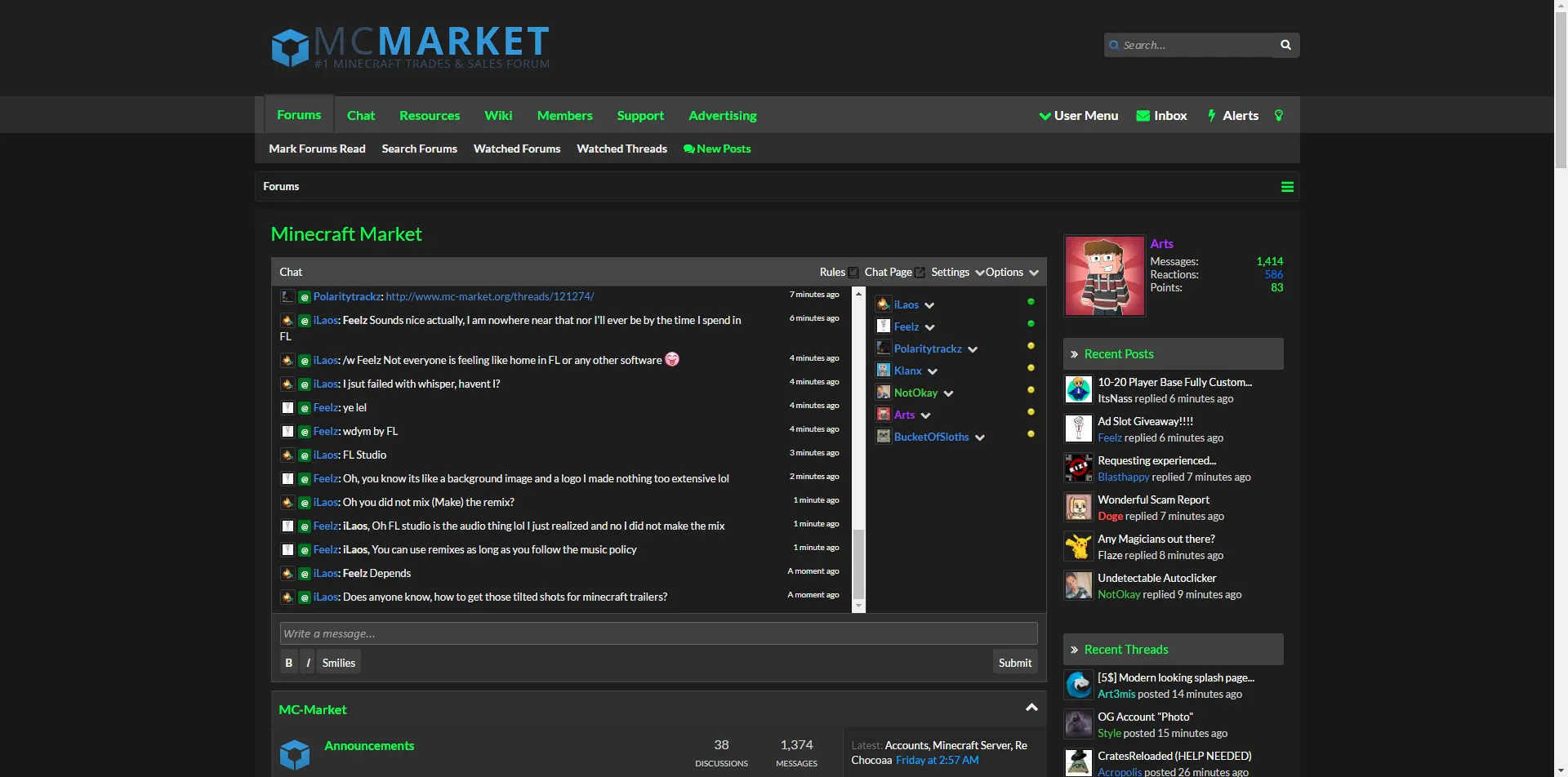
Here's how you can use this extension not not only customize your experience on MC-Market but on other websites too.
Step 1: Download the Chrome extension (Google chrome is required).
- https://chrome.google.com/webstore/detail/stylebot/oiaejidbmkiecgbjeifoejpgmdaleoha
Step 2: Go to any website and right click on the element you'd like to change. Then click "Stylebot > Style Element"
Step 3: When the GUI opens, you can change the background or text color, and even add borders to elements or edit fonts. Then customize whatever site to your liking.
That's about it for using it to customize any website.
--------------------------------------------------------------------------
##MCM Hacker Theme 1.1##
Code (Compatible with dark themes only):
##MCM Hacker Theme (Light Version) 1.1##
Code (Compatible with light themes only):
--------------------------------------------------------------------------
But if you want to get your view of MC-Market to look exactly like mine, then follow the steps below:
Step 1: Right click anywhere on the MC-Market homepage. Then click "Stylebot > View Options..."
Step 2: In the left of the page, click "Backup"
Step 3: Copy the following code...
Step 4: Click "Import Styles.." and paste the code into the text field.
Step 5: Click "Import" and refresh MC-Market.
I even made a red light theme! Just do the exact same thing with the red dark theme with the code below:
Thanks for reading, I hope you enjoy.
Updating the "MC-Market Hacker theme V1.1" - Read below for code!
Hey guys, so I recently found this really cool extension on the Chrome webstore and it's really amazing what it can do, which is change the css on any website to make the page appear to be a different color to you or have a different font, or even hide elements.
I installed this extension and used it to make my own custom MCM red theme which took awhile to change everything from blue to a certain color code.
Here's what my theme looks like:
Here's how you can use this extension not not only customize your experience on MC-Market but on other websites too.
Step 1: Download the Chrome extension (Google chrome is required).
- https://chrome.google.com/webstore/detail/stylebot/oiaejidbmkiecgbjeifoejpgmdaleoha
Step 2: Go to any website and right click on the element you'd like to change. Then click "Stylebot > Style Element"
Step 3: When the GUI opens, you can change the background or text color, and even add borders to elements or edit fonts. Then customize whatever site to your liking.
That's about it for using it to customize any website.
--------------------------------------------------------------------------
##MCM Hacker Theme 1.1##
Code (Compatible with dark themes only):
##MCM Hacker Theme (Light Version) 1.1##
Code (Compatible with light themes only):
--------------------------------------------------------------------------
But if you want to get your view of MC-Market to look exactly like mine, then follow the steps below:
Step 1: Right click anywhere on the MC-Market homepage. Then click "Stylebot > View Options..."
Step 2: In the left of the page, click "Backup"
Step 3: Copy the following code...
Step 4: Click "Import Styles.." and paste the code into the text field.
Step 5: Click "Import" and refresh MC-Market.
I even made a red light theme! Just do the exact same thing with the red dark theme with the code below:
Thanks for reading, I hope you enjoy.
Last edited:
Banned forever. Reason: Scamming (https://gyazo.com/577c603840a941c1db4da669f30deb92)