please make it and send it to McMarket before I sell it
OBJ model system
about need:
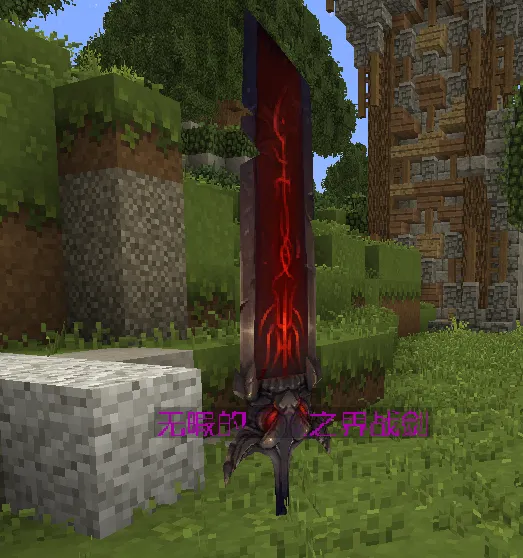
● Render OBJ model in MC
● Support for model animation
● Support online hot update, only upload obJ, MTL, PNG map resources can be updated/added, the whole process does not need to update the client
● Support translucent model
● Render support for drop objects
● The client can dynamically download and cache model files as needed. The downloaded model will be cached locally on the client and will not need to be downloaded again for next use
● Read only when needed, without wasting memory
● Unloads from video/memory when not in use, without affecting performance
● Models are baked when loaded and rendered later with little performance impact (unless there are really many, many vertices)
Use:
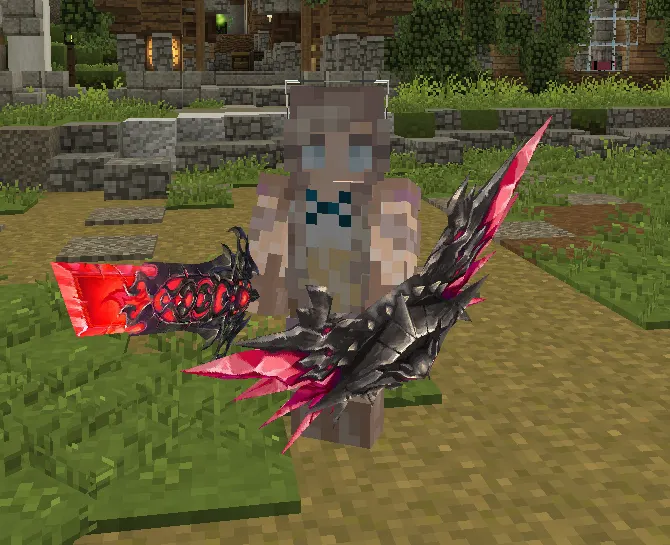
● Item model (sword, staff, etc.) : Any model can be bound to any item via item Lore. Any plug-in that supports Lore for storing items is available
● Helmet: ibid
● Wings: ibid
● Physical models (monsters, etc.) : two ways --
1: Binding by entity name. That's the main way. This binding also allows you to change the collision box and height of the entity
002: Bind the model to the entity's helmet and hide the entity itself
● Square model: three ways --
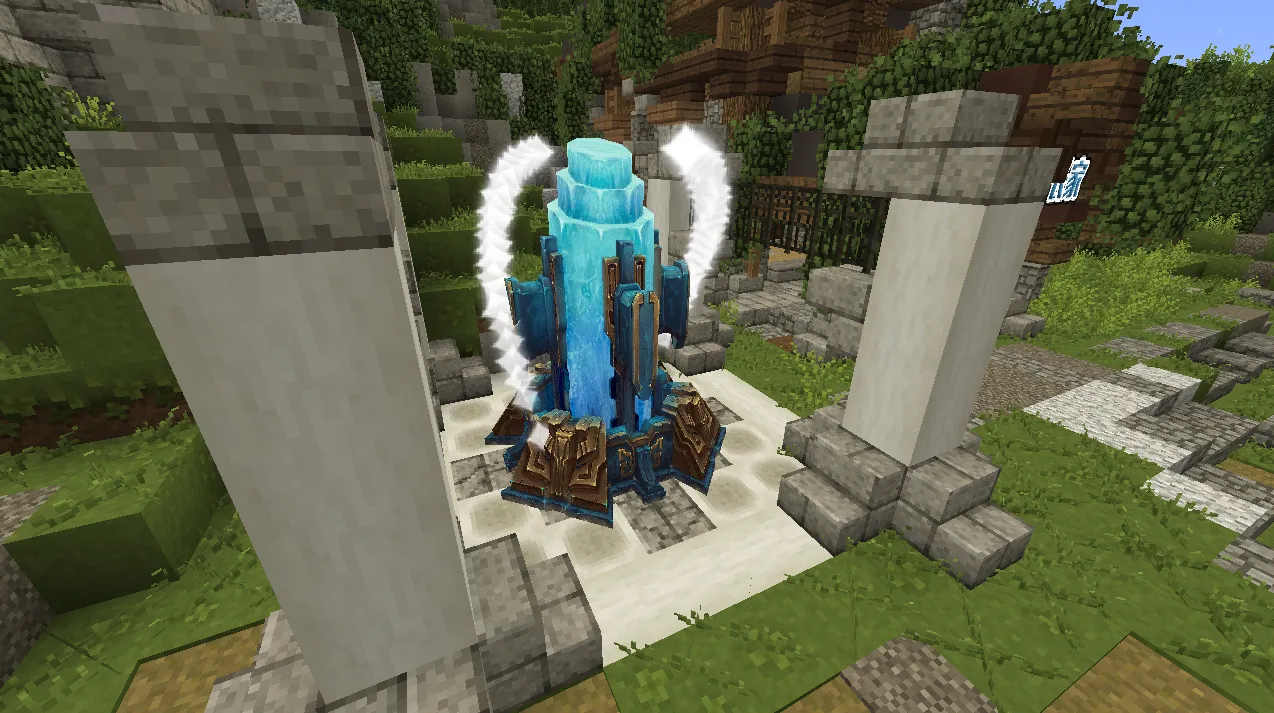
Bind to the spawn cage. There are six orientations. The collision volume is the whole block
Bind to the skull block. 14 orientations. The collision volume is the size of the skull
Bind to a rack of armor. Infinite orientation, no collision volume (can be achieved by placing the barrier block if necessary)
a.
Usage:
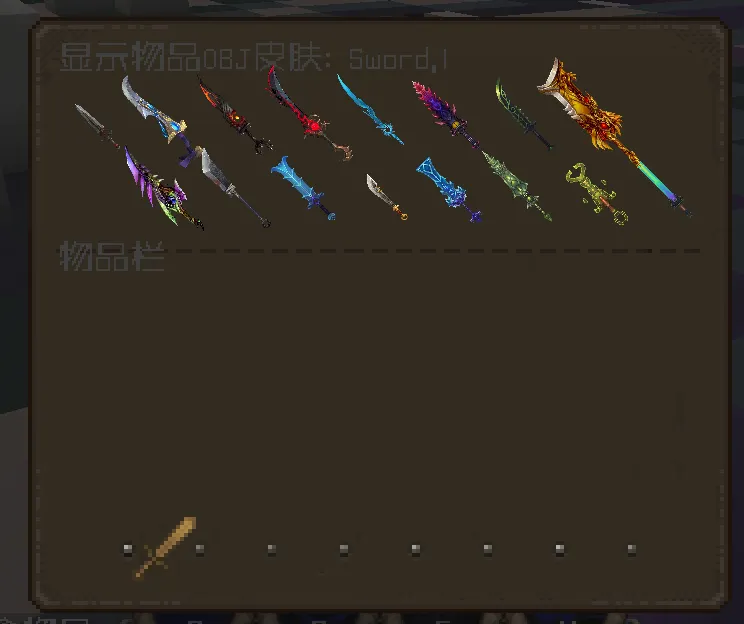
Holding any item, enter the/OM search keyword to pop up a list of all models containing the keyword.
Left-click to put the model into the backpack
Shift+ left/right: Turn pages
OBJ model system
about need:
● Render OBJ model in MC
● Support for model animation
● Support online hot update, only upload obJ, MTL, PNG map resources can be updated/added, the whole process does not need to update the client
● Support translucent model
● Render support for drop objects
● The client can dynamically download and cache model files as needed. The downloaded model will be cached locally on the client and will not need to be downloaded again for next use
● Read only when needed, without wasting memory
● Unloads from video/memory when not in use, without affecting performance
● Models are baked when loaded and rendered later with little performance impact (unless there are really many, many vertices)
Use:
● Item model (sword, staff, etc.) : Any model can be bound to any item via item Lore. Any plug-in that supports Lore for storing items is available
● Helmet: ibid
● Wings: ibid
● Physical models (monsters, etc.) : two ways --
1: Binding by entity name. That's the main way. This binding also allows you to change the collision box and height of the entity
002: Bind the model to the entity's helmet and hide the entity itself
● Square model: three ways --
Bind to the spawn cage. There are six orientations. The collision volume is the whole block
Bind to the skull block. 14 orientations. The collision volume is the size of the skull
Bind to a rack of armor. Infinite orientation, no collision volume (can be achieved by placing the barrier block if necessary)
a.
Usage:
Holding any item, enter the/OM search keyword to pop up a list of all models containing the keyword.
Left-click to put the model into the backpack
Shift+ left/right: Turn pages

