
Description:
Easy console-software to check your advancements progress.
Using it is simple:
² Json file is usually located at .minecraft/saves/world_folder/advancements/your_uuid.json
If you don't want to choose the file every time you run the jar, you can add the shortcut -Ddefault="/path/to/json/json_file.json" in your run script.
Note: you can put an @ to point directly to the jar directory. It will also add the ".json" extension at the end of the name. (For example: "@uuid_file" will be "/path/to/jar/uuid_file.json")
³ Included mapping could not be complete and it's only for 1.18.X. You may need to update it or create a new one (for other versions). This software should work only for 1.12+ versions since Minecraft changed Achievements to Advancements in 1.12.
The ZIP Archive also includes FULL IntelliJ project. So you can edit the code or use it as an example for other things such as JSON fetching!!
Images:
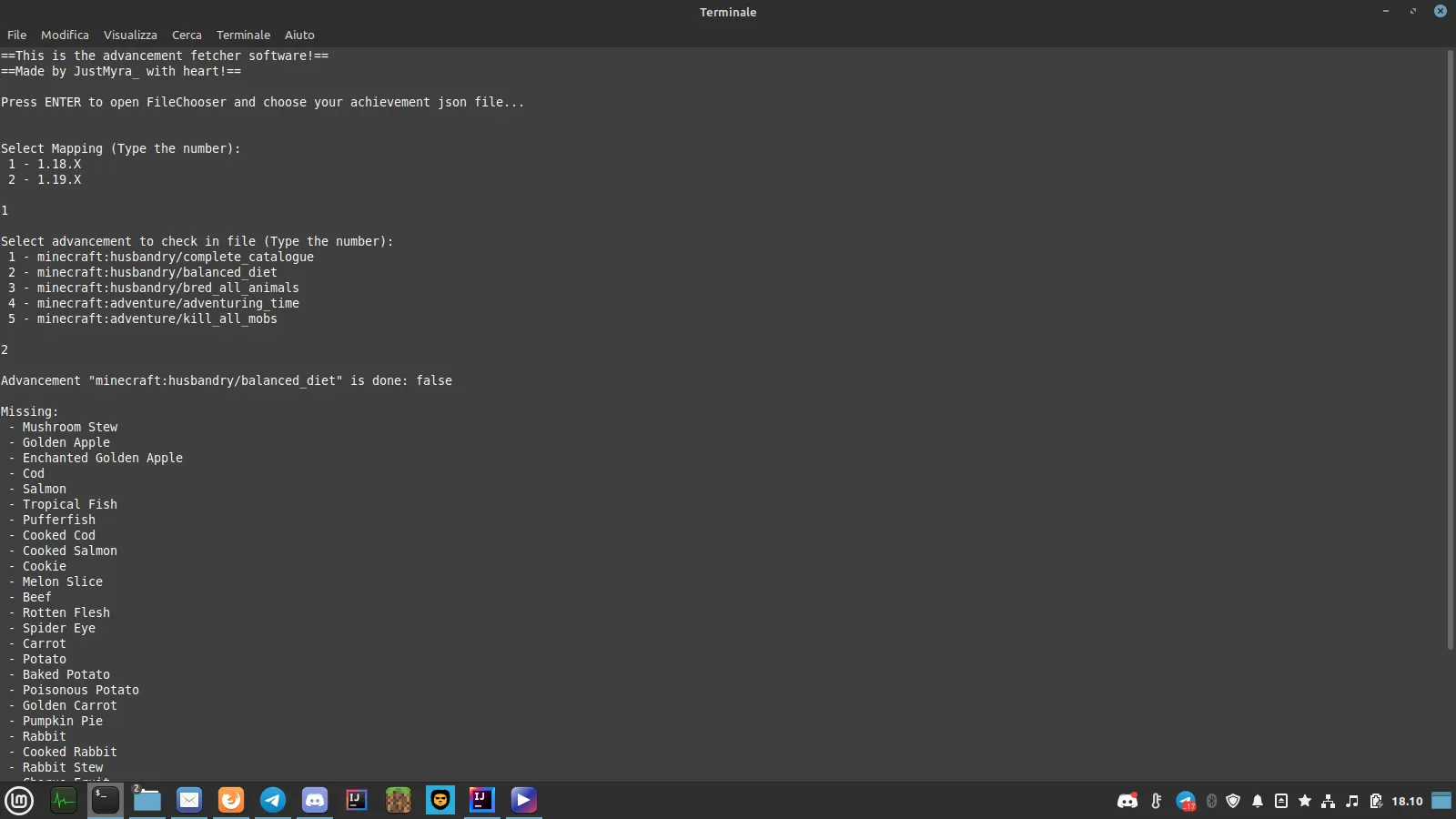
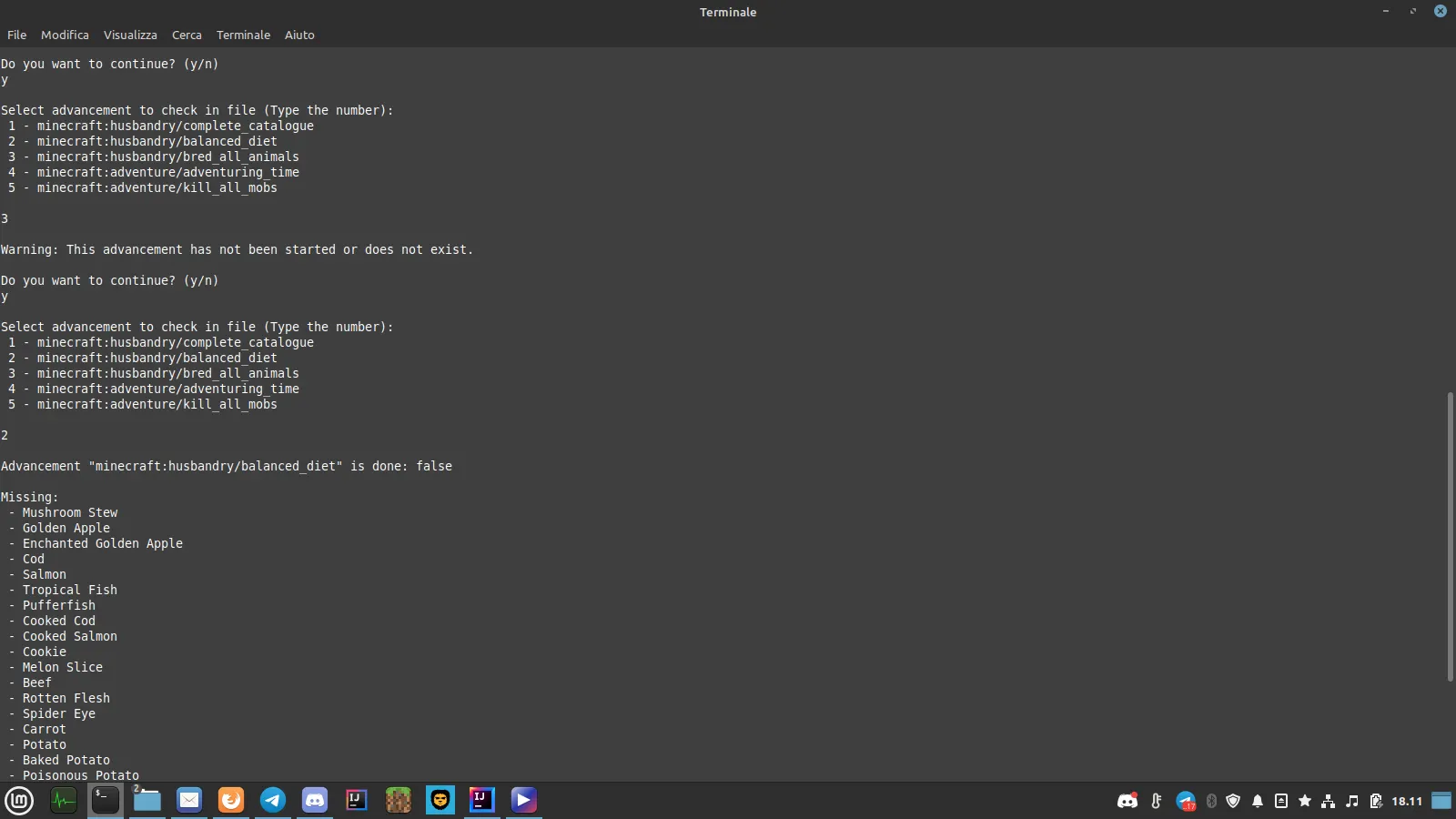
Easy console-software to check your advancements progress.
Using it is simple:
- run the jar¹;
- select your achievement json file²;
- follow in-app instructions and check your progress³!
² Json file is usually located at .minecraft/saves/world_folder/advancements/your_uuid.json
If you don't want to choose the file every time you run the jar, you can add the shortcut -Ddefault="/path/to/json/json_file.json" in your run script.
Note: you can put an @ to point directly to the jar directory. It will also add the ".json" extension at the end of the name. (For example: "@uuid_file" will be "/path/to/jar/uuid_file.json")
³ Included mapping could not be complete and it's only for 1.18.X. You may need to update it or create a new one (for other versions). This software should work only for 1.12+ versions since Minecraft changed Achievements to Advancements in 1.12.
The ZIP Archive also includes FULL IntelliJ project. So you can edit the code or use it as an example for other things such as JSON fetching!!
Images:
- Type
- Offering
Last edited:
