
Code approved by [MOD] K3Feedz:
Feedback:Thanks for sharing, it's good skript, thanks for letting me see it.
Just bought and tested this plugin! Great plugin no problems whatsoever! +1 from me!
Vouch bought plugin works great! Smooth and clean!
The plugin is amazing, Very clean and smooth looking aswell.
All Messages and Options are configurable in the config file!
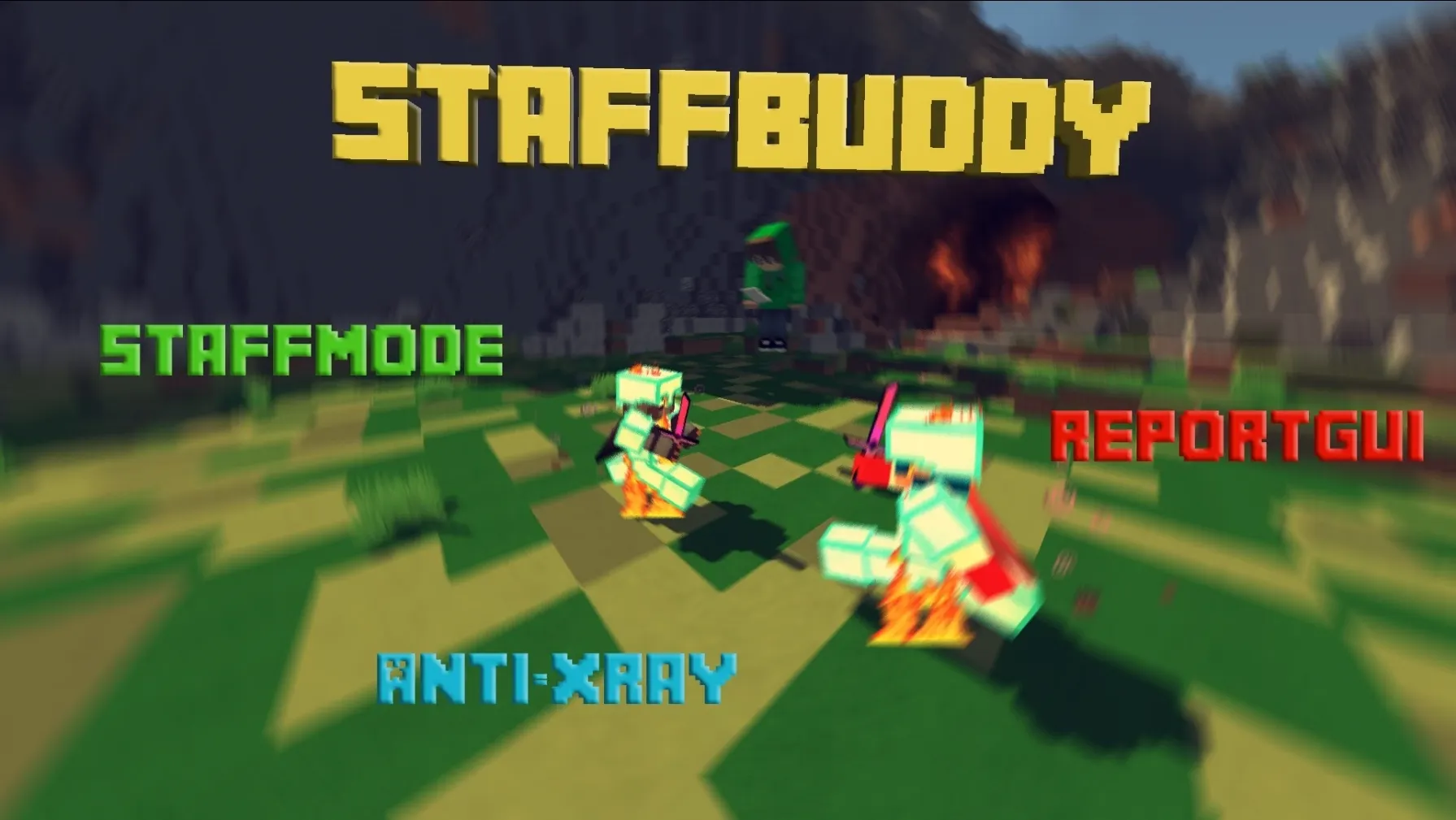
- Simple way to enter a special mode to spectate and perform actions on players.
- Very configurable and many updates to come!
Items:
1. Playerhead: Teleport to a random player!
2. WitherSkull: Teleport to the LAST Reported Player!
3. Lead: Click on a player to check if he is using ForceField
4. Anvil: Click on a player to check if he is using Anti Knockback
5. Eye of ender: Rightclick to toggle vanish!
6. Book: Inspect a players inventory & stats
7. Paper: View all current reports in a GUI
8. Iron bars: Click on a player and type a reason to ban the player.
9. Fire Charge: Rightclick to leave StaffMode!
- Very configurable and many updates to come!
Items:
1. Playerhead: Teleport to a random player!
2. WitherSkull: Teleport to the LAST Reported Player!
3. Lead: Click on a player to check if he is using ForceField
4. Anvil: Click on a player to check if he is using Anti Knockback
5. Eye of ender: Rightclick to toggle vanish!
6. Book: Inspect a players inventory & stats
7. Paper: View all current reports in a GUI
8. Iron bars: Click on a player and type a reason to ban the player.
9. Fire Charge: Rightclick to leave StaffMode!
- Currently in Beta! Will be adding/improving the checks soon!
- Forcefield check: Teleport and become visible above the player for a second. Positioning on this will be improved soon!
- Anti-KB check: Click player to knockback back, if he doesn't take KB he is using cheats!
- xRay: Notifies Staff when player mines Diamond Ore!
- Forcefield check: Teleport and become visible above the player for a second. Positioning on this will be improved soon!
- Anti-KB check: Click player to knockback back, if he doesn't take KB he is using cheats!
- xRay: Notifies Staff when player mines Diamond Ore!
- Simple and clean way to report and monitor reported players!


- Simple way for staff to communicate privatly!
- Nice looking GUI to display Online Staff to all Players!

Block Messages & Commands in config!
Clear Chat
Toggle Chat On & Off
Clear Chat
Toggle Chat On & Off
Code:
#------------Report Options----------------

    ReportOption1: &cKill Aura
    ReportItem1: Diamond Sword

    ReportOption2: &aFly/Speed
    ReportItem2: Feather

    ReportOption3: &aAutoClicker
    ReportItem3: button

    ReportOption4: &eAutoSoup
    ReportItem4: soup

    ReportOption5: &3AntiKnockBack
    ReportItem5: Anvil

    ReportOption6: &bAimbot
    ReportItem6: player head

    ReportOption7: &5Chat
    ReportItem7: name tag

    ReportOption8: &6Other
    ReportItem8: paper

    ReportCloseOption: &cCancel Report
    ReportCloseItem: red wool

#-------------Report Messages--------------

    ReportSent: &aYour Report has been Filed and Sent to our Staff!

    #PlaceHolders: %Player% = Reporter | %arg 1% = Reported Player | %arg 2% = Reason

    ReportMessage: &e%player%&7 reported &e&l%arg 1%&7 for %arg 2%

    ReportUsage: &7Usage: &e/Report &7<&ePlayer&7>

    #PlaceHolders: <%difference between a minute and {_waited}%> change 'a minute' to whatever you want the cooldown to be!

    ReportCooldown: &aYou have to wait %difference between a minute and {_waited}% before you can Report again!

#-------------StaffMode Messages-----------

    Activate: &7[&aStaff Mode&7] &aActivated

    Deactivate: &7[&cStaff Mode&7] &cDeactivated

    StaffModeUsage: &7Usage: /staff &7<&aon&7/&coff&7>

#-------------StaffMode Options------------

    ActivateOnJoin: off

#----------------StaffChat-----------------

    StaffChatPrefix: &8[&b!&8]

#---------------StaffList------------------

    Rows: 1

    title: &bStafflist

    StaffNameColor: &3

    StaffNameLore: &aOnline
- /Staff [On-Off]
- /Report
- /Reports [Player]
- /clean [Player]
- /cleanall
- /StaffChat or /sc
- /StaffList
- /Chat [On-Off]
- /cc or /ClearChat
- Access to StaffMode: StaffMode.use
- Access to Report a Player: Report.use
- Access to View Reports: Report.view
- Access to StaffChat: Staffchat.use
- Access to View StaffChat: Staffchat.see
- Show Player on /Stafflist: Staff.list
- The download will come with installation intructions.
- Works for both 1.7.x - 1.8.x
Thank you!
Buy here: https://sellfy.com/p/R5qc/
Price: $4
Support Skype: IMD.TM
Lifetime Updates!
Premium support!
Test Server Coming Soon!
OVER 30 SALES!
Attachments
-
 features.png30.6 KB · Views: 2,477
 -
 commands.png33.6 KB · Views: 2,480
 -
 permissions.png36.5 KB · Views: 2,491
 -
 installation.png33.5 KB · Views: 2,494
 -
 Untitled-1.png32.3 KB · Views: 2,498
 -
 ReportGUIBanner.png131.5 KB · Views: 2,574
 -
 2015-08-21_01.26.51.png74 KB · Views: 2,569
 -
 2015-09-20_14.24.png8.9 KB · Views: 2,561
 -
 staffbuddy logo.png91.1 KB · Views: 2,460
 -
StaffBuddy Icon.jpg210.6 KB · Views: 56
Last edited:



