FoColours gives players a clean way to choose their chat colour while keeping server owners in control of what each player can use. It supports a simple player menu, direct commands, admin-managed unlocks, custom colours, and a PlaceholderAPI mode for servers that already use a chat formatting plugin.
Features
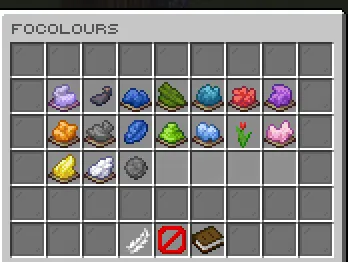
- Let players pick chat colours from a GUI or directly with
/focolours <colour>. - Keep chat setup flexible with automatic chat colouring or
%focolours_colour%for external chat formats. - Add built-in, custom hex, legacy-code, and rainbow colour options from the admin tools.
- Grant or remove player colour access without editing files by hand.
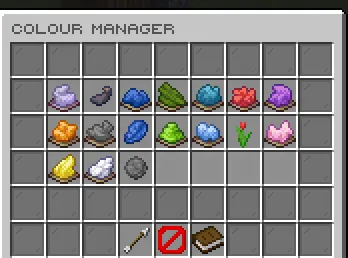
- Configure the public menu layout, text, materials, lore, and message colours.
- Import and sync EzColors-style permission setups for easier migration.
Commands
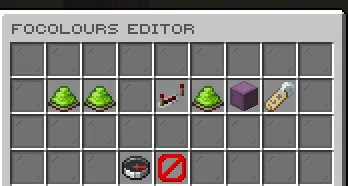
/focolours- Opens the player colour menu./focolours <colour>- Selects an unlocked colour directly./focolours reset- Resets your chat colour to the configured default./focoloursadmin editor- Opens the admin editor./focoloursadmin give <player> <colour>- Unlocks a colour for a player./focoloursadmin take <player> <colour>- Removes a colour from a player./focoloursadmin reload- Reloads config, messages, GUI files, dialogs, and runtime data./focoloursadmin convertezcolors <enable|disable|status>- Controls EzColors permission syncing.
Permissions
focolours.use- Allows players to use the colour menu and colour selection command.focolours.admin- Allows access to admin tools, reload, editor, give, take, and migration commands.
Placeholders
Requires PlaceholderAPI.
-
%focolours_colour% - Returns the player's selected chat colour formatting code.

