 zDailyQuests
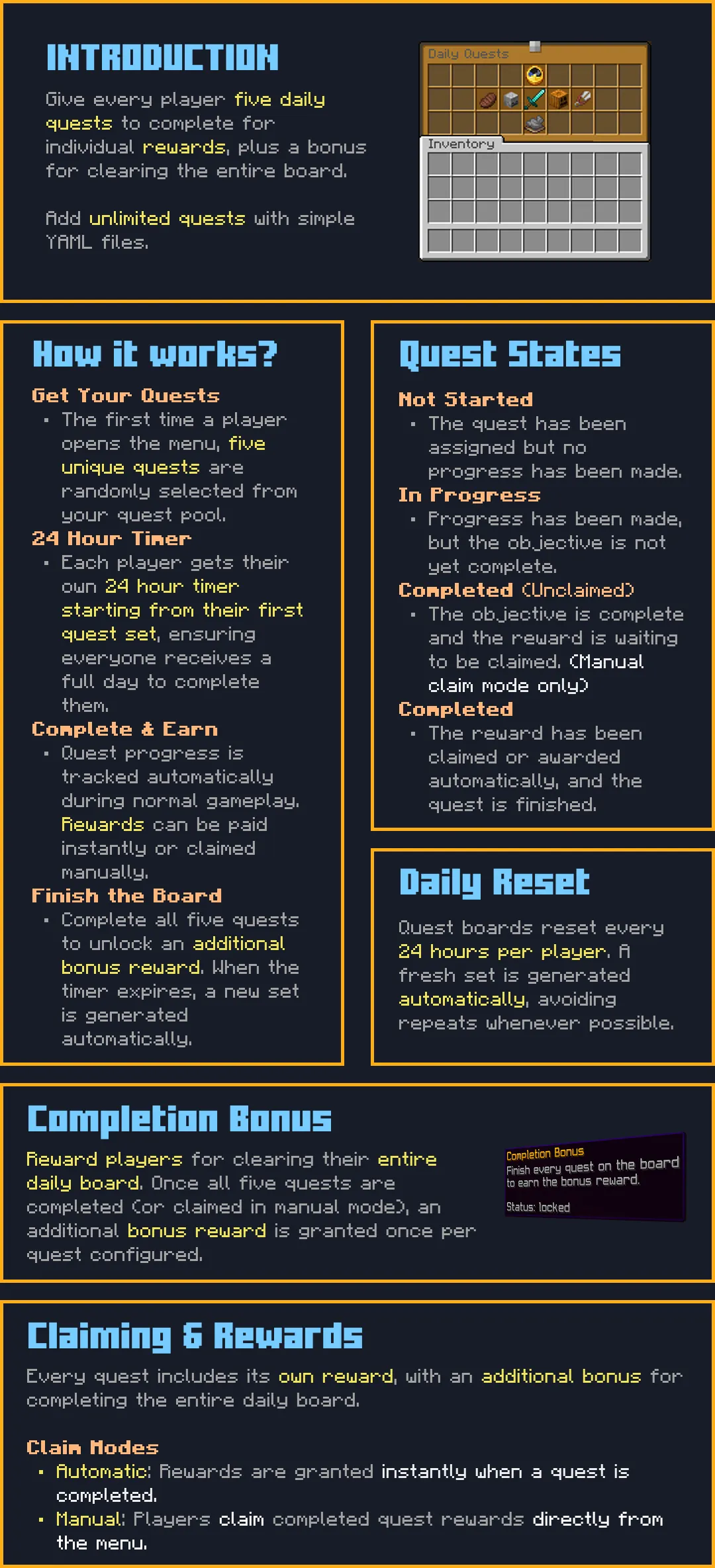
Every player gets 5 random daily quests on their own 24-hour timer, with rewards and an all-5 bonus.
By zArrowTan, part of Arrow Plugins.
 Overview
zDailyQuests gives every player their own rotating daily quest board. Each player is handed 5 random quests from your pool, tracks them through normal gameplay, and earns a reward for each one, plus a bonus for finishing all five. The 24-hour timer is per player and starts when their set is assigned, so there's no global midnight reset, everyone gets a fair full day no matter when they log in. Quests are plain YAML files you drop into a folder, so building your own quest pool needs no coding at all, and the menu itself is fully customizable, from layout to buttons that can run commands.
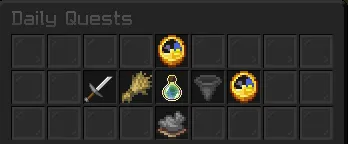
The daily quest menu, /dq
 Dependencies
- TheAPI (required) must be installed separately, or the plugin will not enable. Get it here
- PlaceholderAPI (optional) unlocks a full
%zdailyquests_...%expansion (completed count, total, bonus state, time left, plus per-slot name, progress, target, and status), and lets menu-button actions resolve any placeholder in commands or messages. Get it here
 How It Works
- 5 random quests per player: each player gets their own set drawn from your pool, with no duplicates in a set
- Per-player 24-hour timer: it starts when the set is assigned, not at a global midnight, so login time never matters
- Live progress: quests advance through normal play, killing, mining, fishing, crafting, and so on
- Per-quest rewards + an all-5 bonus: finishing a quest pays its own reward, and clearing all five pays a one-time bonus
- Fresh set on reset: when the timer runs out, unfinished quests clear and a new random five is dealt, avoiding an exact repeat of the last set where the pool allows
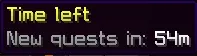
The time left before the next reset
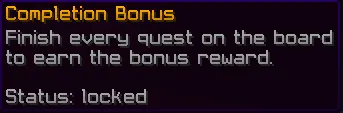
The all-5 completion bonus
 Build Any Quest You Want
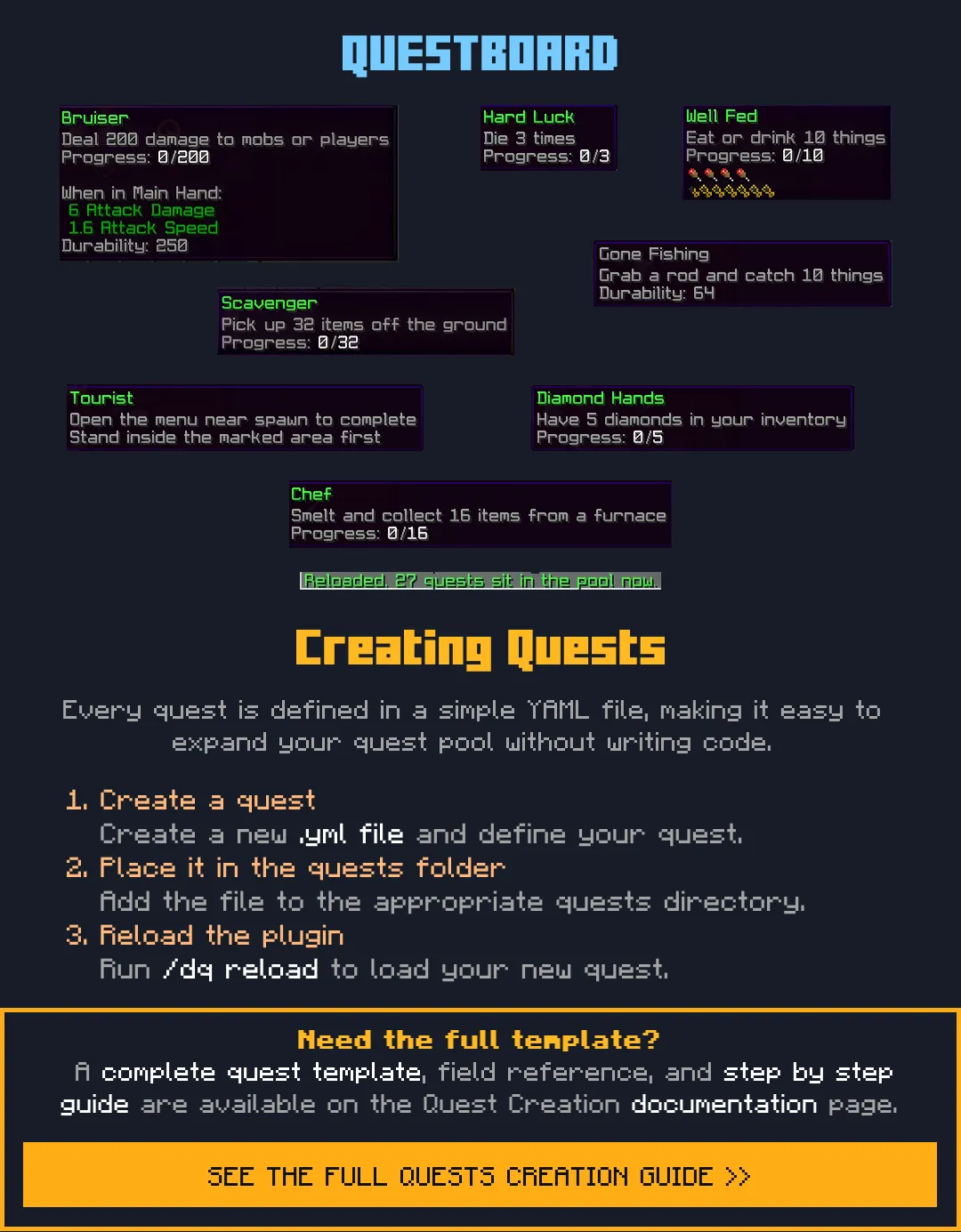
Every quest is a YAML file with its own name, icon, lore, objective, target, and reward. Drop a file into the quests folder and it's live, no code, no restart beyond a reload. The engine supports a huge range of objective types:
- Blocks & items: break, place, craft, pick up, consume, cook, enchant, fish, farm, launch projectiles, or hold a set amount in your inventory
- Entities: kill (mobs, animals, or players for PvP), breed, tame, or shear (with an optional wool-colour lock)
- Activity: earn XP points or levels, deal damage, walk a distance, stay online for a playtime goal, milk a cow, carve a pumpkin, or even die (a fun troll option)
- Locations & trades: reach a spot in the world, or trade with a villager (lockable to a profession and level)
Each objective can target a specific type, a list of types (any one counts), or "any" of that action, so a Break quest can want diamond ore specifically or any block at all.
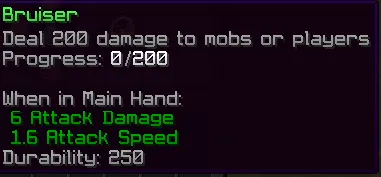
Bruiser, deal damage
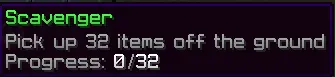
Scavenger, break blocks

Tourist, place blocks
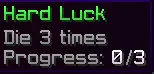
Hard Luck, fishing
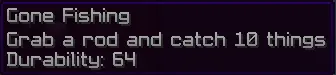
Gone Fishing, catch fish
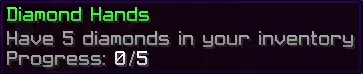
Diamond Hands, mine diamonds
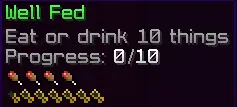
Well Fed, consume food

Chef, cook items
⚙ Selection & Claim Modes
- Global or Rarity selection: draw the 5 from one flat pool, or split your quests into easy / normal / hard folders and pick a set number from each (for example 2 easy, 2 normal, 1 hard, fully configurable)
- Auto or Manual claim: rewards fire the instant a quest is done, or wait in the menu for the player to click and claim
- Repeatable quests: set a max-completions above 1 and a quest resets after each claim until it's been done that many times or the day resets
- Per-phase display: each quest can show one clean look, or a different icon, name, and lore for not-started, in-progress, unclaimed, and completed
🖼 Fully Customizable Menu
The whole menu is yours to shape, from its size to every button on the frame:
- Custom size, filler, and layout: pick anywhere from 1 to 6 rows, choose your filler item, and either use the classic centered frame or draw your own layout on a 9-wide grid with letters marking quest slots, timer, bonus, and any decorations you like
- Custom head skulls as icons: use any player's skin (
head-<name>) or a custom textured head (basehead-<base64>from any heads site) as a quest or button icon - Menu open sound: play any sound when a player opens the board, with volume and pitch control
- Clean icons on weapon and tool quests: a toggle hides the vanilla attribute lines (attack damage, attack speed, durability) so sword and pickaxe icons stay crisp
- Already-claimed hint: a separate lore line for quests that are done and paid out, distinct from the "click to claim" hint on completed-but-unclaimed quests
🖱 Clickable Menu Buttons
Custom menu items can do things when clicked. Give any button an
actions list and it runs top to bottom on click, so one click can send a message, play a sound, run a warp, and shut the menu. Available actions:[close]shut the menu[refresh]rebuild the board with live progress numbers[player] <command>the clicker runs the command[console] <command>the console runs it (great forgive,lp user set, anything permission-gated)[message] <text>send the clicker a chat line[broadcast] <text>send everyone a chat line[sound] <sound key>play a sound to the clicker
%player% is swapped for the clicker's name in every action, no PlaceholderAPI needed, and with PlaceholderAPI installed any of its placeholders resolve inside commands and text too. Flexible Rewards
- Each quest pays out any mix of console commands and items
- The all-5 bonus is its own separate reward, handed out once per set
- Run economy payouts, give items, grant ranks or perks, anything a command can do
 Placeholders
With PlaceholderAPI installed, the
zdailyquests expansion gives you:%zdailyquests_completed%quests done in the current set%zdailyquests_total%quests in the set%zdailyquests_bonus%ready, claimed, or locked%zdailyquests_time_left%time until reset (e.g.5h 32m)%zdailyquests_quest_<n>_name%/_progress%/_target%/_status%per-slot details (status reads not-started, in-progress, completed-unclaimed, or completed)
 Commands
/dailyquests(alias/dq) open your quest menu/dq reset <player>reset a player's quest set (admin)/dq reloadreload config, language, and the quest pool (admin)

Resetting a player's quests

Reloading the plugin
🎛 Configurable & Localized
- The reset window, quests-per-set, selection mode, claim mode, and rarity split are all config-driven
- Every player-facing message lives in the language file, with full hex color support
- Add a new quest by dropping a YAML file in the right folder and running
/dq reload - Auto-migrating configs: on every update, new keys and comments merge into your existing
config.ymlandlang.ymlautomatically, so your edits are never lost and no manual paste is needed
 Requirements
- Minecraft: 1.21 to 1.21.11
- Server software: Spigot or Paper
- Java: 21 or higher
- Storage: SQLite out of the box (zero setup) or MySQL
- Required: TheAPI (see Dependencies above)
 Support & Docs
Full setup and configuration guides are in the documentation. Need help, found a bug, or want to suggest a feature? Join the Discord.


