SHOP MENU
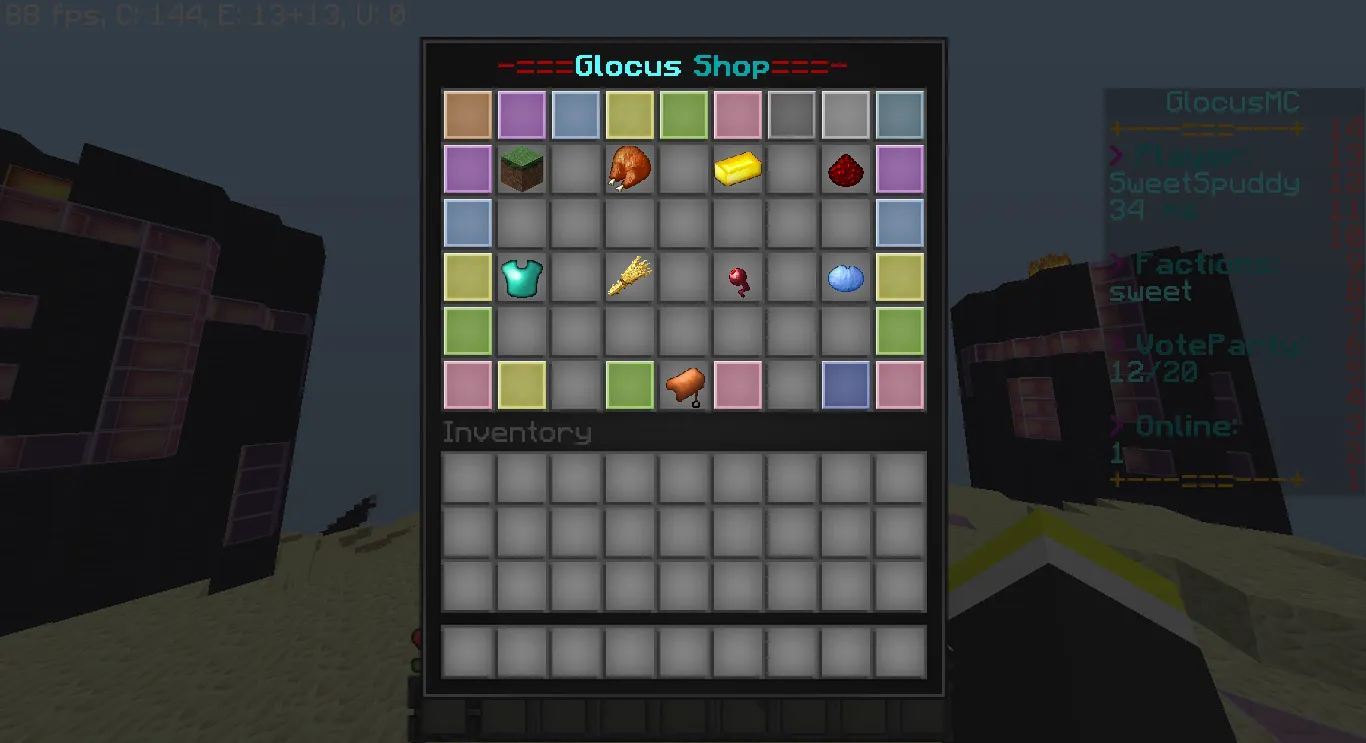
BLOCKS
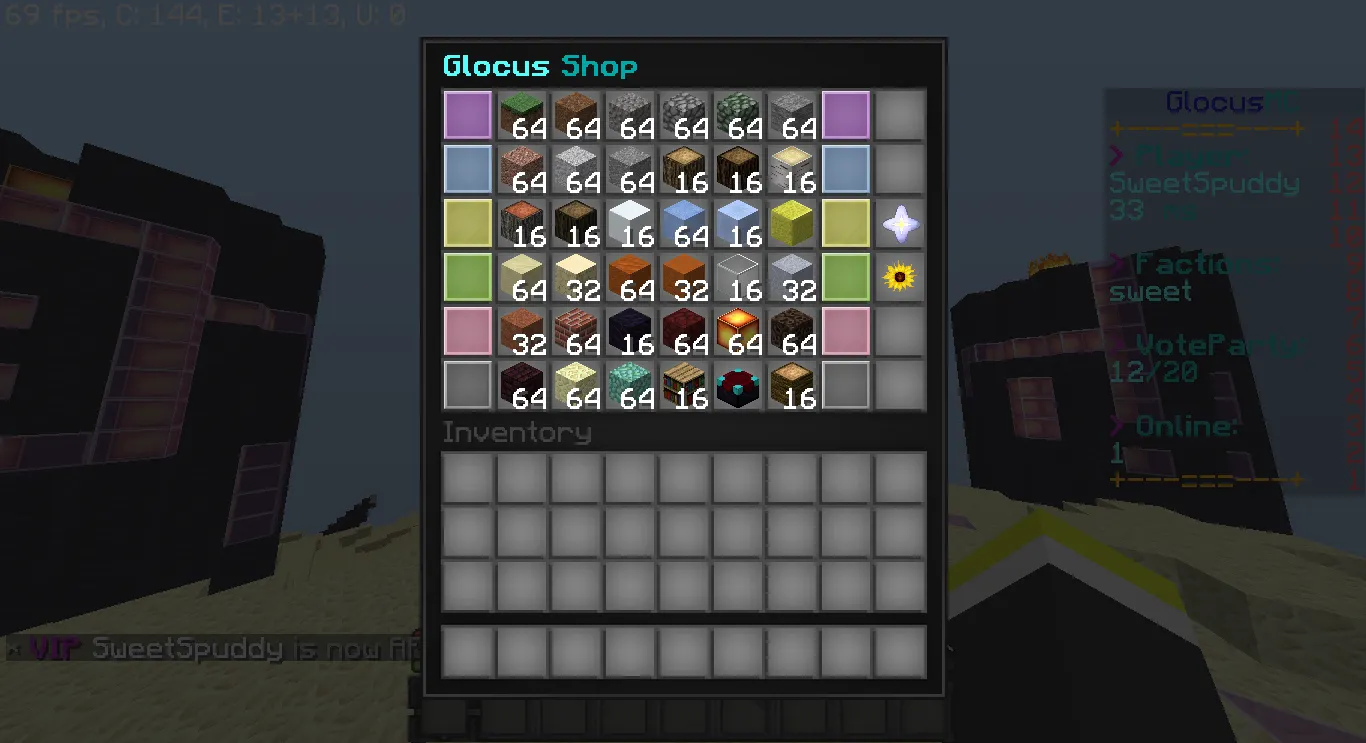
FOOD
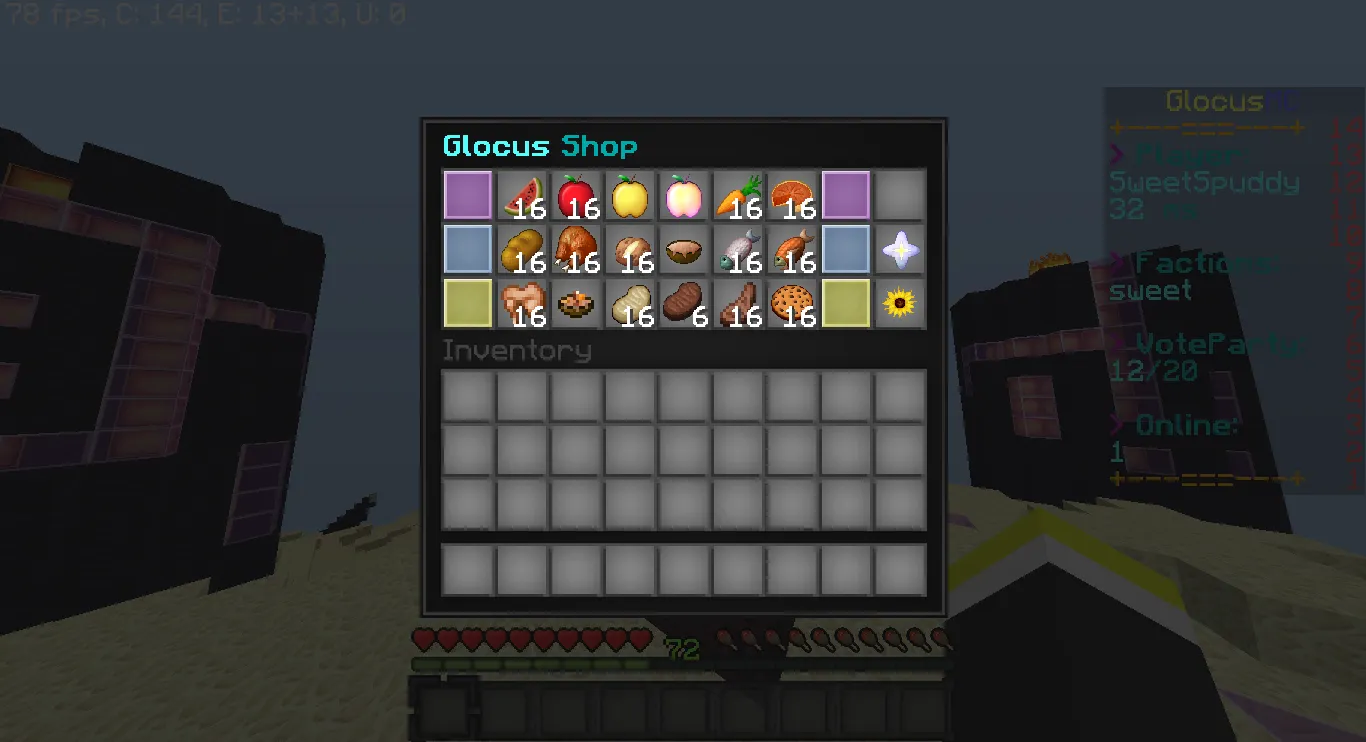
ORES
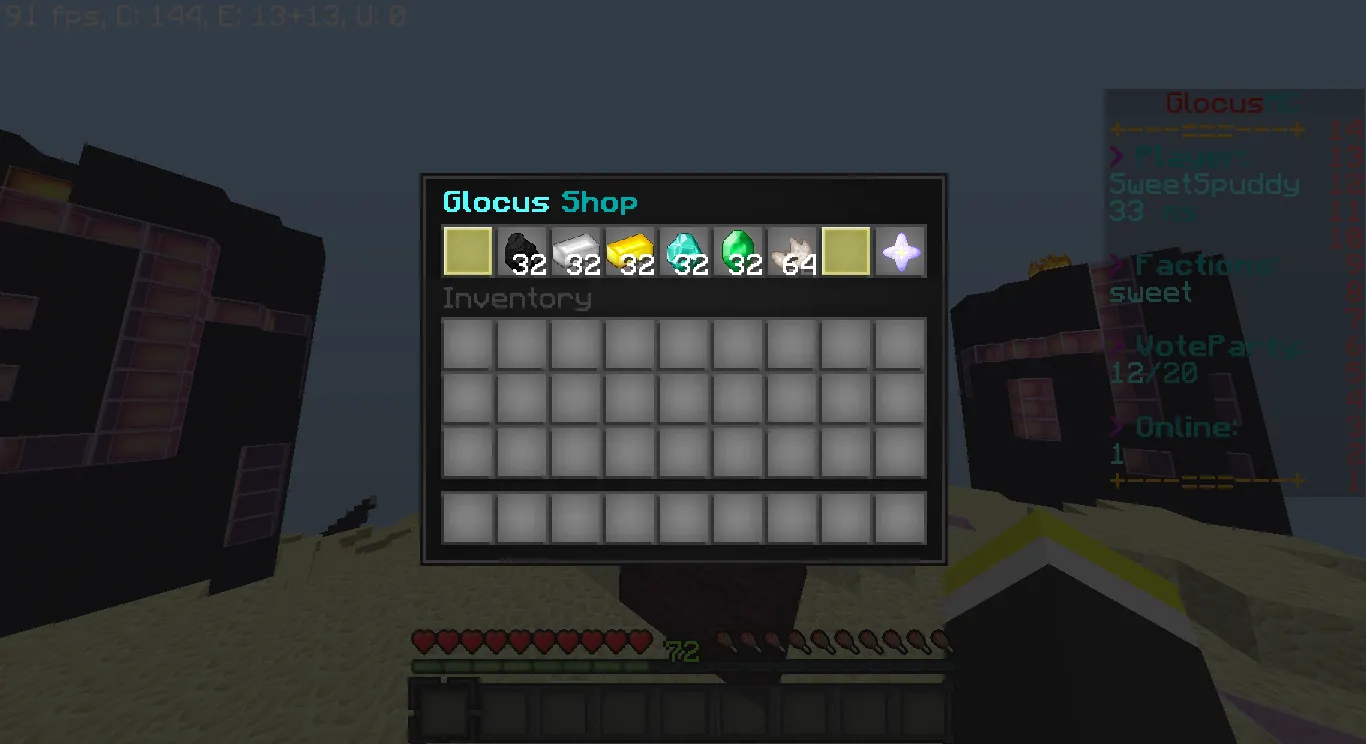
REDSTONE/RAIDING
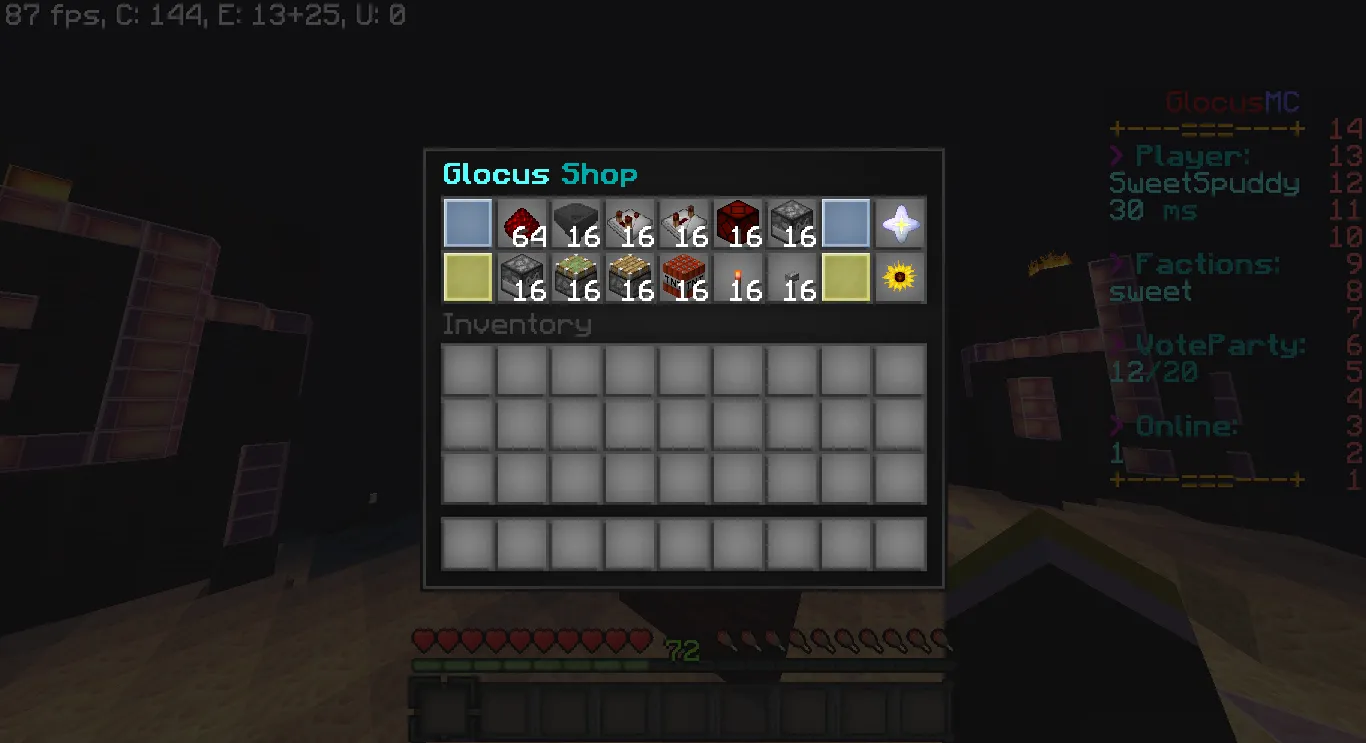
ARMOUR
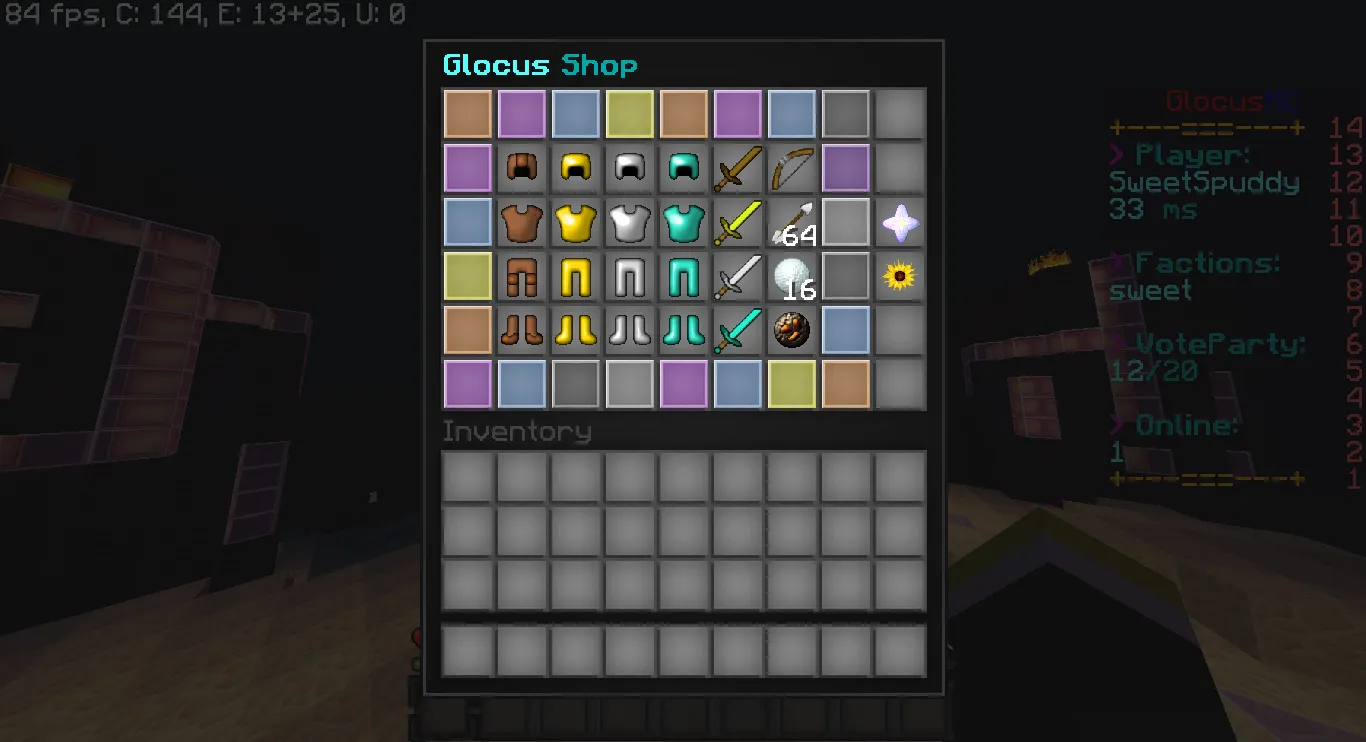
FARMING
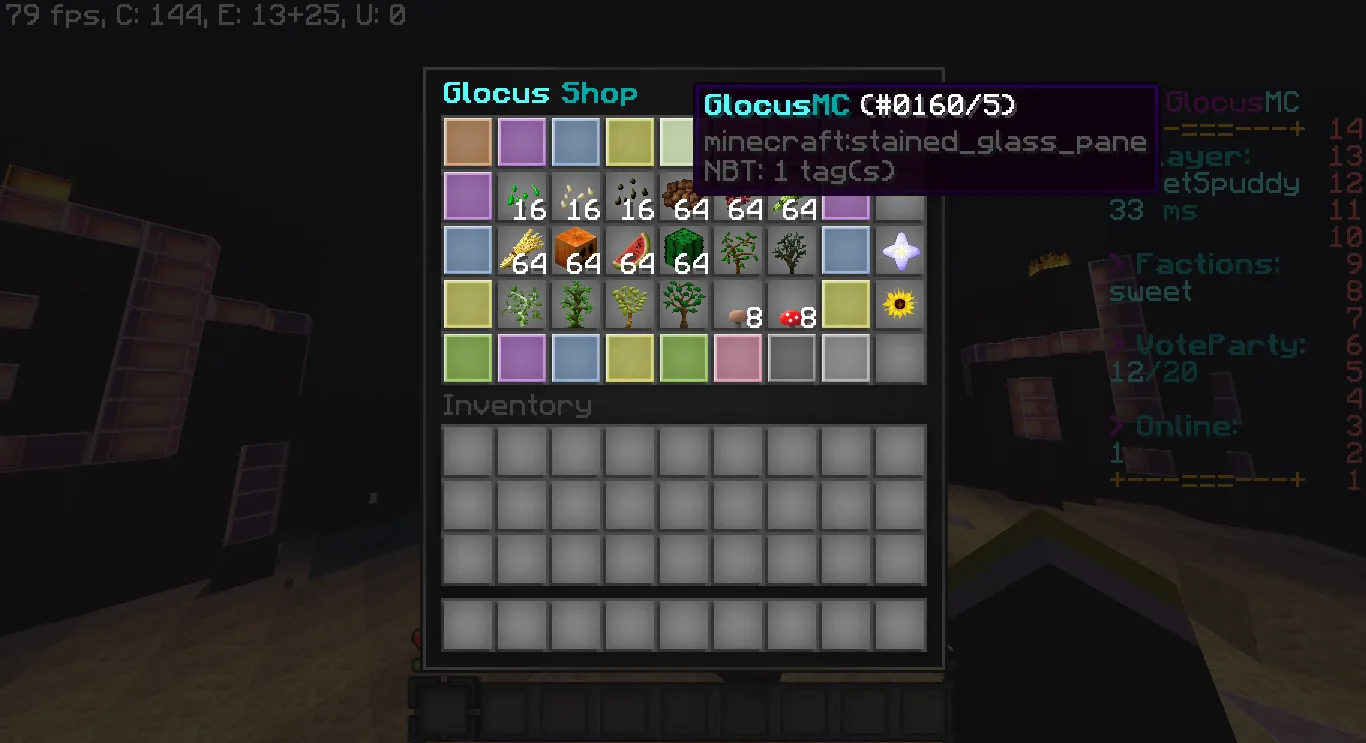
DROPS
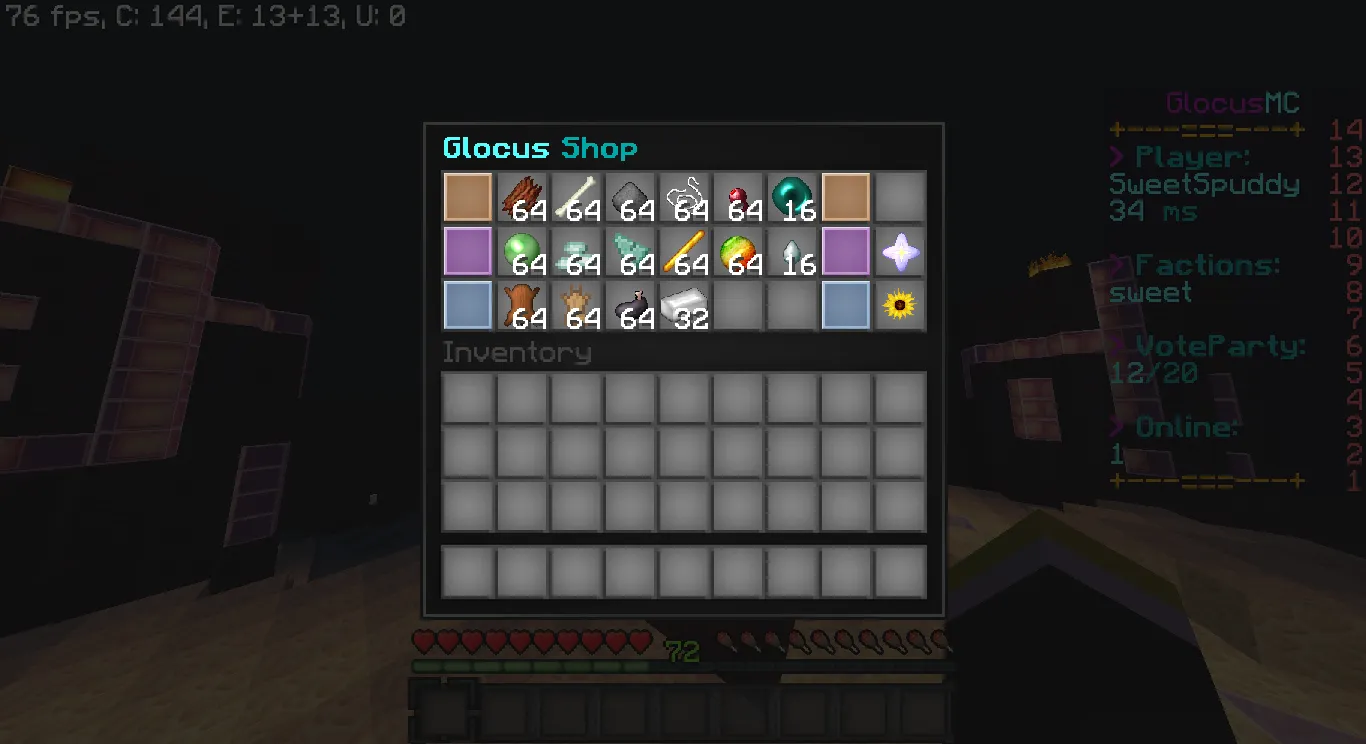
DYES
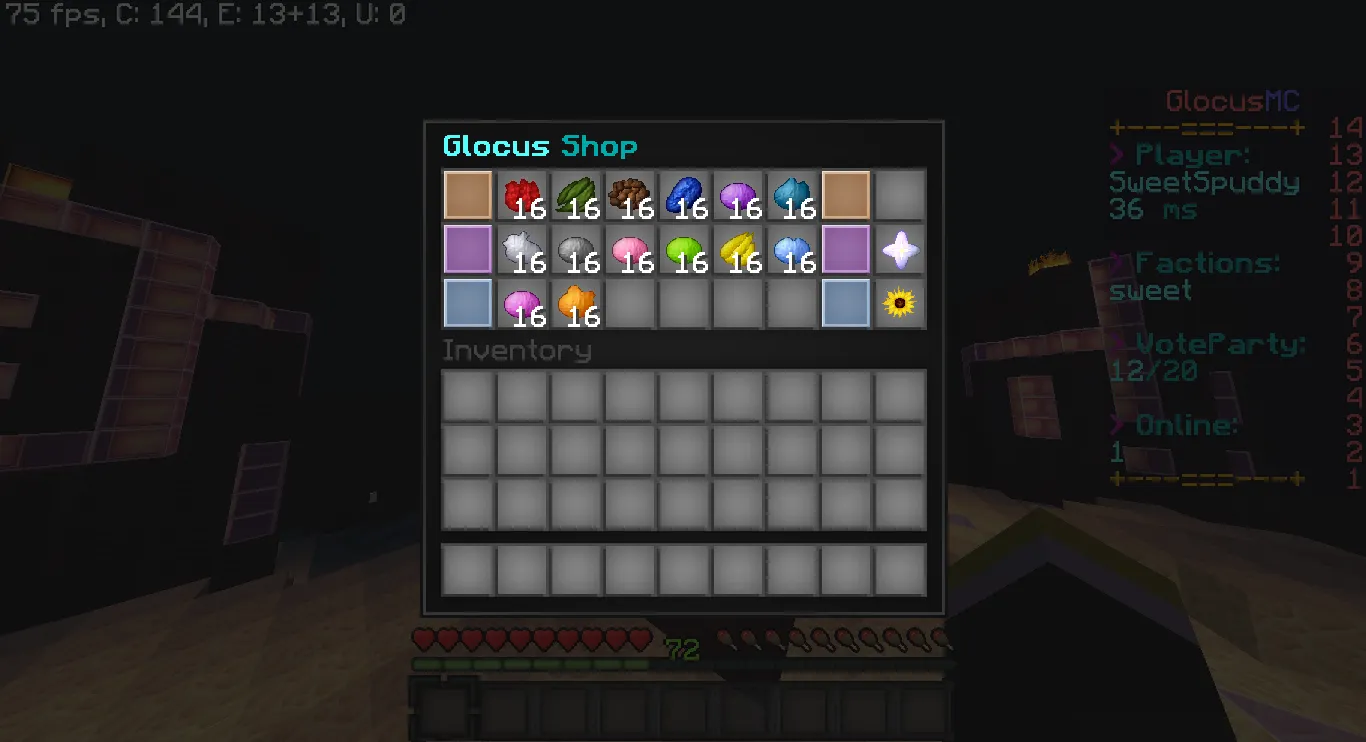
and last but not least Miscellanous
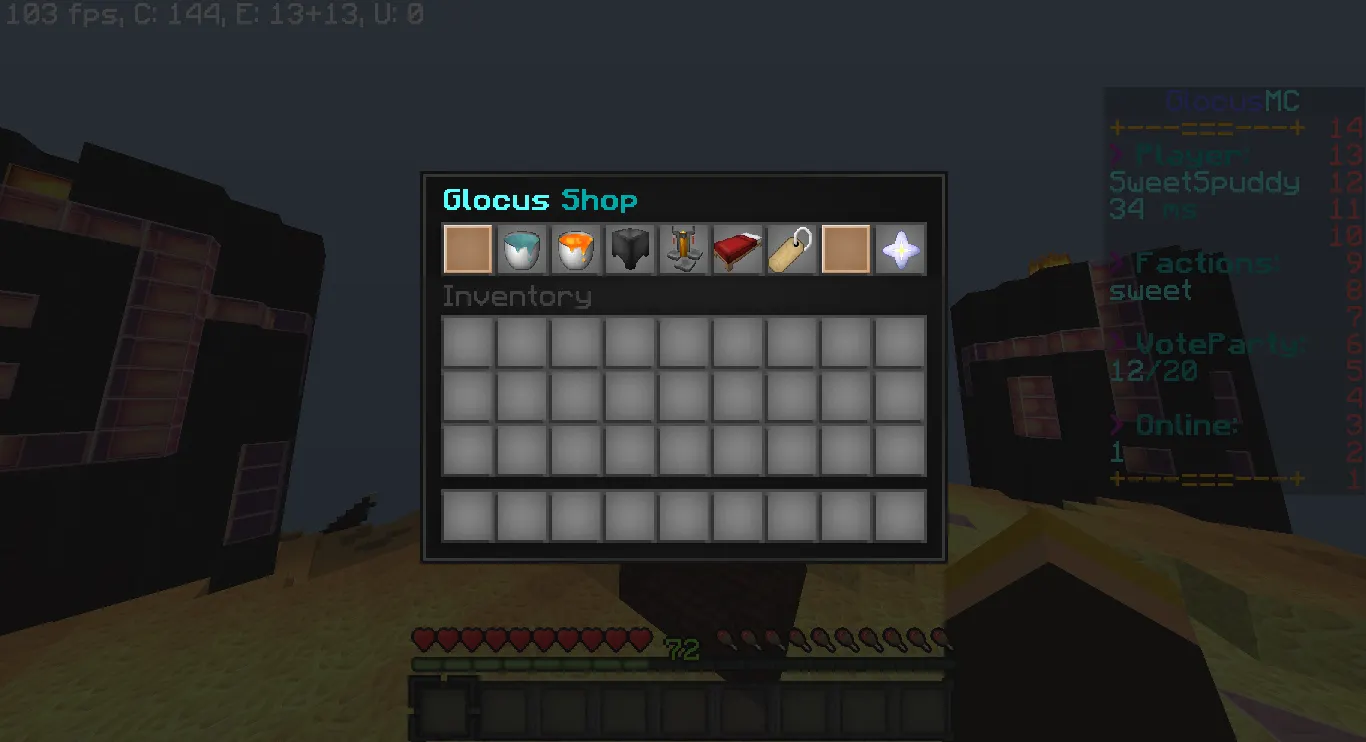
Hello MC-Market, today i present to you a top-notch ShopGUI+ config. It has all the features a factions server would like. Now speaking frankly there are a lot of other shopgui configs on MC-Market but this one is different. Others are plain and have no design while my one has plenty of design. Other ones may also have bugs like being able to purchase stacked armour but i have taken all my time to fix any bugs that i have found.
I hope i have not bored you with my paragraph and if you would like to see the Shop in person the ip is GlocusMC.ga (Factions will be released soon so it will be up tomorrow)
PURCHASE LINK: https://sellfy.com/p/nWUB/#
To get rid of the GlocusMC stained glass panes i suggest getting a software called Sublime Text 3 and following these steps:
1/ Paste your shops.yml and config.yml in 2 different pages
2/ Highlight the name you want to change in this case &b&lGlocus &3&lShop or &b&lGlocus&3&lMC
3/ Once it is highlighted press the "Find" button located Top Left of the program.
4/ Press "Quick Find" and then type the name you want it to display!
5/ You are done!
Terms of Service:
1/ You may not resell this item!
2/ There are strictly no refunds!
3/ If you are having issues with this feel free to contact me before taking any other decisions. Discord: SweetSpud#0480
BLOCKS
FOOD
ORES
REDSTONE/RAIDING
ARMOUR
FARMING
DROPS
DYES
and last but not least Miscellanous
Hello MC-Market, today i present to you a top-notch ShopGUI+ config. It has all the features a factions server would like. Now speaking frankly there are a lot of other shopgui configs on MC-Market but this one is different. Others are plain and have no design while my one has plenty of design. Other ones may also have bugs like being able to purchase stacked armour but i have taken all my time to fix any bugs that i have found.
I hope i have not bored you with my paragraph and if you would like to see the Shop in person the ip is GlocusMC.ga (Factions will be released soon so it will be up tomorrow)
PURCHASE LINK: https://sellfy.com/p/nWUB/#
To get rid of the GlocusMC stained glass panes i suggest getting a software called Sublime Text 3 and following these steps:
1/ Paste your shops.yml and config.yml in 2 different pages
2/ Highlight the name you want to change in this case &b&lGlocus &3&lShop or &b&lGlocus&3&lMC
3/ Once it is highlighted press the "Find" button located Top Left of the program.
4/ Press "Quick Find" and then type the name you want it to display!
5/ You are done!
Terms of Service:
1/ You may not resell this item!
2/ There are strictly no refunds!
3/ If you are having issues with this feel free to contact me before taking any other decisions. Discord: SweetSpud#0480
