Navigation
-
-
Standalone Tebex Templates & themes Websites Pterodactyl Themes Addons Eggs NamelessMC Templates Modules XenForo Themes Addons Invision Community Themes Plugins Translations WHMCS Themes Modules Paymenter Themes Extensions Calagopus Themes Extensions Eggs LeaderOS themes Ghost themes Shopify themes Wix themes Squarespace themes Other webstores CraftingStore templates MineStore themes PayNow templates Other
-
-
-
Install the app
More options
You are using an out of date browser. It may not display this or other websites correctly.
You should upgrade or use an alternative browser.
You should upgrade or use an alternative browser.
How to make your own custom MCM theme!
- Thread starter Jkaay
- Start date
- Status
- This thread has been locked.


Style ™did you just say style


Made a theme, I call it Blue Extreme. You can find it here:
http://vetro.me/paste/znfq4ISMf
http://vetro.me/paste/znfq4ISMf
Last edited:


Banned forever. Reason: Scamming (https://gyazo.com/577c603840a941c1db4da669f30deb92)

Now updated, see below for code.
Hey guys, so I recently found this really cool extension on the Chrome webstore and it's really amazing what it can do, which is change the css on any website to make the page appear to be a different color to you or have a different font, or even hide elements.
I installed this extension and used it to make my own custom MCM red theme which took awhile to change everything from blue to a certain color code.
Here's what my theme looks like: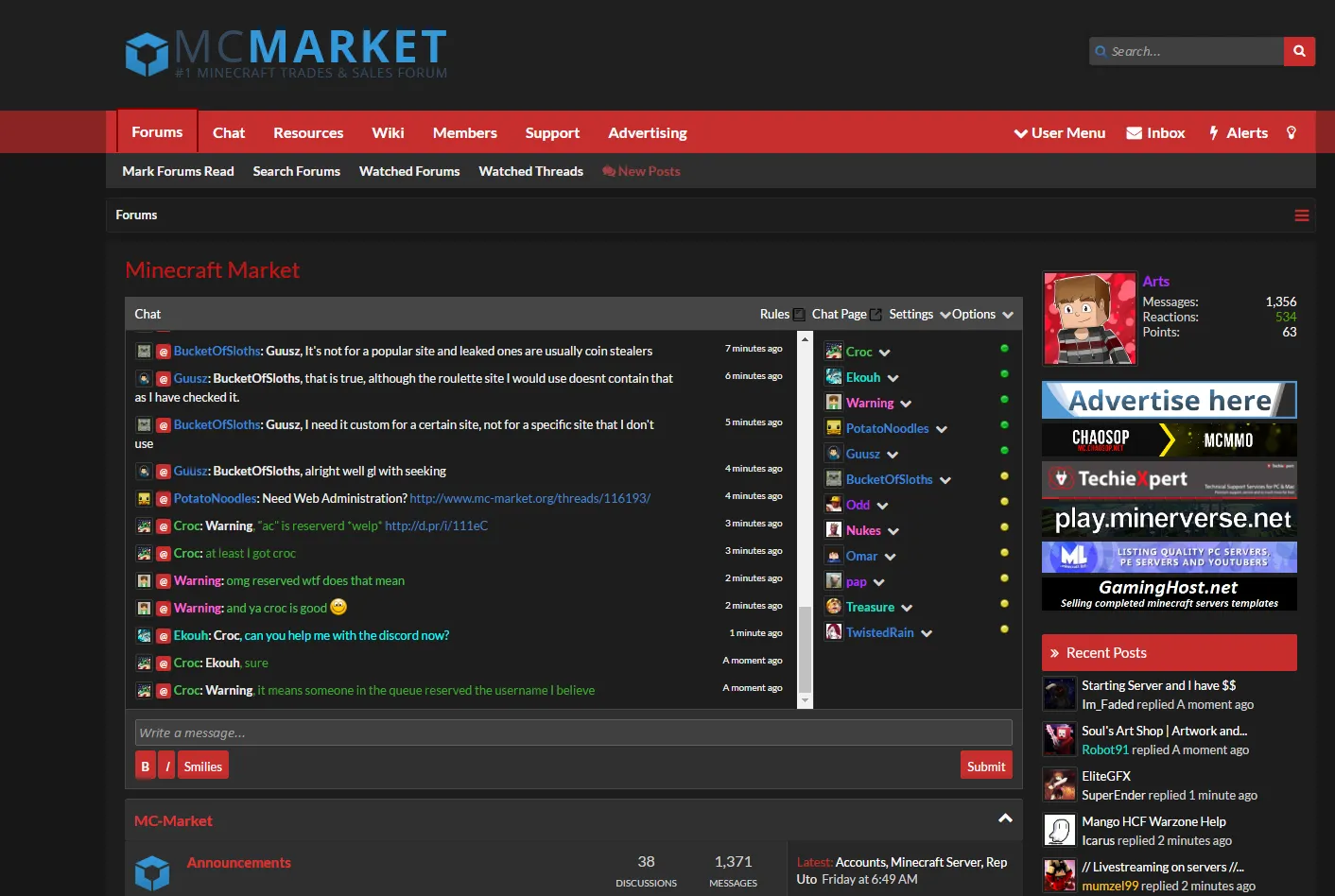
Here's how you can use this extension not not only customize your experience on MC-Market but on other websites too.
Step 1: Download the Chrome extension (Google chrome is required).
- https://chrome.google.com/webstore/detail/stylebot/oiaejidbmkiecgbjeifoejpgmdaleoha
Step 2: Go to any website and right click on the element you'd like to change. Then click "Stylebot > Style Element"
Step 3: When the GUI opens, you can change the background or text color, and even add borders to elements or edit fonts. Then customize whatever site to your liking.
That's about it for using it to customize any website.
--------------------------------------------------------------------------
But if you want to get your view of MC-Market to look exactly like mine, then follow the steps below:
Step 1: Right click anywhere on the MC-Market homepage. Then click "Stylebot > View Options..."
Step 2: In the left of the page, click "Backup"
Step 3: Copy the following code...
Step 4: Click "Import Styles.." and paste the code into the text field.
Step 5: Click "Import" and refresh MC-Market.
I even made a red light theme! Just do the exact same thing with the red dark theme with the code below:
Thanks for reading, I hope you enjoy.
Well there goes the perk of premium for themes.

dude, that ain't funny man[DOUBLEPOST=1468218090][/DOUBLEPOST]
Dude lol don't do that, you wouldn't like it if I did it to you lol
Dude lol don't do that, you wouldn't like it if I did it to you lol
I mean I thought it was negative but sure xDThanks for the positive feedback!

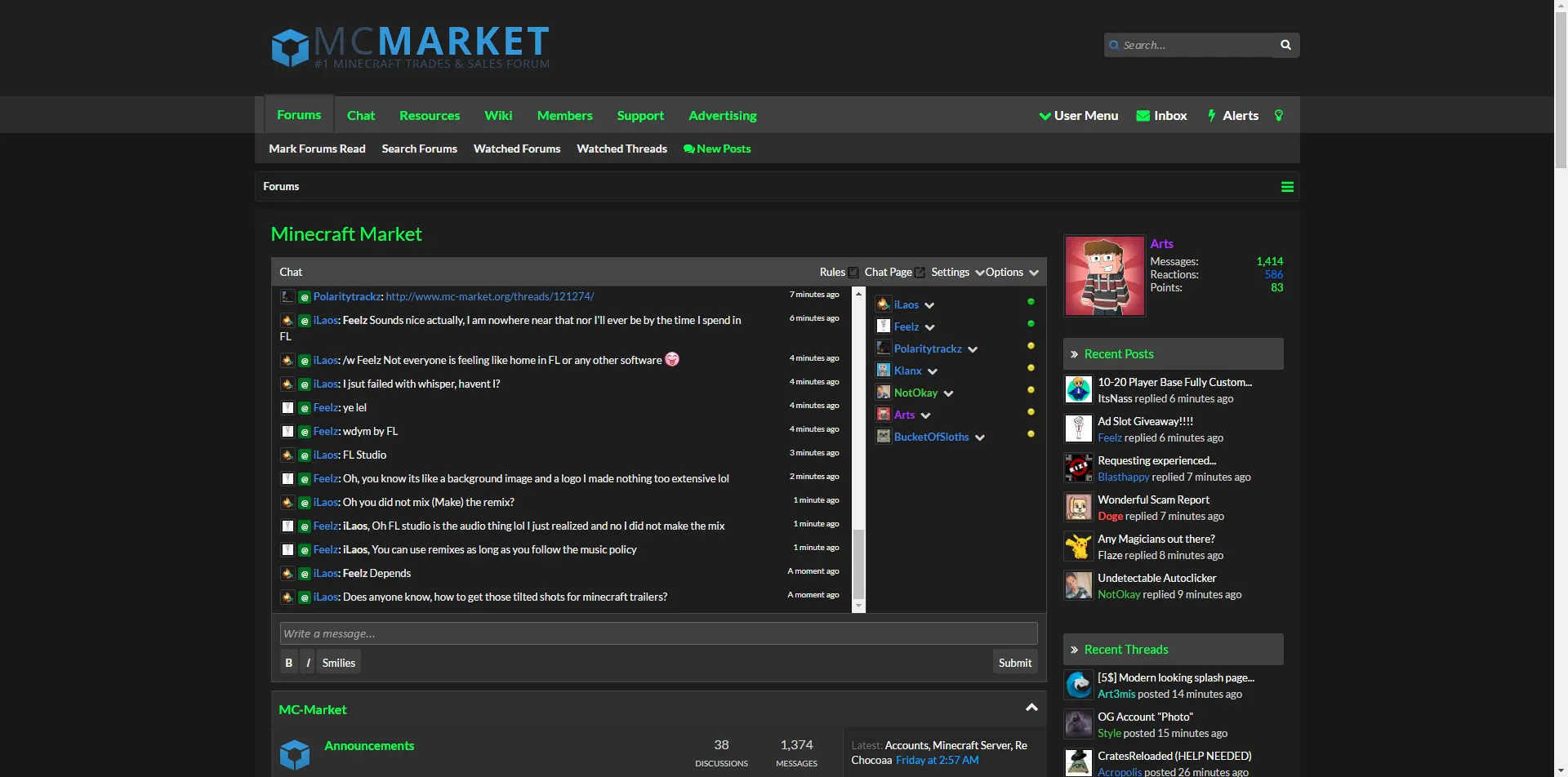
in the OP. click hereEven if you're bad at names at least leave a screenshot so we get an idea of the theme
Banned forever. Reason: Scamming (https://gyazo.com/577c603840a941c1db4da669f30deb92)


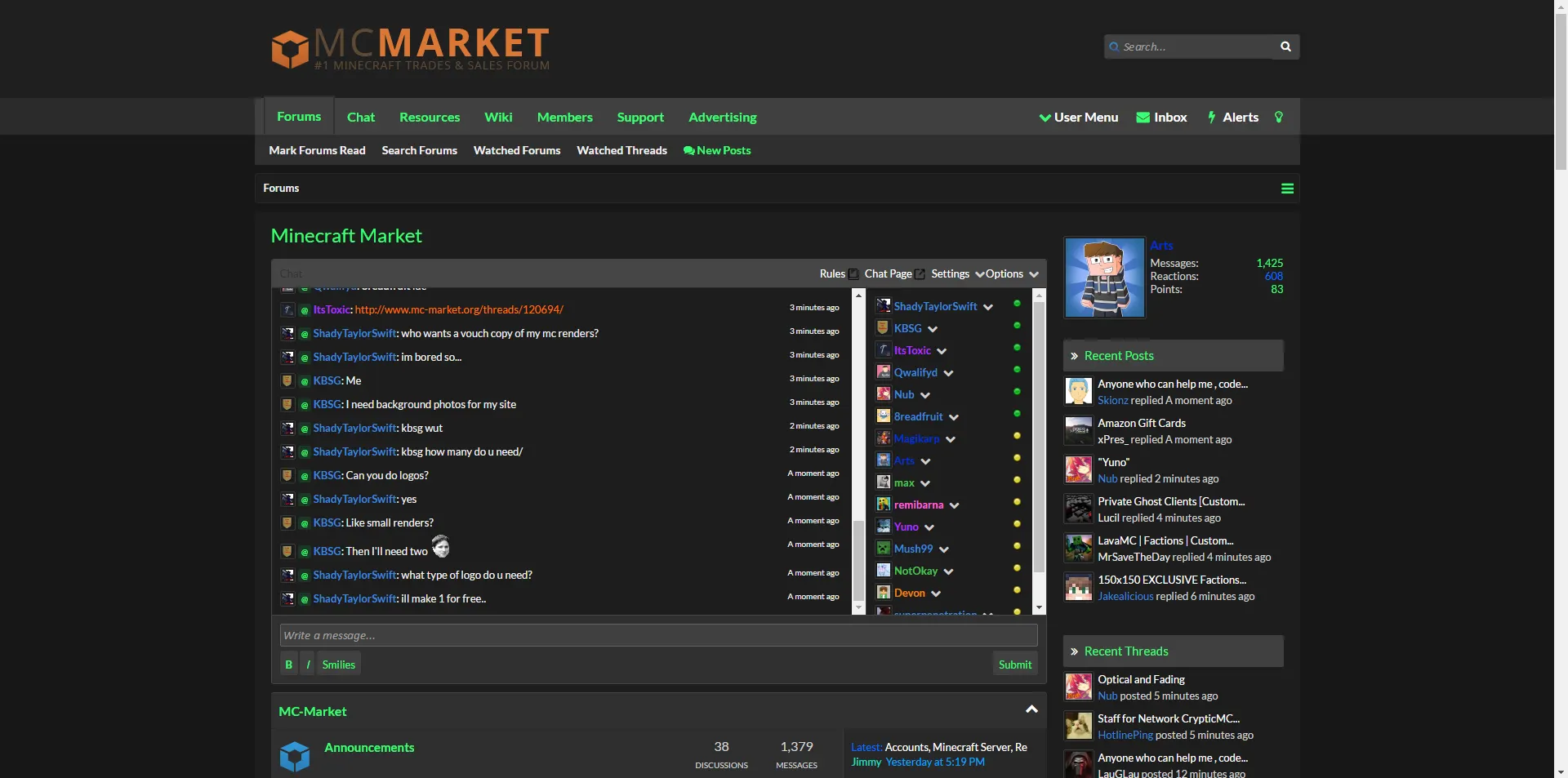
MC-Market Hacker Theme Update - Version 1.1 (With light theme):
---------------------------------------------------------------------
##MCM Hacker Theme 1.1##
Code (Compatible with dark themes only):
Screenshot (Halloween theme base):
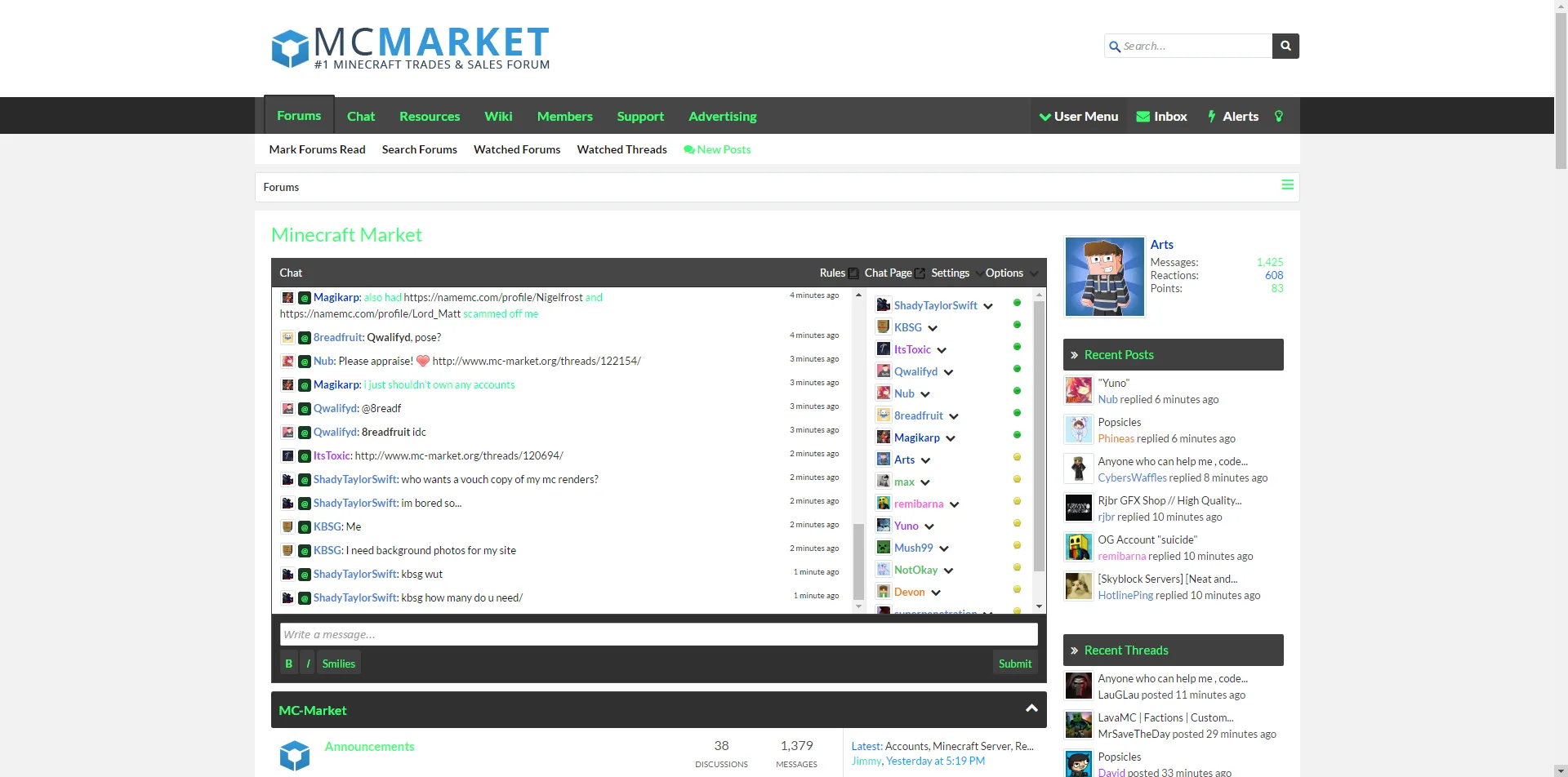
 ##MCM Hacker Theme (Light Version) 1.1##
Code (Compatible with light themes only):
Screenshot:
Change-log:
---------------------------------------------------------------------
##MCM Hacker Theme 1.1##
Code (Compatible with dark themes only):
Screenshot (Halloween theme base):
Code (Compatible with light themes only):
Screenshot:
Change-log:
- General fixes with colors
- Added light version
Banned forever. Reason: Scamming (https://gyazo.com/577c603840a941c1db4da669f30deb92)
- Status
- This thread has been locked.
