

What is this SurvivalGames plugin about?
This plugin is a MySQL/SQLite based project wich is highly configurable and with a lot more features. The plugin is made for Minecraft version 1.8+, not tested with 1.7 or below.Price: 20€
If you need help ask me on skype: Chemmic, not in the commands below.

- API for Developers
- Add Unlimited Maps
- Chest refill
- Premium kick (with permissions)
- Server restart when the game ends
- Top Player stats wall
- Titles, actionbar, Tab list etc. coded with Reflections!
- Build command
- Instand TnT
- Hologram on player death
- Rarity, min and max amount for items
- Able to place cobwebs, cake, fire
- Scoreboard
- /start command
- View online/offline stats
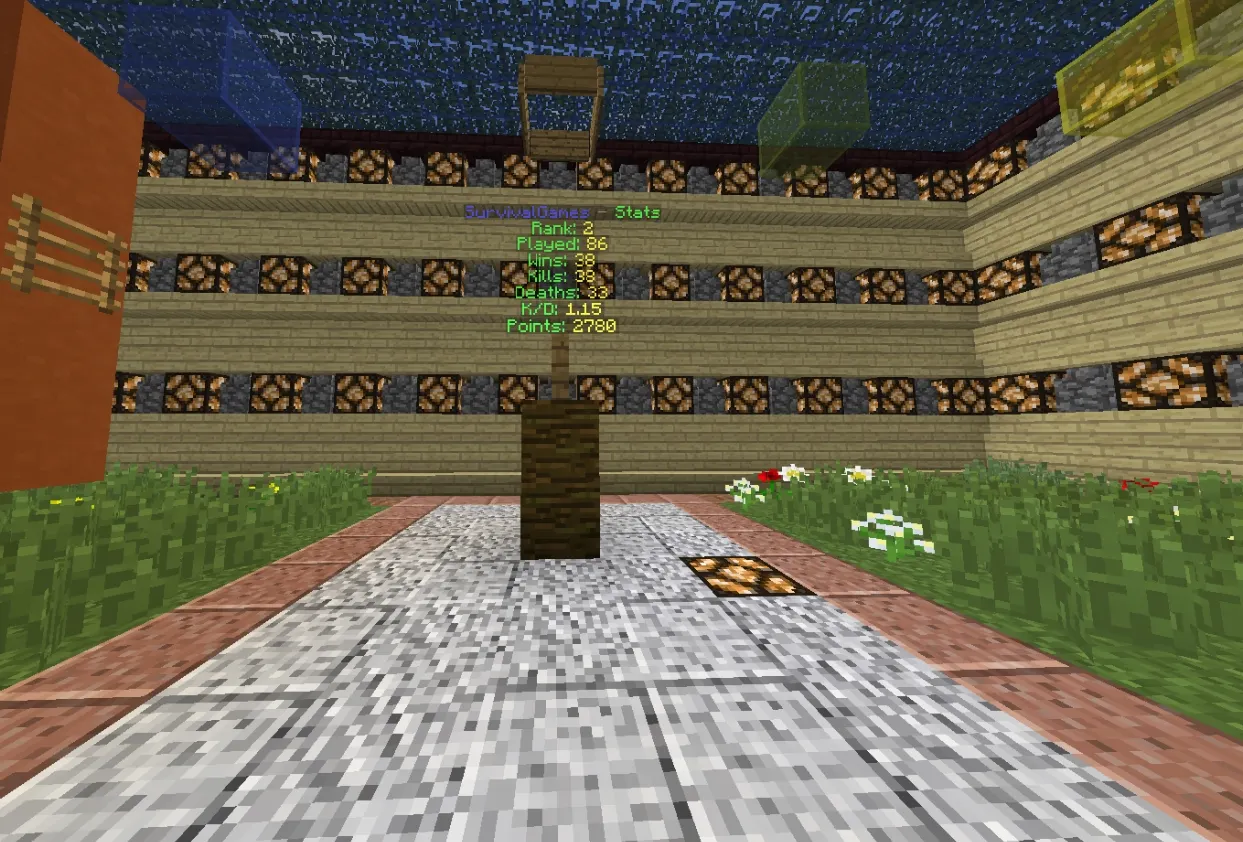
- Lobby stats hologram
- Works with MySQL or SQLite
- Compass player tracking
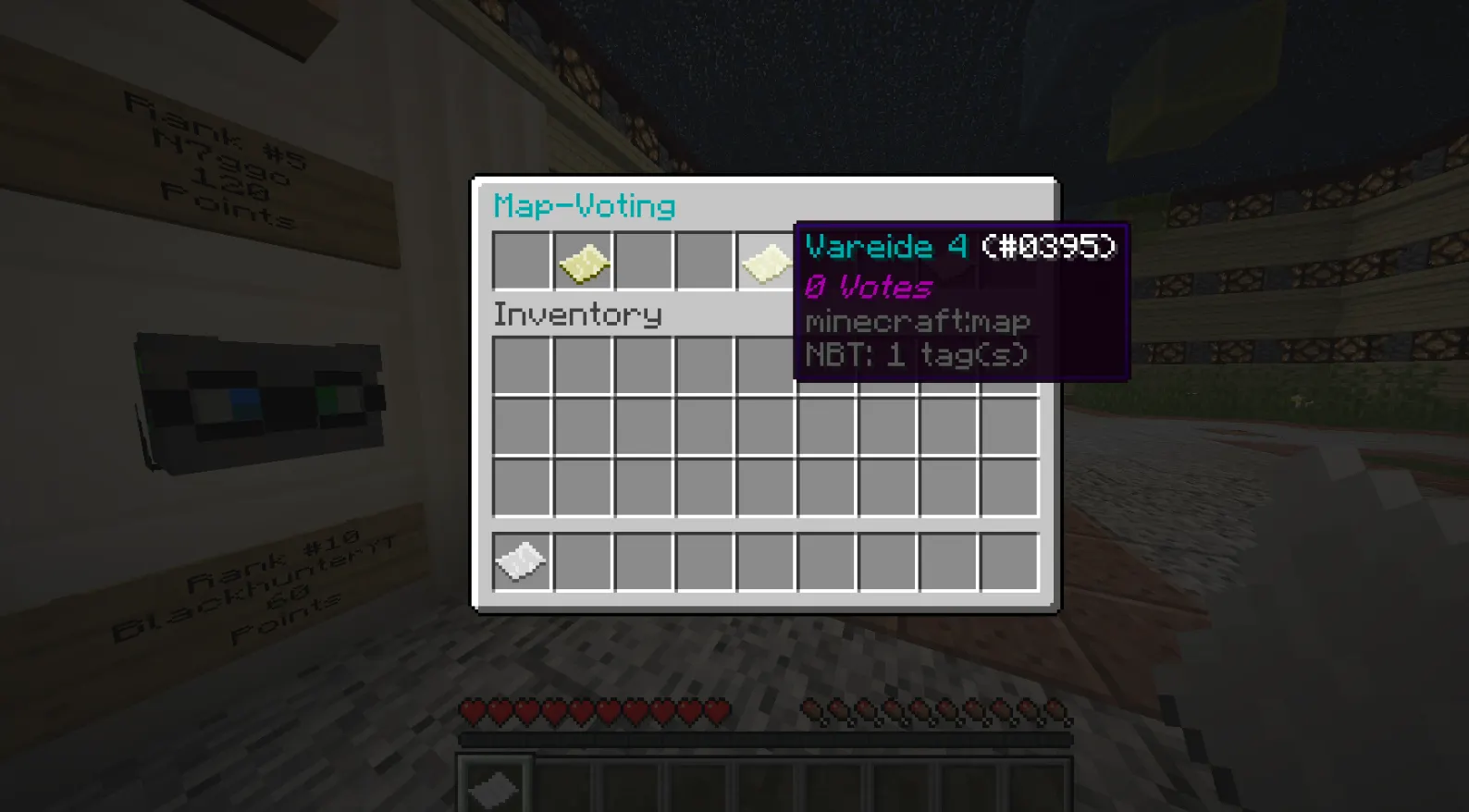
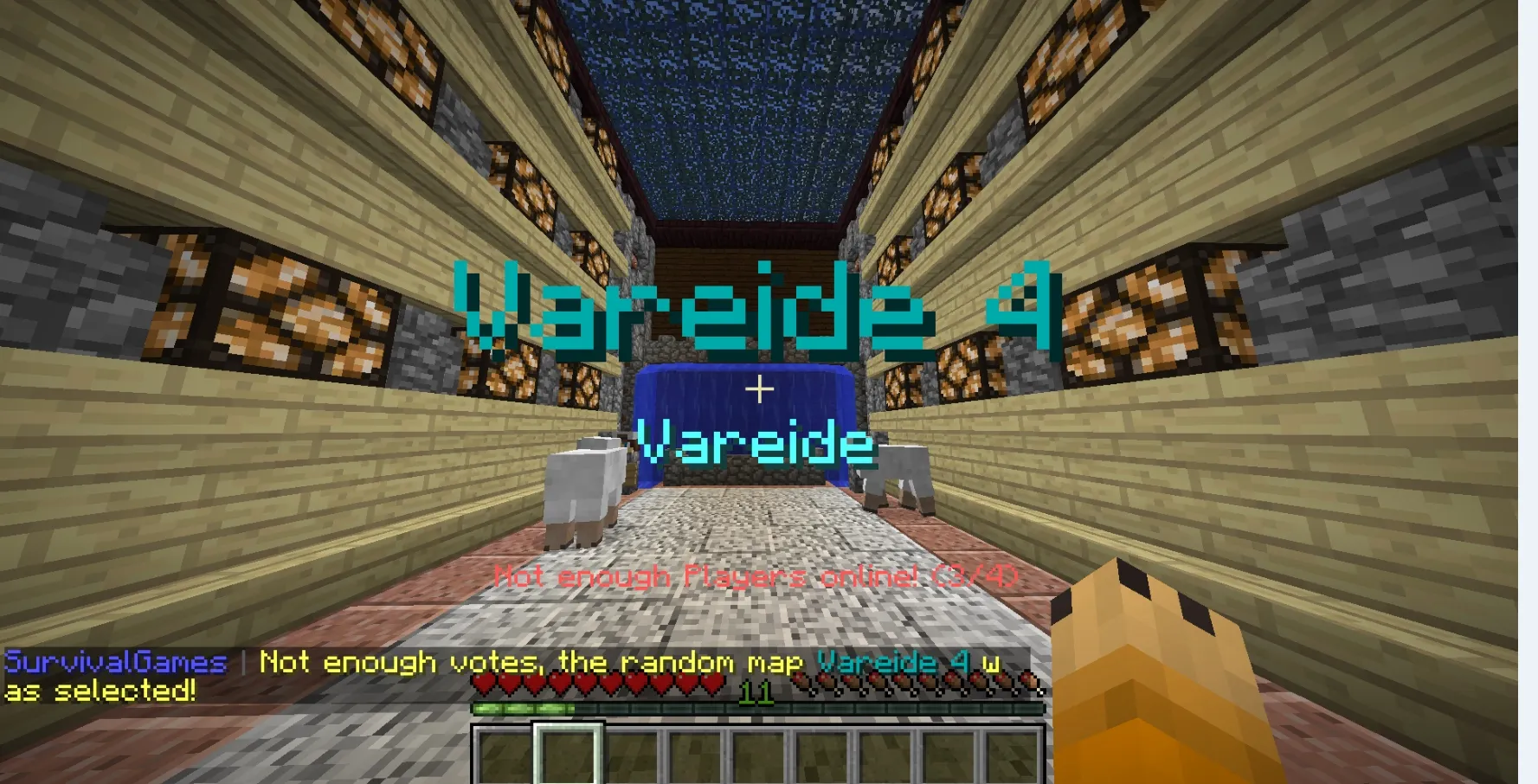
- Map voting
- Deathmatch
- Spectator system
- Pushing spectators away when an entity is nearby.
- Spectator spawn for normal/deathmatch maps
- Spectator teleporter
- Full Customization
- Edit the Loot like you want with no config and a Ingame Inventory!
- exp bar countdown
- Create and add custom potions
- Server status Motd
- Current time when you join
- Points system
- Titles & Actionbar
- Map reset
- Lobby system + grace periode
- Permission support
- No other plugin needed!
- Test Server
- Epic Change Loot command, saving enchantments, poison effects, lore, name etc.
- Allowed to break leaves, grass etc.
- Placeholders for the Language.yml
- Money system
- Firework on kill / for the winner

- /build - enable/disable block placing/breaking when placing/breaking blocks while the build mode is enabled won't reset after a server restart so don't play while in /build
- /changeloot - You can edit, remove or add items, more infos how this command is working below.
- /CreateArena [Arenaname] [worldname] - Just put the Deathmatch world file into your server like a normal world. Then use this command and put for worldname the name of the file so the Deathmatch map will be registered.
- /CreateArena [Mapname] [Author] [worldname] - Just put the Map world file into your server like a normal world. Then use this command and put for worldname the name of the file so the map will be registered. The author will be send as a title if the map wins the voting.
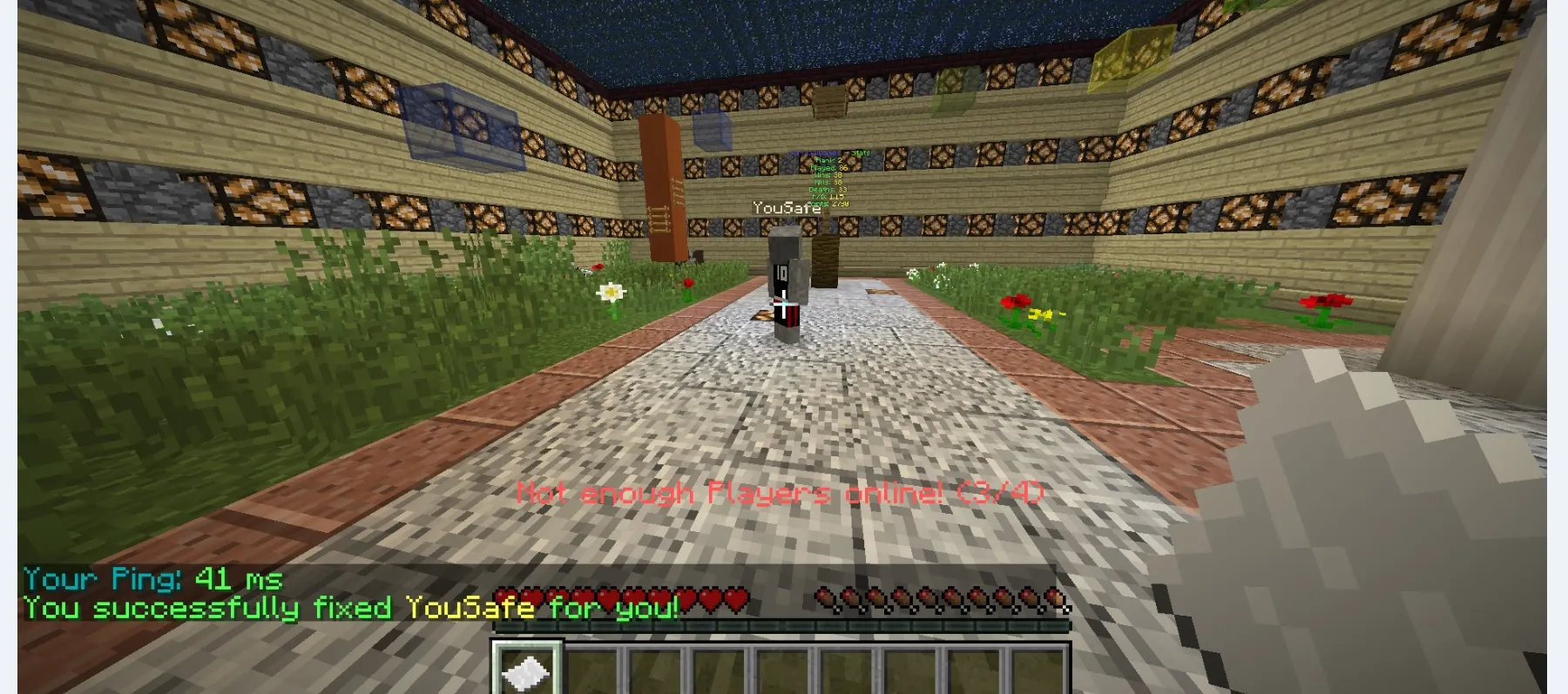
- /fix [player] - Command for users if a player is in the ground or something.
- /ping - Command for users to check their ms.
- /SetArenaSpawn [Arenaname] [SpawnPoint (1,2,3 etc.)] - Set ArenaSpawns for the DeathMatch arena.
- /SetSpawn [MapName] [SpawnID (1,2,3 etc.)] - Set the ArenaSpawns for the Maps.
- /SetHologram - Set the Hologram Location for the Lobby-stats hologram.
- /SetLobbySpawn - Set the Spawn Location for the Lobby
- /SetSpectatorSpawn [MapName] [Arena/Map] - Arena is for the Deathmatch arena and Map for the normal map. You have to set a spectator spawn on every map.
- /start - Force start the game, for youtubers / premiums / Staff members
- /stats [Player] - Showing, kills, deaths, K/D, wins, played games, Points, Rank.
- /statsedit [Player] add/set [StatsType] [Amount] - Set/add money, points, kills, wins, playedgames, deaths for a player

- survivalgames.build - You need this permission to use the /Build command
- survivalgames.start - You need this permission to use the /start command
- survivalgames.createmap - You need this permission to use the /createmap command
- survivalgames.createarena - You need this permission to use the /createarena command
- survivalgames.setspawn - You need this permission to use the /setspawn command
- survivalgames.setarenaspawn - You need this permission to use the /setarenaspawn command
- survivalgames.setlobbyspawn - You need this permission to use the /setlobbyspawn command
- survivalgames.setspectatorspawn - You need this permission to use the /setspectatorspawn command
- survivalgames.sethologram - You need this permission to use the /sethologramcommand
- survivalgames.changeloot - You need this permission to use the /changeloot command
- survivalgames.statsedit - You need this permission to use the /statsedit command

The ChangeLoot command will handle the SurvivalGames Chest loot if you have connected more servers to the same MySQL database and change the loot on one server it will change on every server in the MySQL database.

When you type /changeloot a Inventory like this with some standart loot will open:

You can add unlimited items because there are unlimited pages.
If you Left click on a item that has been added it will show some informations about it(rarity, min and max amount).
You can remove a item with Shift-Right click and you can edit it (the rarity, min or max amount) with Shift-Left click.

Click on the Book with the name "Add Items" to, as the name says, add a new item. You can change the rarity by Right/Left clicking on the Diamond, the name of the iron ingot is the current rarity (6 = very rare, 1 = very common) and you can also choose a min/max amount.
Example:
Rarity : 2, Min amount: 1, Max amount: 5
The Example means the item is common and you can find between 1 and 5 stacked items in one chest.
Let's get to another big feature. The add custom potions feature.
You can create custom potions, splash or not, unlimited different effect, different time for each effect, different potion level.
First the Main Effect/color this will be the color of the pot for example if you choose heal it will be red:

Now you can add unlimited potion effects by selecting a effect via the water bucket, the time can be changed with the watch and the potion level with the glowstone. Now click on the "apply changes" barrier to add the effect and you can select a new one:

If your done click on the potion and you can set a rarity etc. for it.

How to set up the Top 10 Player stats wall. It will be sorted by Points.
You can get points by winning or killing players or use the API to add more stuff you can earn points with. The amount of points per winning game or per kill can be changed in the config.
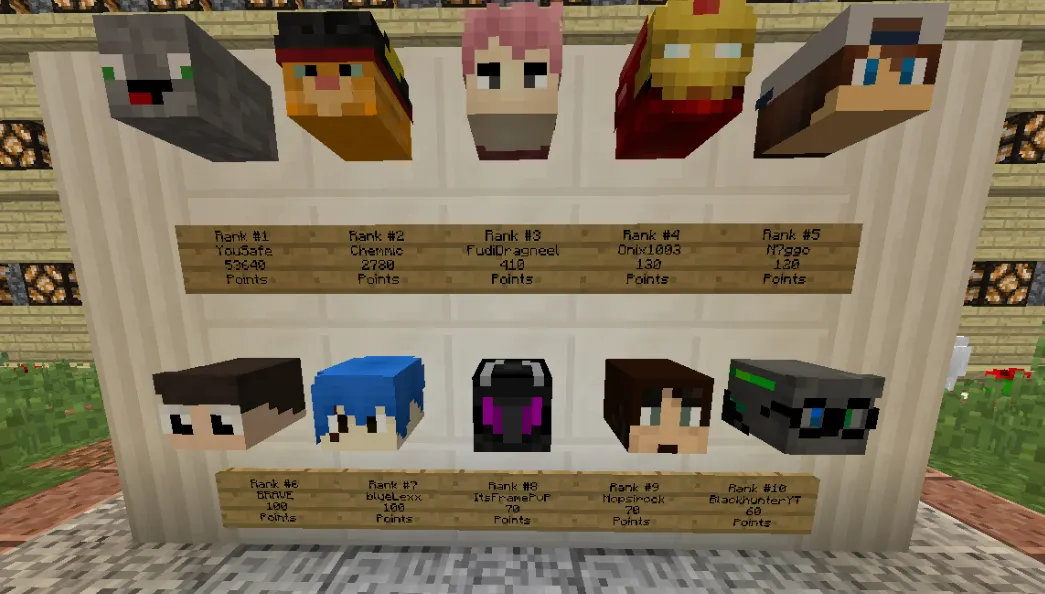
How to set up the stats wall in the lobby:
Just put in the name of the lobby, and the coordinats behind (Example below)
Note: You need a player head at those coordinates and a sign under the head like on the picture. It will update on every server restart so every round.
Code:
EXAMPLE: WORLD,X,Y,Z
Locations:
- world, -245, 67, 400
- world, -246, 67, 400
- world, -247, 67, 400
- world, -248, 67, 400
- world, -249, 67, 400
- world, -245, 65, 400
- world, -246, 65, 400
- world, -247, 65, 400
- world, -248, 65, 400
- world, -249, 65, 400
Just put the SurvivalGames.jar into your plugins folder.
Then restart the server and go into the SurvivalGames folder.
You will find a MySQL.yml file looking like this:
Code:
enabled: true
host: 'Your host'
port: 'Your port'
database: 'Your database'
password: 'Your password'
user: 'the user'
If you use MySQL (recommented) fill in your data. If you want to use SQLite (not recommented) just put for enabled false.
Now you can open the Language.yml, you can change every title, actionbar or message here. The Config.yml will save stuff like coins per kill etc. you can can change it like you want .
You can add unlimited maps by putting the world folder with the Map into your Server. And add / configure the Map ingame with the /createmap command or if it is a deathmatch arena with /createarena you can set the spawnpoints with /setarenaspawn for Deathmatch arenas or /setspawn for normal maps.
Use /setspectatorspawn to set a spawn location for the spectators and /setlobbyspawn for the lobby. You can also choose were the stats hologram will be with the /sethologram command.

We have an API for Developers, just add the SurvivalGames.jar into your project --> properties --> Java Build Path like your doing it with your spigot.jar. Some coding examples below:
Code:
//we have an API for actionbar, titles etc. just use:

Tablist.setTab(player, header, footer);
Title.sendTitle(player, "Title", "sub title");
ActionBar.sendActionBar(player, "message");

//Also there's a method to create an item stack:

BuildItem.createItem(ItemStack, displayname, lore);

//send a player to a server:

sendToServer.connect(Player, servername);

//Add an item via code into the changeloot system

ChestManager.additem(itemstack, rarity(integer), min amount(integer), max amount(integer));

//Check what game state is right now example for Warmup:

if(SurvivalGames.status == GameState.WARMUP) {

}

//Add for example points for a Player:
StatsManager.addPoints(UUIDManager.getUUIDfromPlayer(player), amount of points);

// reset everything for a player:

ResetToken.reset(player);

// Load the player stats wall (automaticly when the server restarts)

TopPlayerWall.loadWall();

//start the deathmatch etc:
StartDeathMatch.teleportToArena();

Please note that by buying this plugin you agree to the following!
You are not allowed to redistribute this plugin
You may modify the code, but not crediting your self
Only use it for your server/network!
No refunds!



