Swift obby system
A complete framework for Roblox obby games with built-in shop and troll tools
WITH 150 STAGES!!!

Demo game link:
https://www.roblox.com/games/96774662764710/DCO
This system gives you a fully functional obby game foundation. It includes player saving, basic settings, gamepasses, developer products, and a daily spin reward system. You can drop in your own stages and start selling passes right away without writing server scripts.
Why Swift Obby
- Save player progress and copy UI settings automatically without database setup.
- Monetize with six custom coils and tools, push prompts, or server-wide trolls like nuclear strikes.
- Keep players in the game with free wheel spins every five minutes and soft shutdown scripts that prevent disconnects during updates.
Features
Obby mechanics and gameplay
Here is a look at the system's in-game rendering and checkpoint visuals:
- Saves stage numbers and checkpoints using ProfileStore to prevent lost data.
- Includes ready-made conveyor belts, slippery ground, damage bricks, instakill obstacles, disappearing blocks, and moving platforms.
- Teleports falling players to their active checkpoint instantly instead of waiting for them to hit the void.
- Disables player collision automatically to stop body blocking, with settings to turn it back on.
- Regulates health regeneration in a lightweight loop that integrates with healing gamepasses.
Gamepasses and shop items
The pre-configured developer shop prompt layout:
- Includes functional Speed, Gravity, and Fusion coils.
- Comes with a particle-trail flying carpet and a flying cloud tool that tilts when characters turn left or right.
- Includes a throwable banana peel that makes other players slip and ragdoll.
- Integrates an easy mode gamepass that gives players god mode and bypasses barriers.
- Offers a starter pack bundle that gives players the speed coil, banana peel, and five stage skips.
- Prompts players to purchase a developer product when they interact with a proximity prompt to push another user.
Developer products and server trolls
A visual example of a server-wide explosion in action:
- Link your developer products to server-wide and target-specific actions:
- Exploding a single player or the entire server with screen flashes and sirens.
- Flinging players into the sky.
- Turning players invisible for fifteen seconds.
- Kicking a player with a custom developer message.
- Setting a player back by one stage.
- Freezing a player inside an ice block.
- Blinding screens with a flashbang effect, or inverting camera controls.
- Jumpscaring or killing target players instantly.
Player retention and settings
The daily spin wheel reward UI and settings screen layout: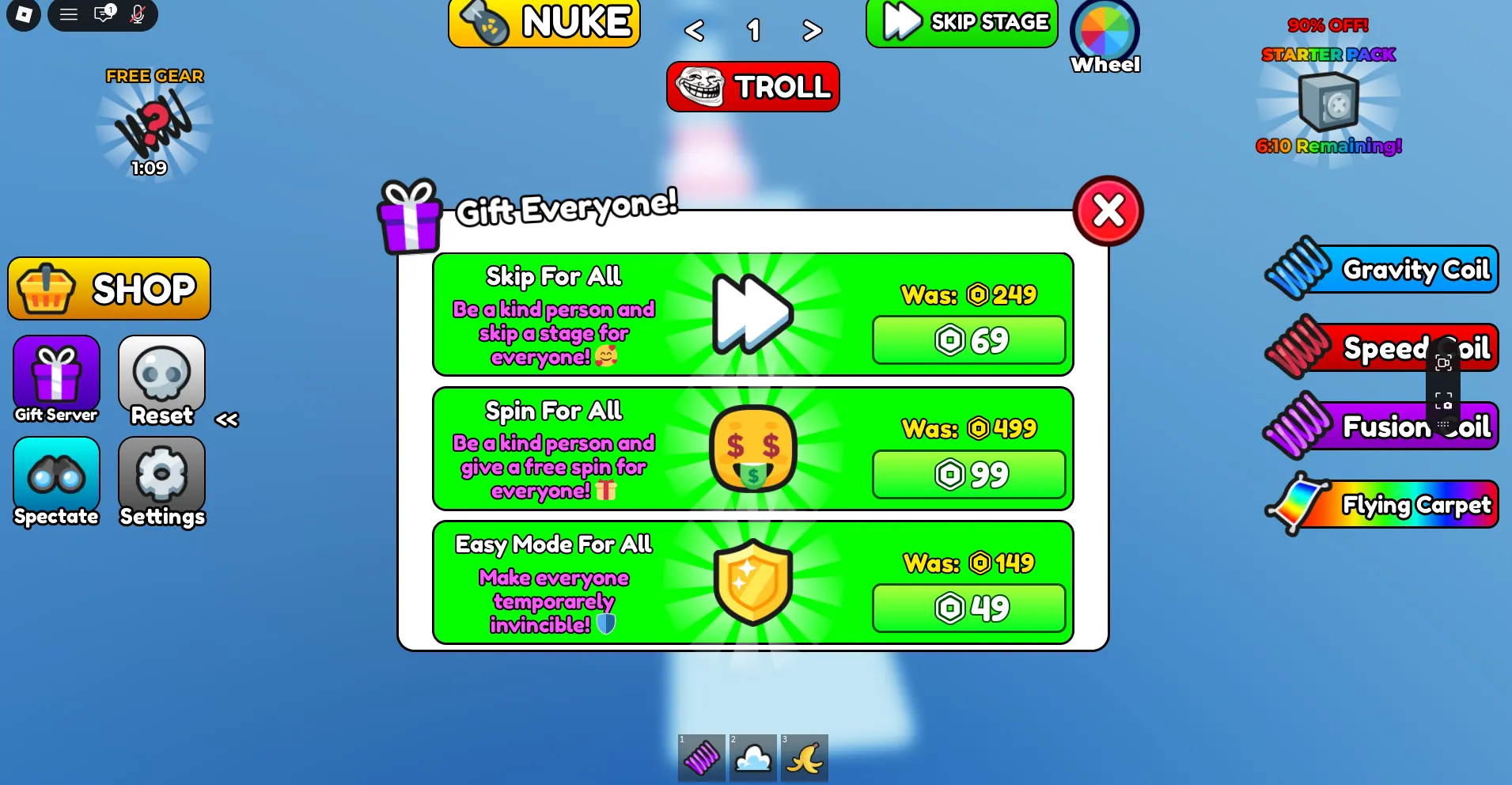
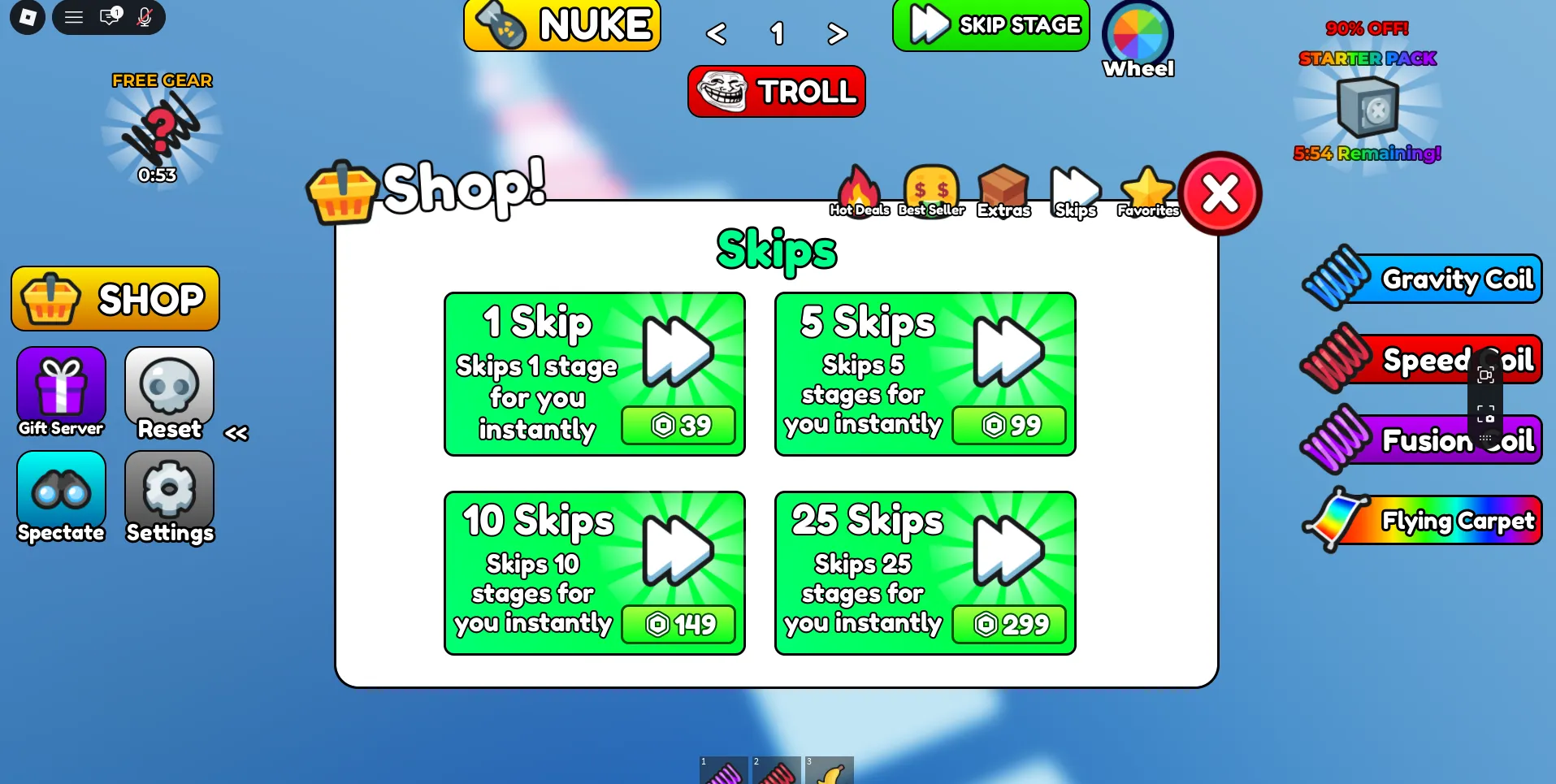
- Gives players a free spin every five minutes to win skips or gear, using a secure server queue.
- Includes a settings menu for players to toggle music, sound effects, easy mode, and player visibility.
- Uses Soft Shutdown 2 to move players to temporary servers during updates instead of kicking them.
Setup and installation
The folder structure inside your Roblox Studio Explorer: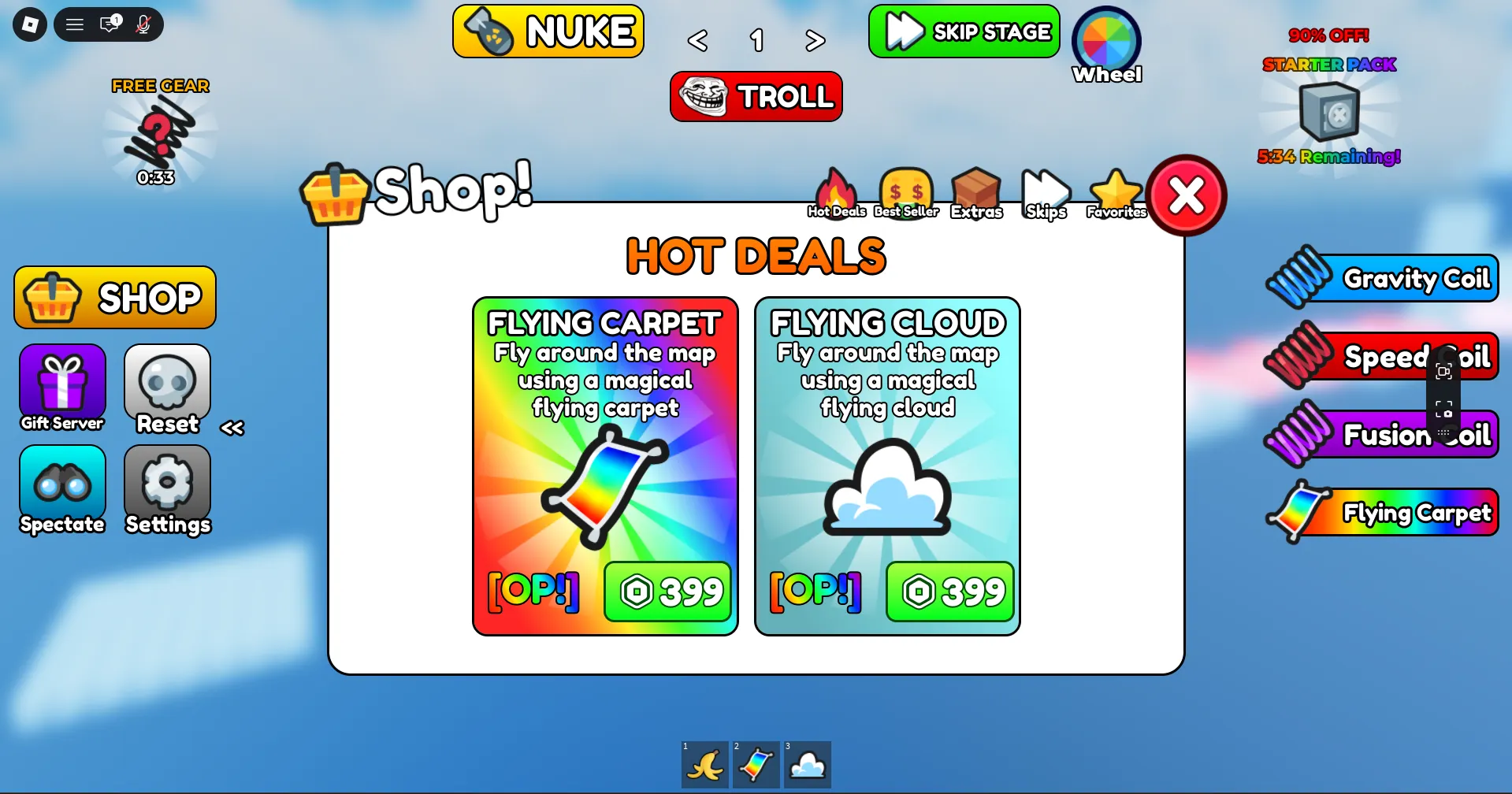
- Drag the workspace folders into Workspace, replicated assets into ReplicatedStorage, and server scripts into ServerStorage.
- Replace the placeholder gamepass and developer product IDs in the main script with your own Roblox asset IDs.
- Turn on Studio API Access in your game settings so player data can save.
Requirements
- Roblox Studio
- Your own gamepass and developer product IDs

