
Make your server unforgettable.

Why Your Server Needs Tutorials
Without guidance, most new players leave within minutes. Common problems are:
- New players leave because they are lost
- Staff waste time explaining basics
- Players miss key features of your server

Edit tutorials from within the game
- In-Game Editor – Create tutorials directly in Minecraft, no file editing needed
- Infinite Actions – Show messages and titles, teleport, run commands, and more
- Quick Setup – Build your first tutorial in under 5 minutes
- Permission Control – Reward players when they finish tutorials
- Lightweight – Optimized for minimal performance impact
- Continuous Support – Continuous updates, active development
Video Showcases
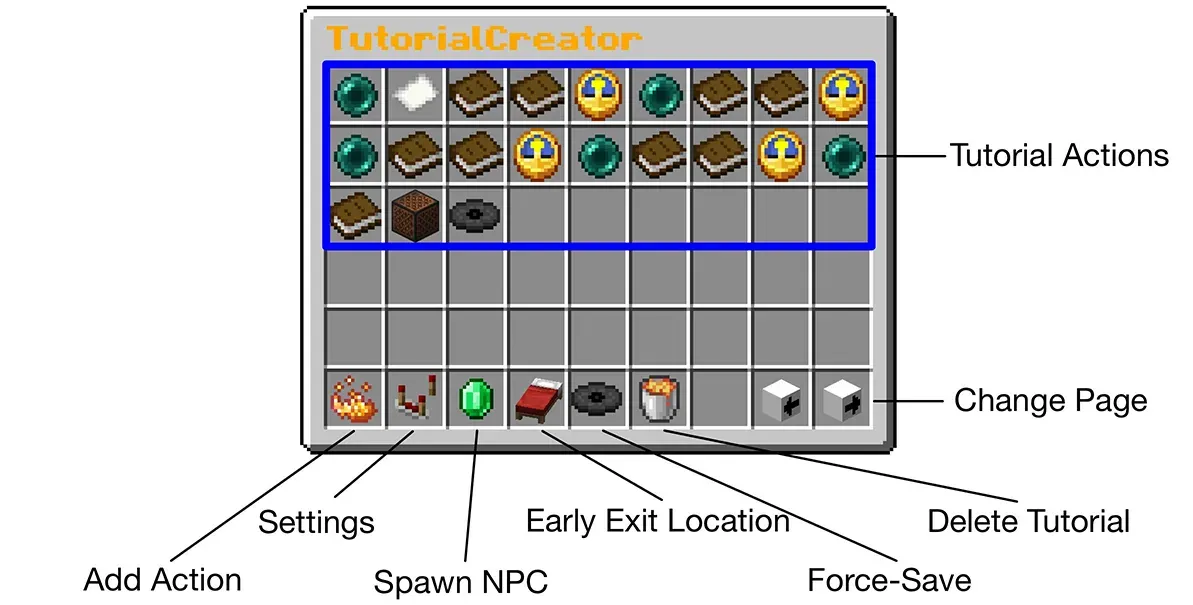
Main Tutorial GUI
At the core is the main GUI, which displays all the actions that the tutorial consists of, and lets you add new actions. It also provides the basis for all other functionality.
Add Action GUI
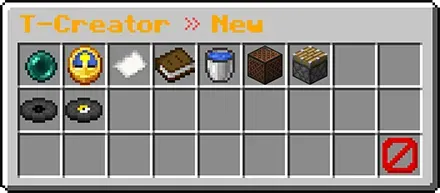
Choose from a variety of actions: Add teleportations, delays, display a title, send a chat message, clear the chat, play a sound, teleport relatively to the player's position, execute a console command or execute a command from the player's perspective.
Edit Action GUI
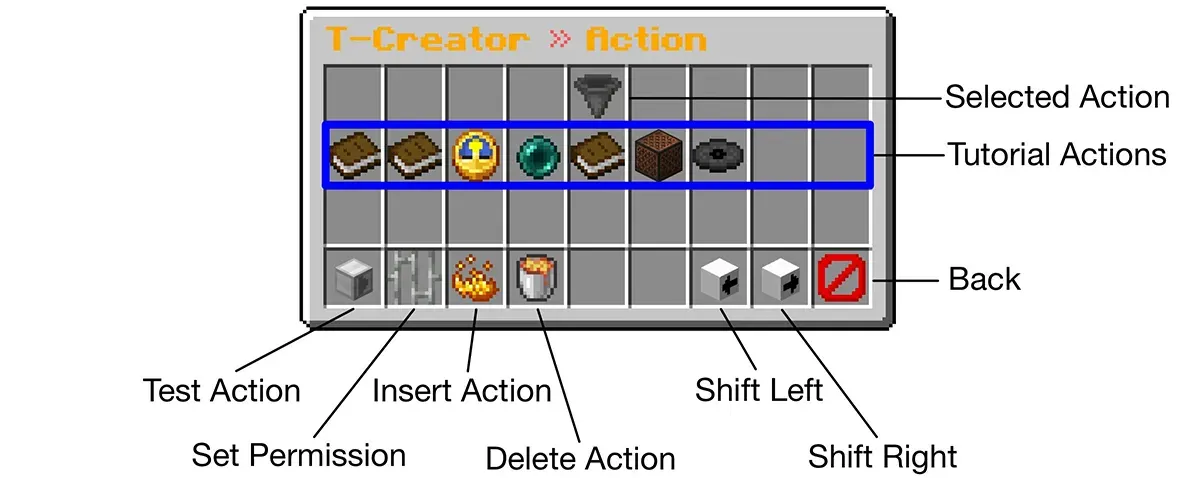
You can make adjustments to existing actions, such as moving an action to a different position, testing it, setting individual permissions or deleting it.
Tutorial Settings GUI
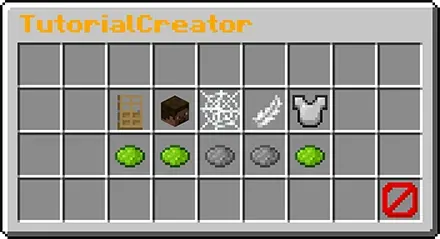
Configure the settings that will apply during the tutorial, such as player movement, the option to exit early, and damage protection.
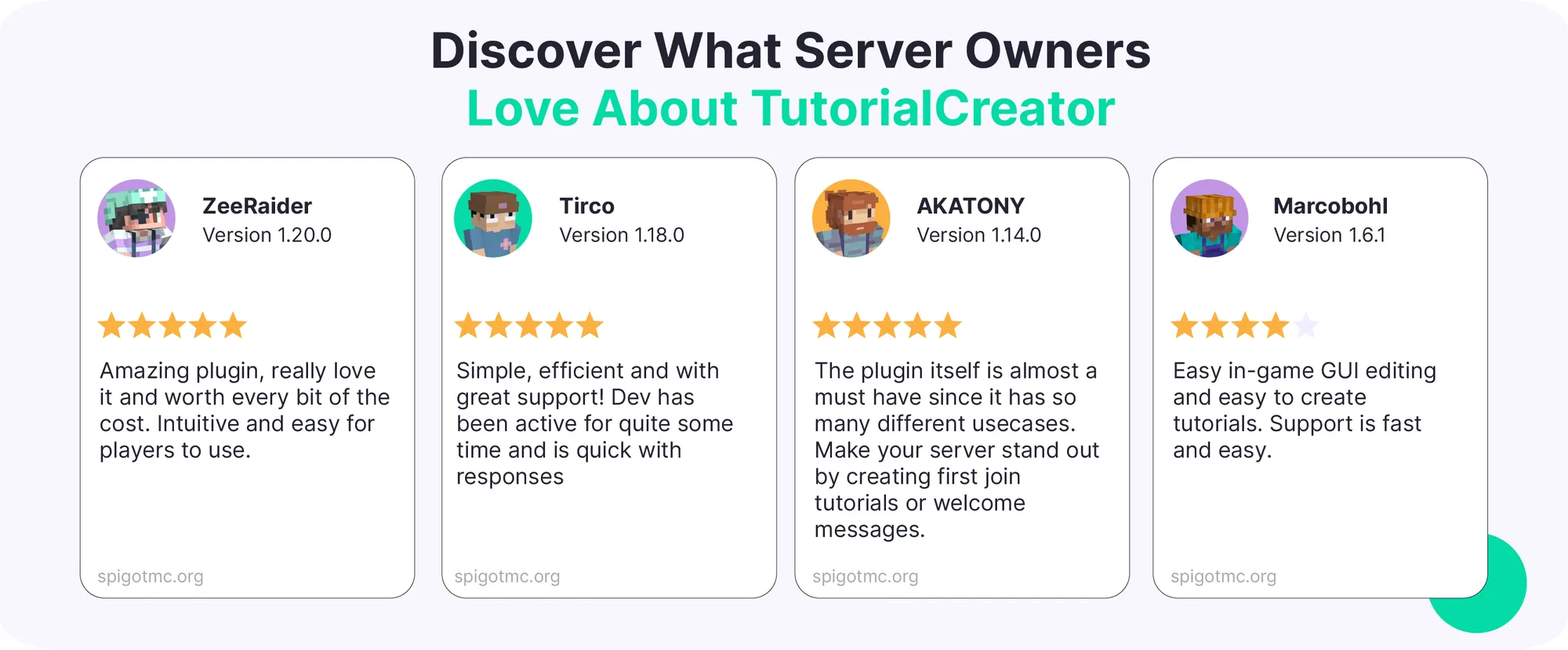
Join 500+ servers using TutorialCreator
Get Started Now!
Get Support Anytime
Get help anytime via our Wiki or Discord.
Wiki: Step-by-step guides, commands and permissions setup
Discord: Fast help from our community and developers
Tested on Minecraft server versions 1.8 – 26.X (Spigot and Paper).
Compatible with PlaceholderAPI.


