
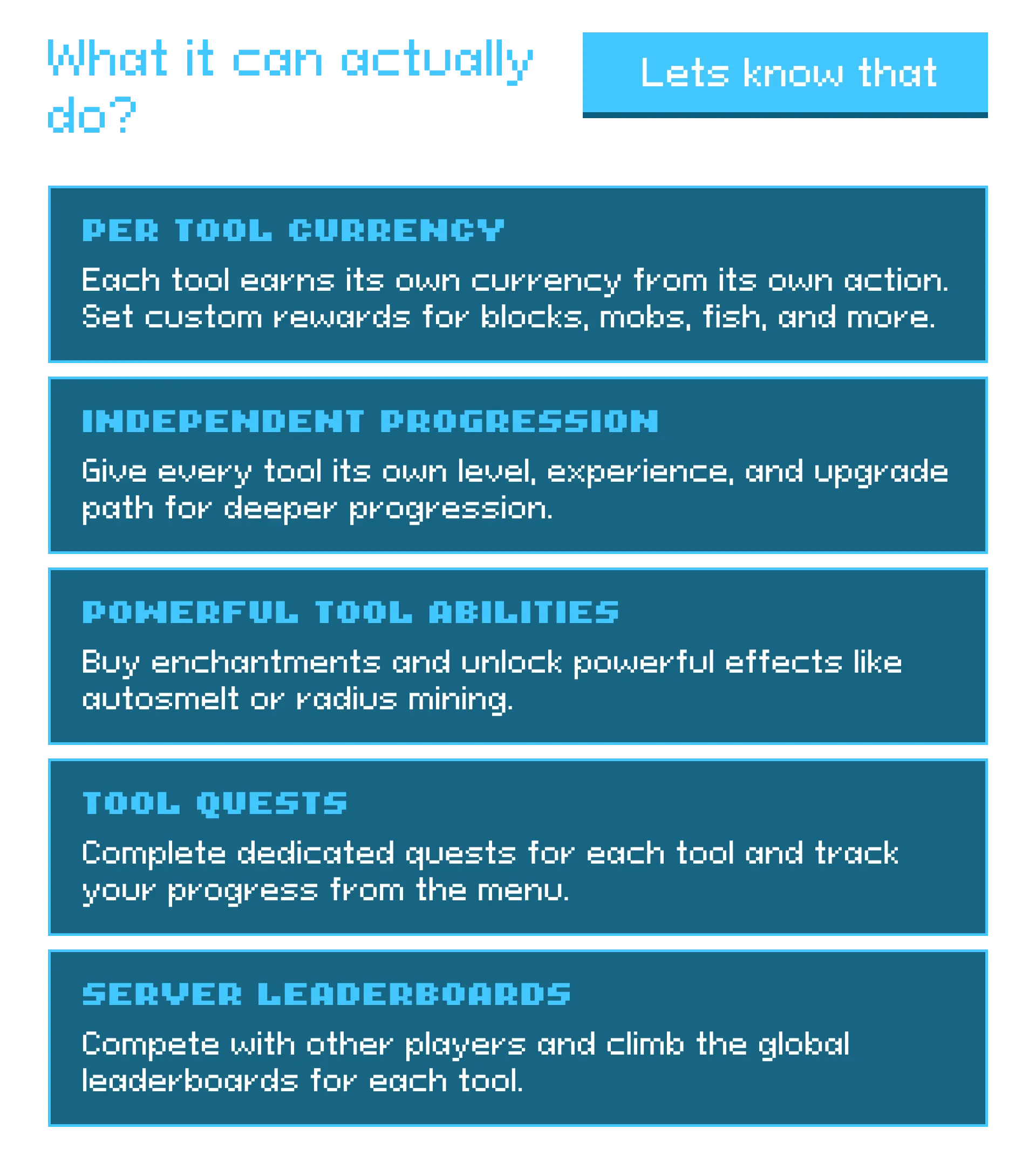
zEvolutiveTools is a powerful tool progression plugin that transforms ordinary tools into evolving companions.
Earn currency through use, unlock enchantments and effects, complete quests, and customize every aspect of a tool's growth. With all progress stored directly on the item, every tool becomes something worth keeping.
A plugin by zArrowTan.
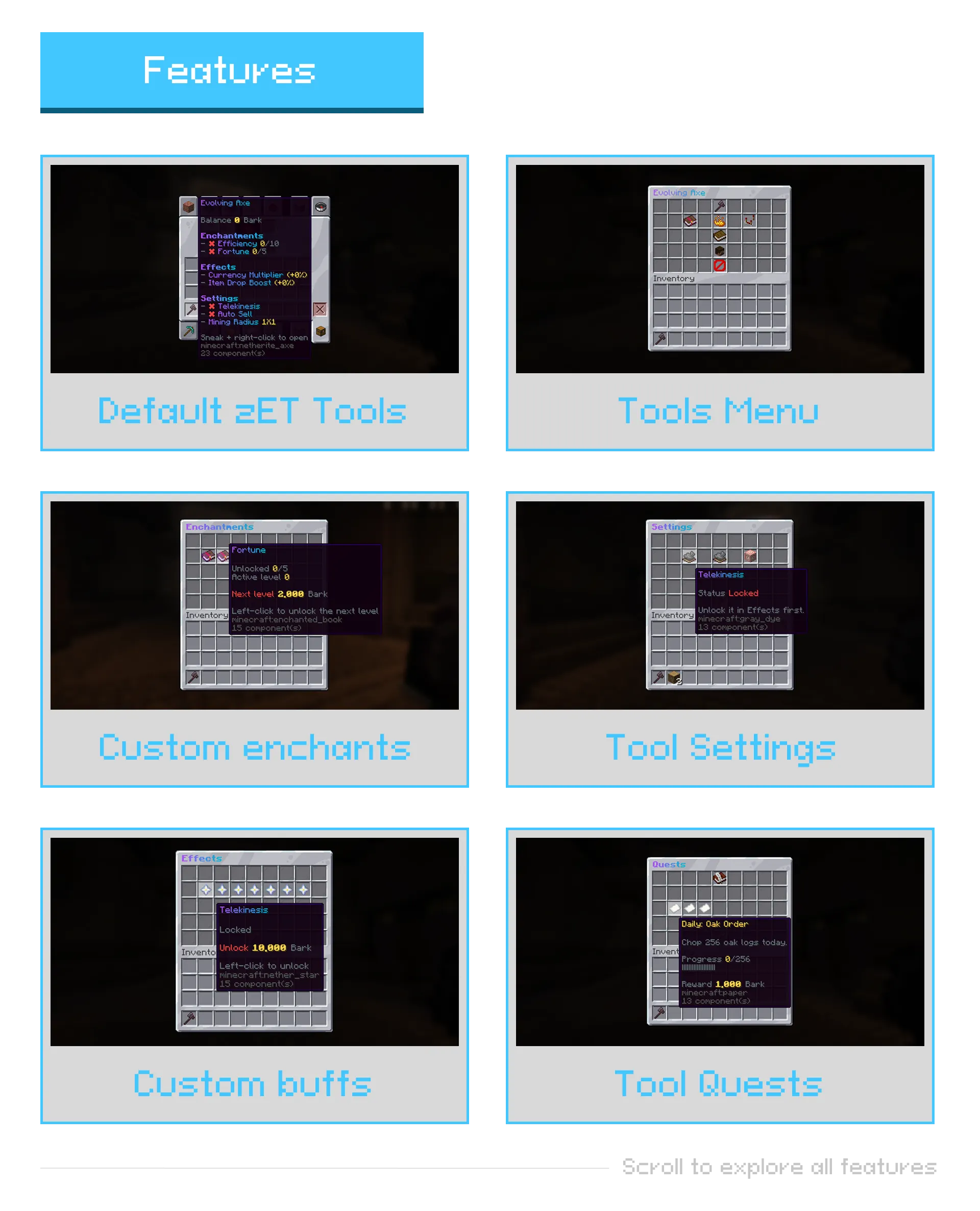

zEvolutiveTools
Tools that grow with the player, earning currency to unlock enchantments, effects, and quests
Idea by Luxioz, developed by zArrowTan. Part of Arrow Plugins.
Tools that grow with the player, earning currency to unlock enchantments, effects, and quests
Idea by Luxioz, developed by zArrowTan. Part of Arrow Plugins.
 Overview
zEvolutiveTools turns ordinary tools into evolving gear. Every tool earns its own currency as it's used, and that currency is spent inside an in-tool menu to buy enchantments, unlock effects, and complete quests. All progress is stored on the item itself, so a tool keeps its levels through death, drops, and trades. No central player data to wipe, the value lives in the gear.
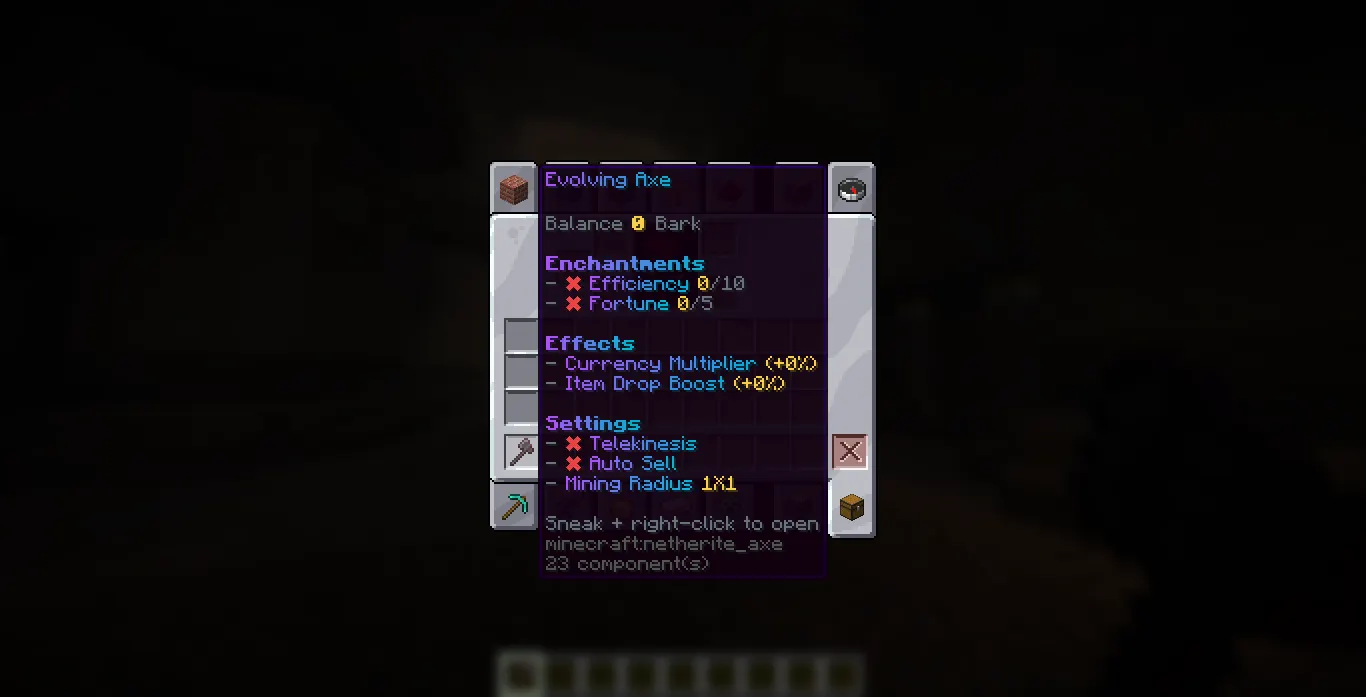
Each tool carries its own currency, levels, and progress right in its lore
 The Menu Hub
Sneak and right-click to open the tool's hub: Enchantments, Effects, Settings, Quests, and Leaderboards, all in one place. The balance updates live while the menu stays open.
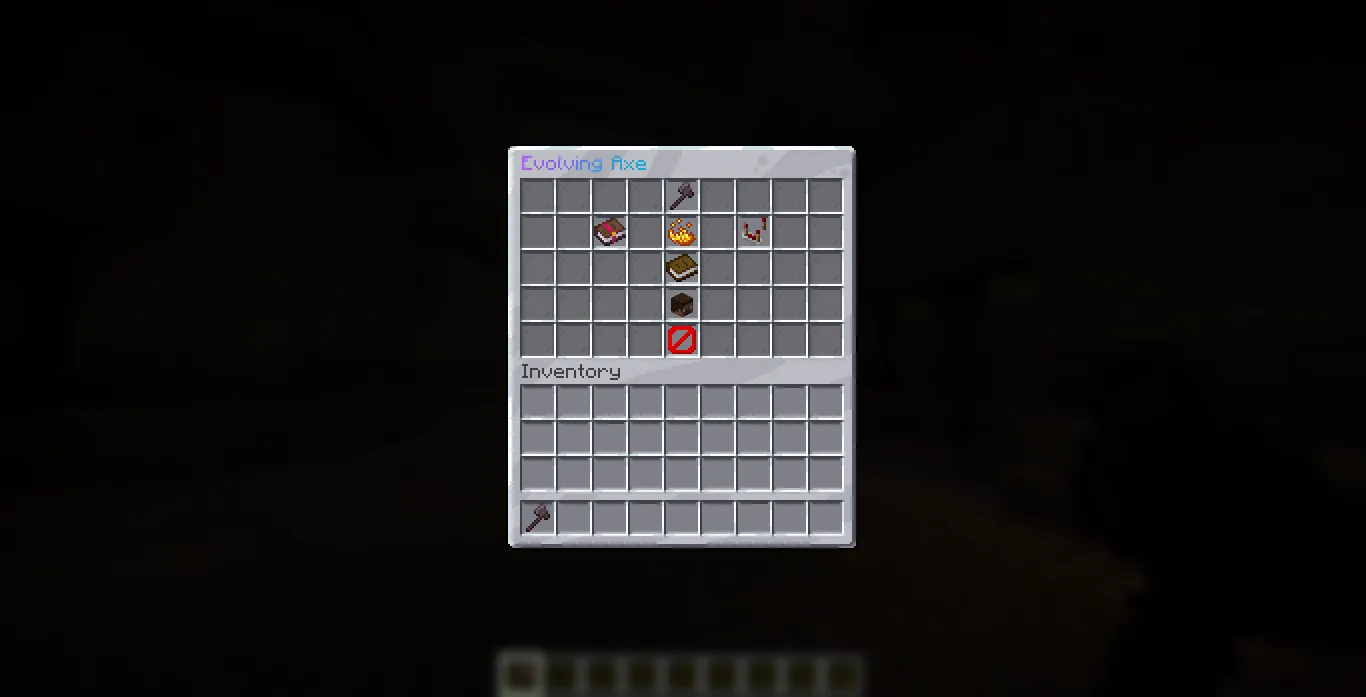
The menu hub, every page for the tool in your hand
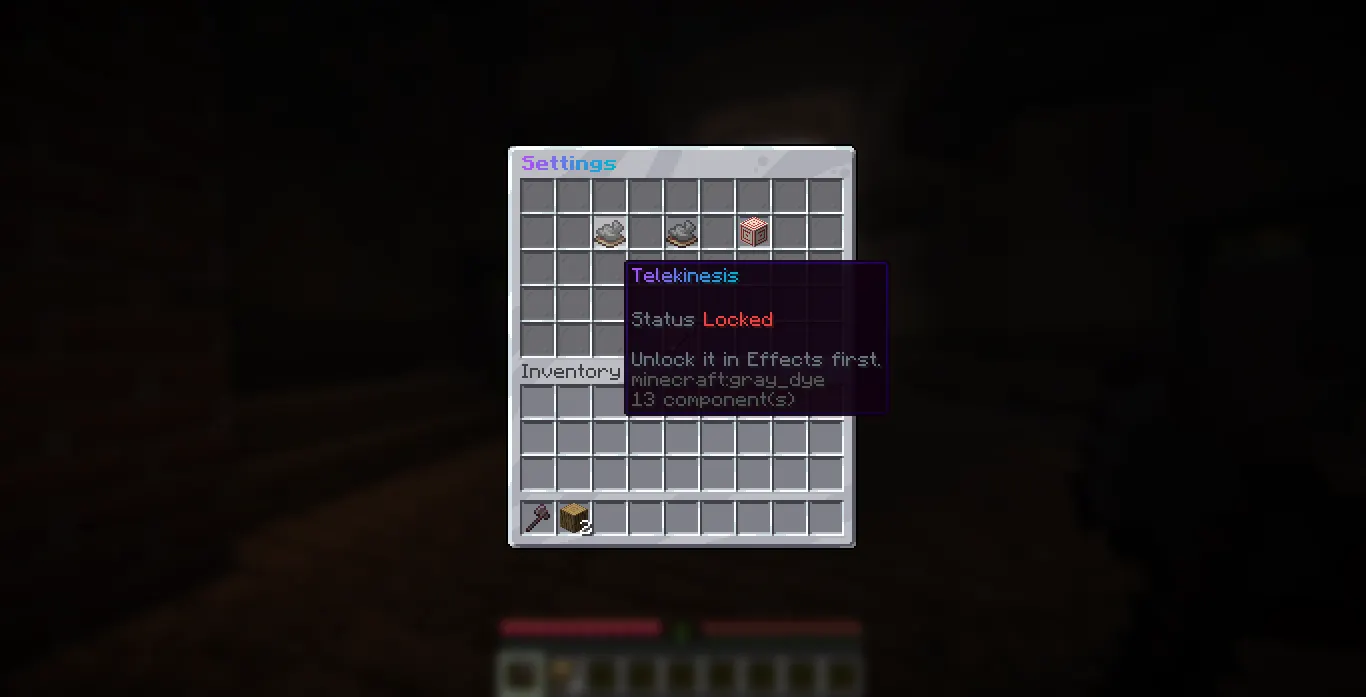
The Settings page, effects show as locked until you unlock them
 Per-Tool Currency
- Every tool type earns its own separate currency from its own action: mining, chopping, digging, harvesting, killing mobs, or catching fish
- Earn rates are set per block, mob, or caught item in each tool's config
- Currency-gain notices can route to the action bar or to chat
 Enchantments
Unlock enchant levels from the menu, each with its own max level and cost curve, then pick which unlocked level is active. Left-click buys the next level or raises the active level for free, right-click lowers it.
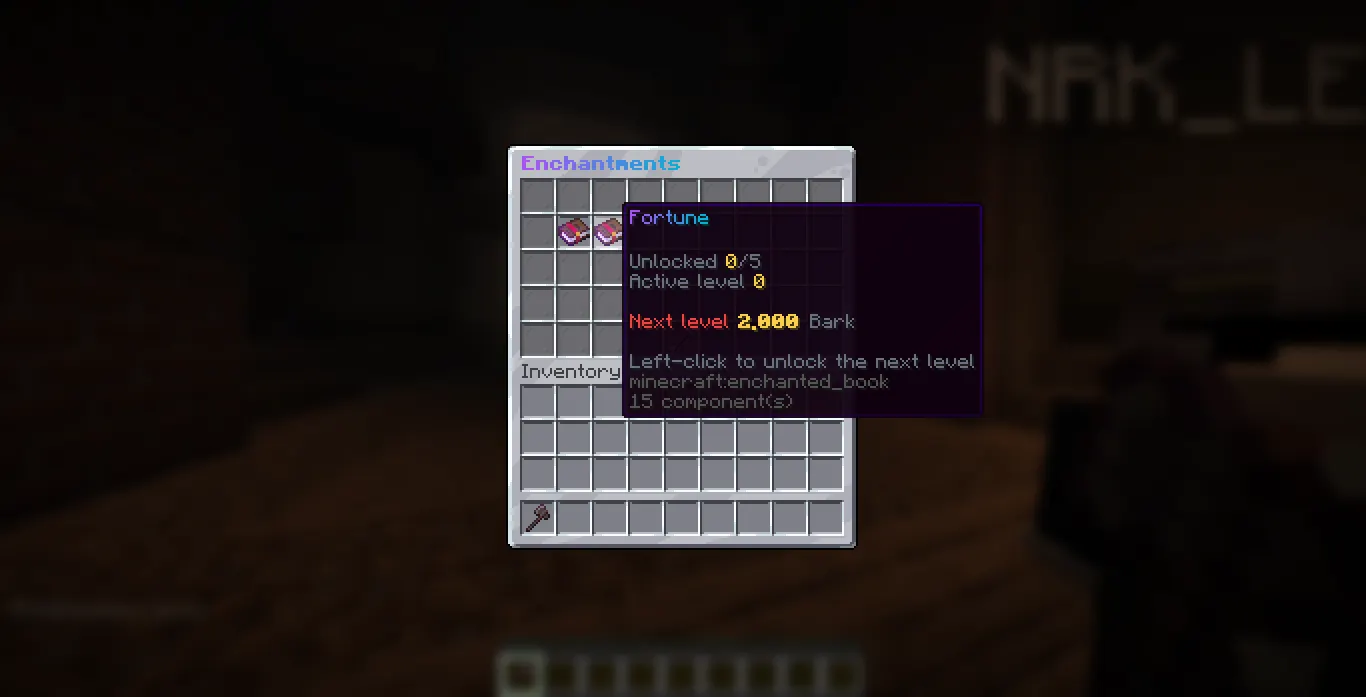
Buying Fortune in the Enchantments menu
 Effects
Unlock and upgrade abilities per tool. Radius mining is bought in order, 1x1, then 2x2, then 3x3.
- Autosmelt (pickaxe)
- Auto-replant (hoe)
- Radius Mining 1x1 / 2x2 / 3x3 (pickaxe, axe, shovel, hoe)
- Telekinesis drops go straight to the inventory (all tools)
- Currency Multiplier (all tools)
- Auto-Sell (all tools, uses Vault when present)
- Item Drop Boost (all tools)
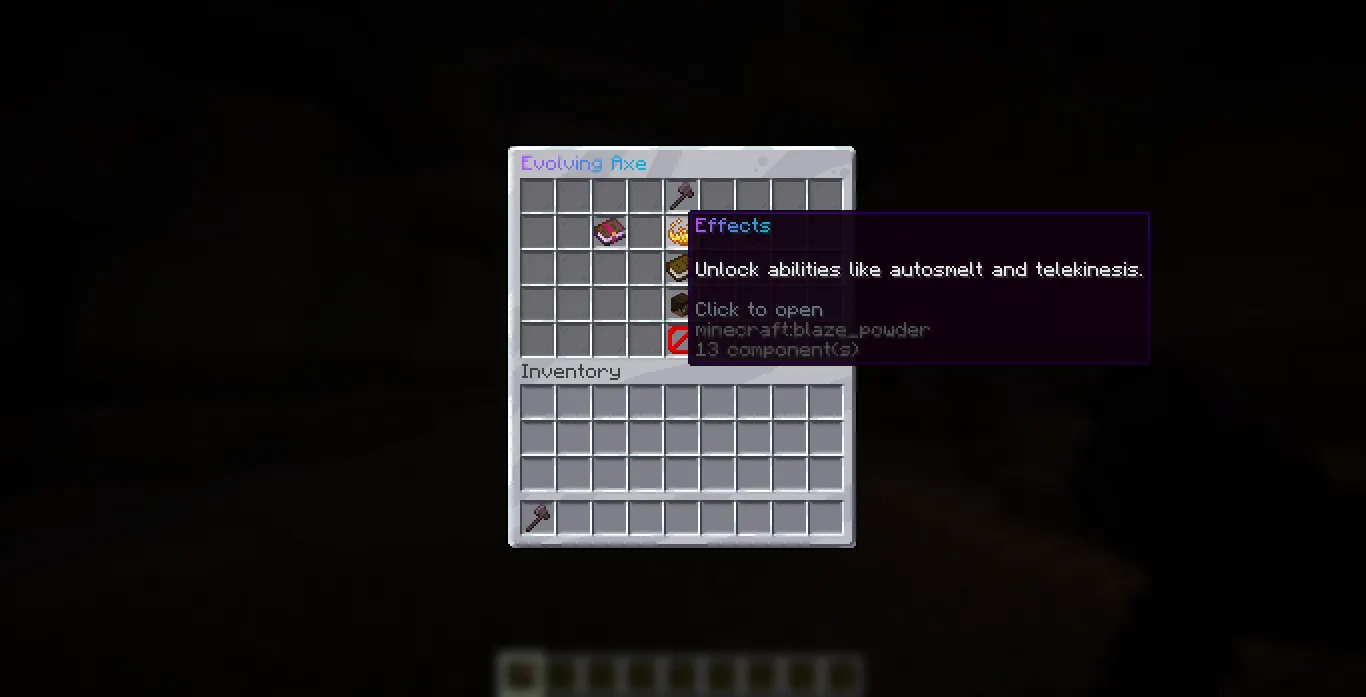
The Effects page
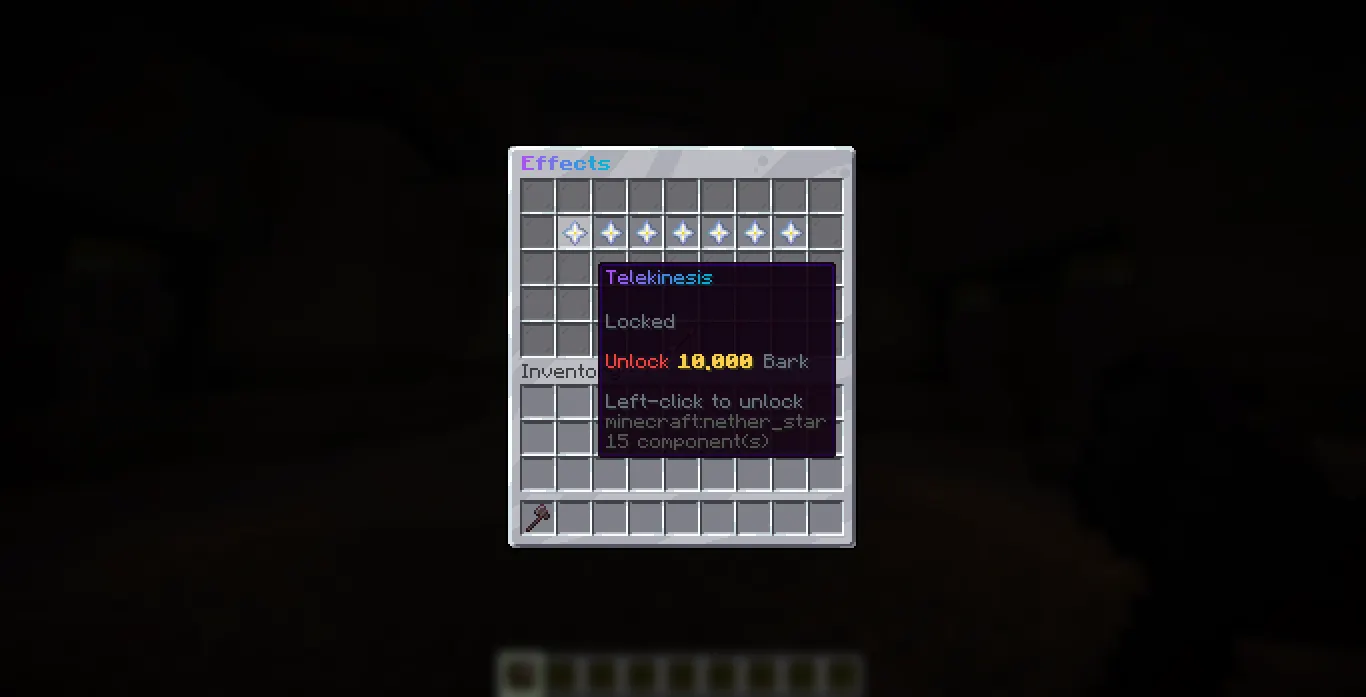
Telekinesis, one of the unlockable effects
🗺 Quests
- A linear quest chain plus a daily rotation per tool
- Currency rewards, with a bonus for clearing all of a day's quests
- Rewards can require a manual claim, and when they do, the next chain quest unlocks only after the finished one is claimed
- Configurable daily reset time and timezone
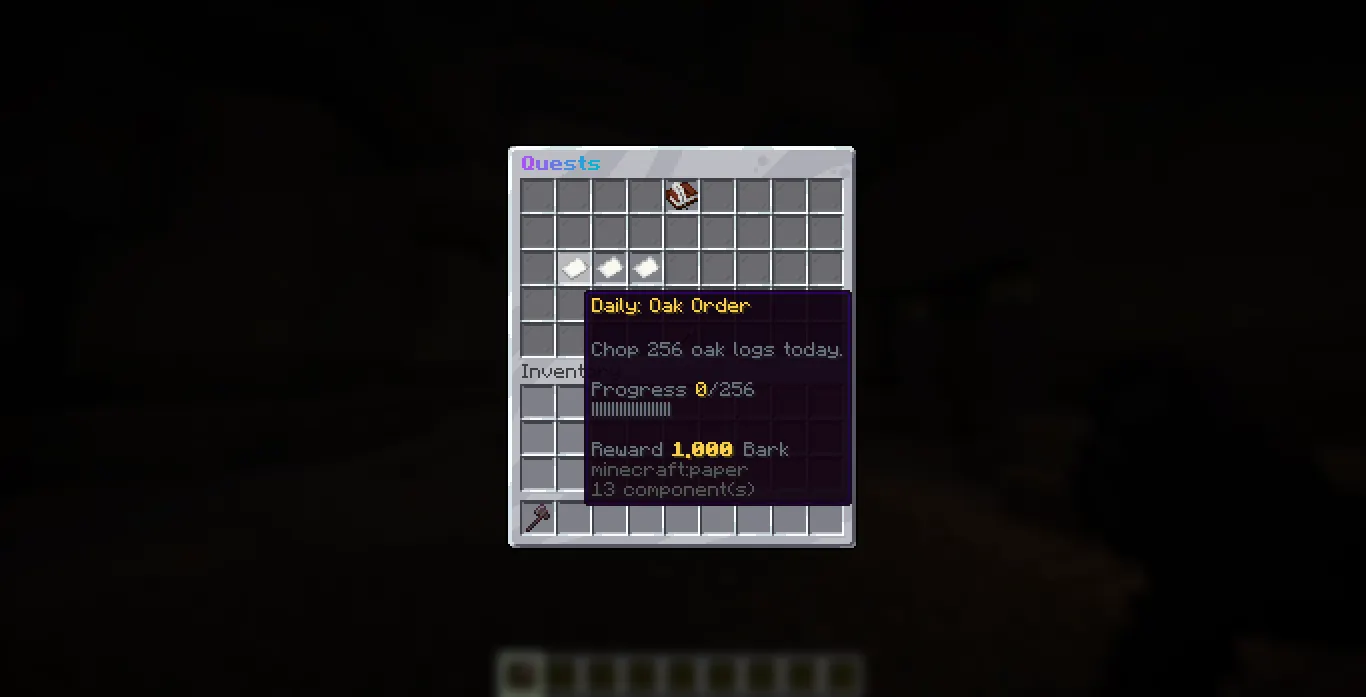
A daily quest, Oak Order, in the Quests menu
 Leaderboards
- Rankings for lifetime currency earned, blocks mined, and quests completed
- Viewable in a menu or with
/et top - The in-menu board can show just the tool you opened, the whole server, or a toggle between the two
- Players can opt out of being ranked, and rankings refresh on a configurable interval without ever blocking the main thread
 Supported Tools
- Pickaxe (Netherite Pickaxe) breaking blocks, 1.18+
- Axe (Netherite Axe) chopping logs, 1.18+
- Shovel (Netherite Shovel) digging blocks, 1.18+
- Hoe (Netherite Hoe) harvesting crops, 1.18+
- Sword (Netherite Sword) killing mobs, 1.18+
- Fishing Rod catching fish, 1.18+
- Trident killing mobs, 1.18+
- Mace killing mobs, 1.21+
- Spear (Netherite Spear) killing mobs, 1.21.11+
enabled: false in its file. Storage & Languages
- Storage: SQLite by default or MySQL. Every tool's state is mirrored to the database so an admin can restore a lost tool by its id.
- 10 bundled languages with automatic fallback to English for any missing line. Every menu, lore line, and chat message follows the active language.
- Flexible styling: named color tokens, hex shorthand, gradients, rainbows, and legacy codes, all configurable.
 Dependencies
Required: None
zEvolutiveTools works out of the box with no required dependencies.
Optional
- Vault only needed if you want the auto-sell effect to pay through your economy plugin
https://www.spigotmc.org/resources/vault.34315/ - PlaceholderAPI only needed if you want to use the
%zet_...%placeholders
https://www.spigotmc.org/resources/placeholderapi.6245/
 Commands
Base command
/evolutivetools (aliases /et, /zet)./et help
List the commands you can use/et stats [player]
Show tool totals (yours, or another player's with admin)/et top [currency|blocks|quests] [page]
Show a leaderboard (currency by default)/et top <hide|show>
Hide or show yourself on the leaderboards/et give <player> <tool> [amount]
Give a tool to a player/et currency <add|set> <player> <hand|tool_uuid> <amount>
Adjust a tool's balance (handtargets the held tool)/et restore <tool_uuid> <player>
Restore a tool from its database backup/et reset <tool_uuid>
Reset a held tool back to zero/et reload
Reload every config file
 Permissions
zevolutivetools.use(everyone)
Base command, opening the menu, viewing your own statszevolutivetools.admin(op)
Parent of all admin subcommands belowzevolutivetools.admin.give/.currency/.restore/.reset/.reload(op)
Individual admin command access
 Requirements
- Minecraft: Spigot or Paper 1.18+
- Java: 17 or higher
- Optional: Vault (auto-sell economy) and PlaceholderAPI (placeholders)
 Installation
- Drop the jar into your
plugins/folder. - Start the server once to generate the config and language files.
- Edit the configs to taste and run
/et reload.
 Metrics
This plugin uses bStats to collect anonymous usage stats. You can opt out anytime with
bstats.enabled: false in the config, or in plugins/bStats/config.yml.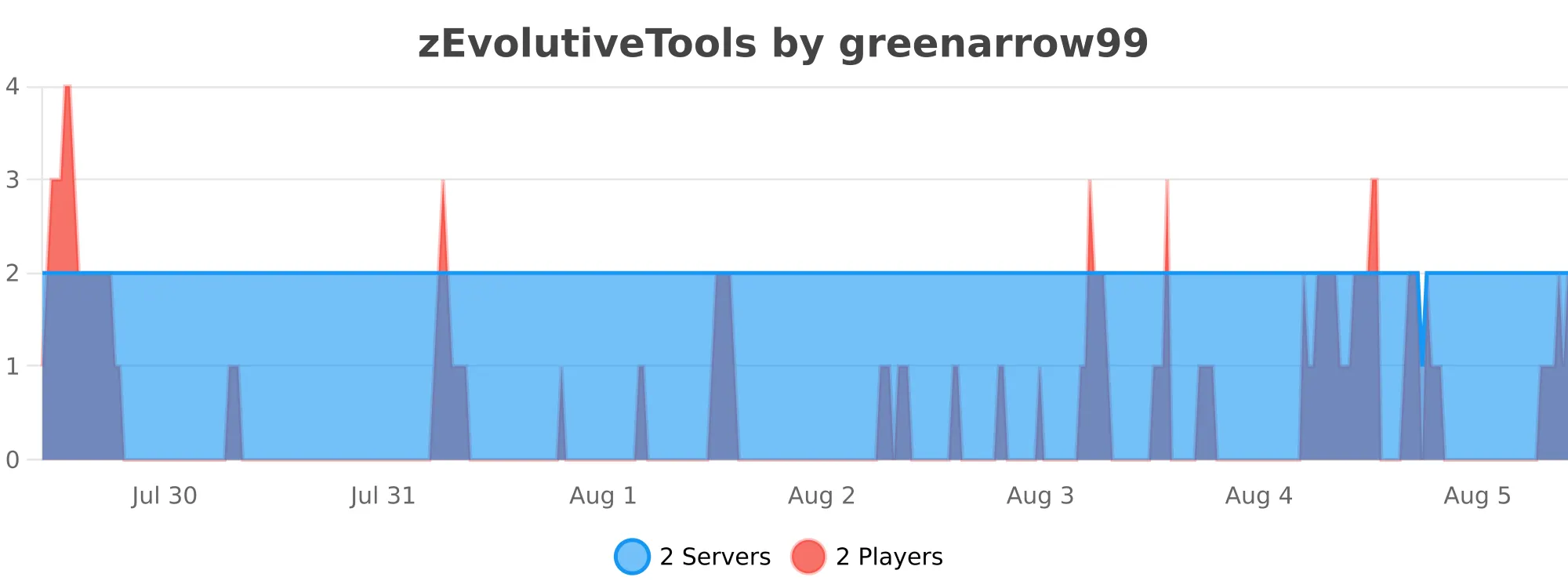
 Support & Docs
Full setup and configuration guides are in the documentation. Need help, found a bug, or want to suggest a feature? Join the Discord.


